Selecting Destinations
27
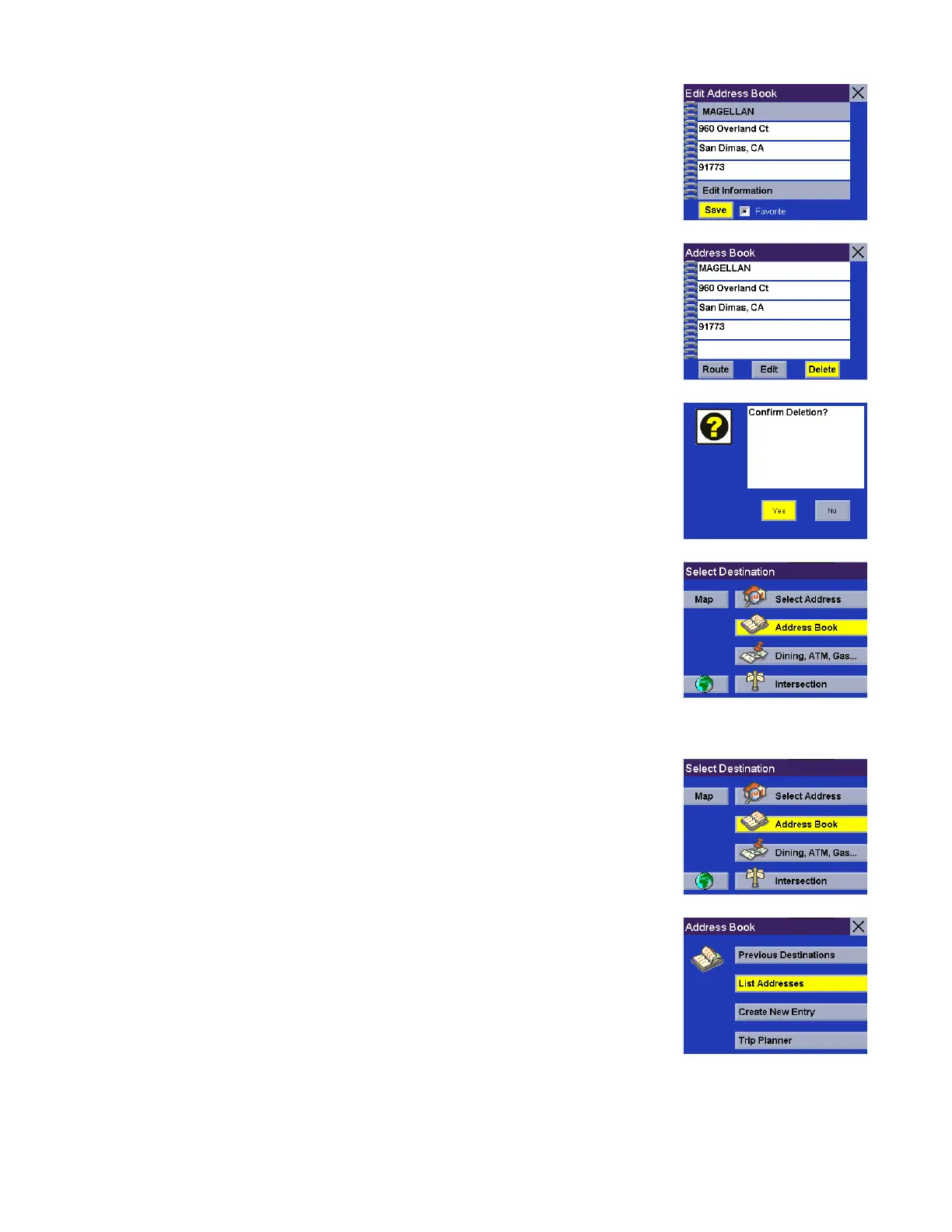
Select Save to save the changes and return to the Address Book screen.
Delete - Select Delete.
A dialog box will appear prompting you to confirm the deletion. Select Yes.
The address has been deleted from your address book and you are returned to the
Select Destination screen.
List Favorites
From the Select Destination screen, select Address Book.
Select List Addresses.










 To Next Page