Selecting Destinations
52
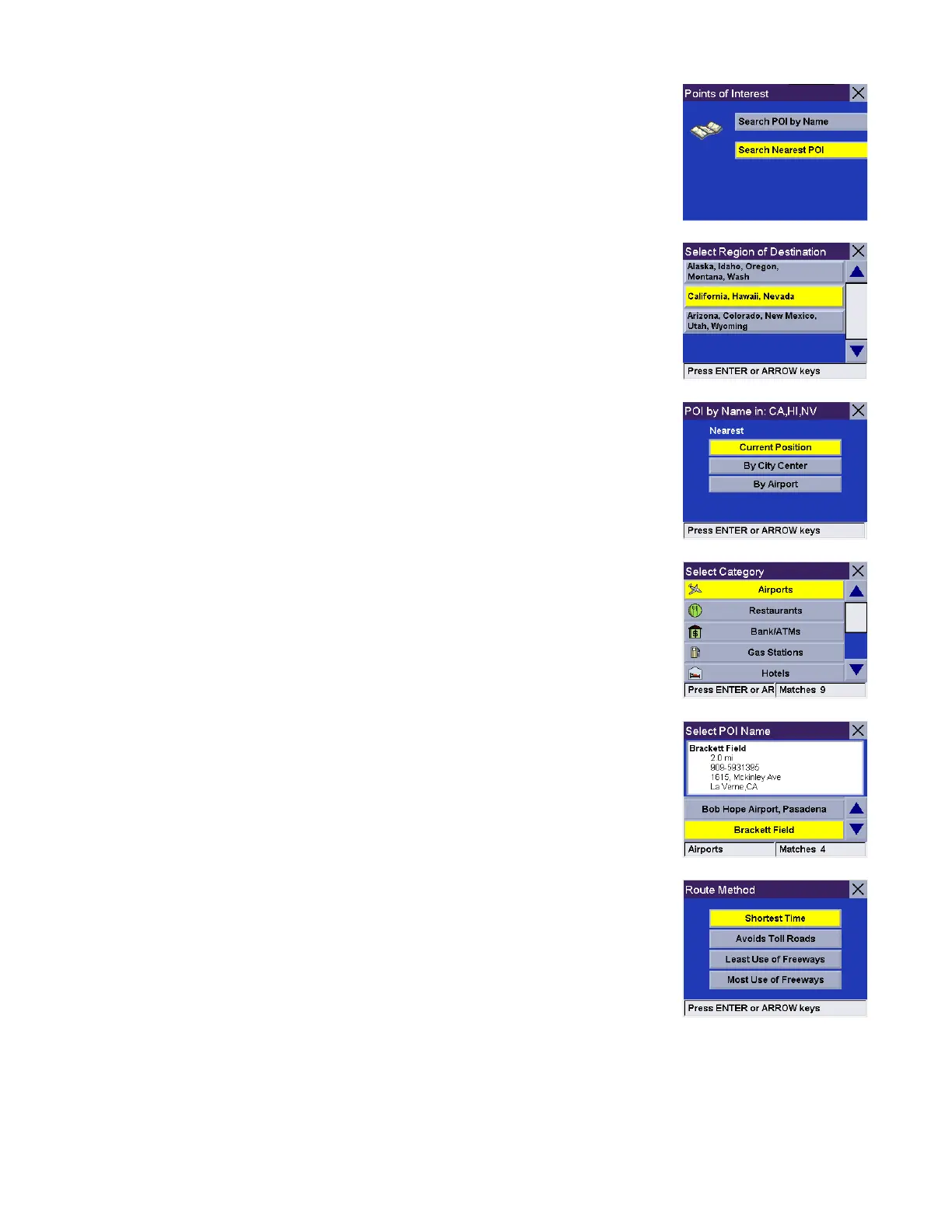
Select Search Nearest POI.
If more than one region is active, you will be asked to select the region from which
to search.
Current Position
This option lets you route to a specific point of interest based on where you are at
the time. From the Select Current Position.
Select the POI category (if available, select the sub-category).
Use the navigation key to scroll the list up or down and select the desired POI.
Select the desired Route Method.










 To Next Page