Selecting Destinations
28
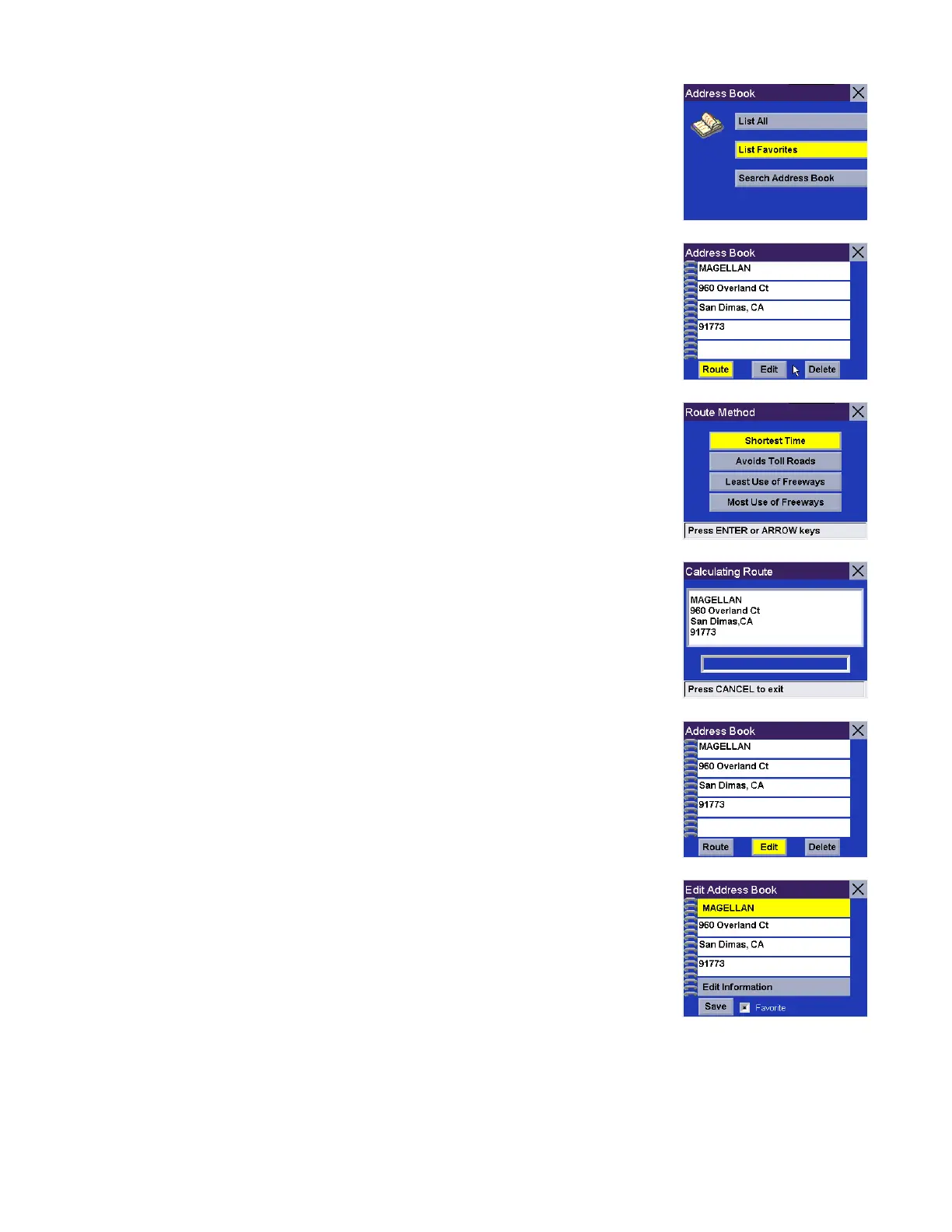
Select List Favorites.
All of the addresses marked as favorites will be displayed.
Route - Select Route.
Select the desired Route Method.
The Magellan RoadMate will calculate the route. When the calculations are
complete, the Map screen will be displayed.
Edit - Select Edit.
Click on either the top line (name) or the bottom line (information) and the desired
text.










 To Next Page