Selecting Destinations
46
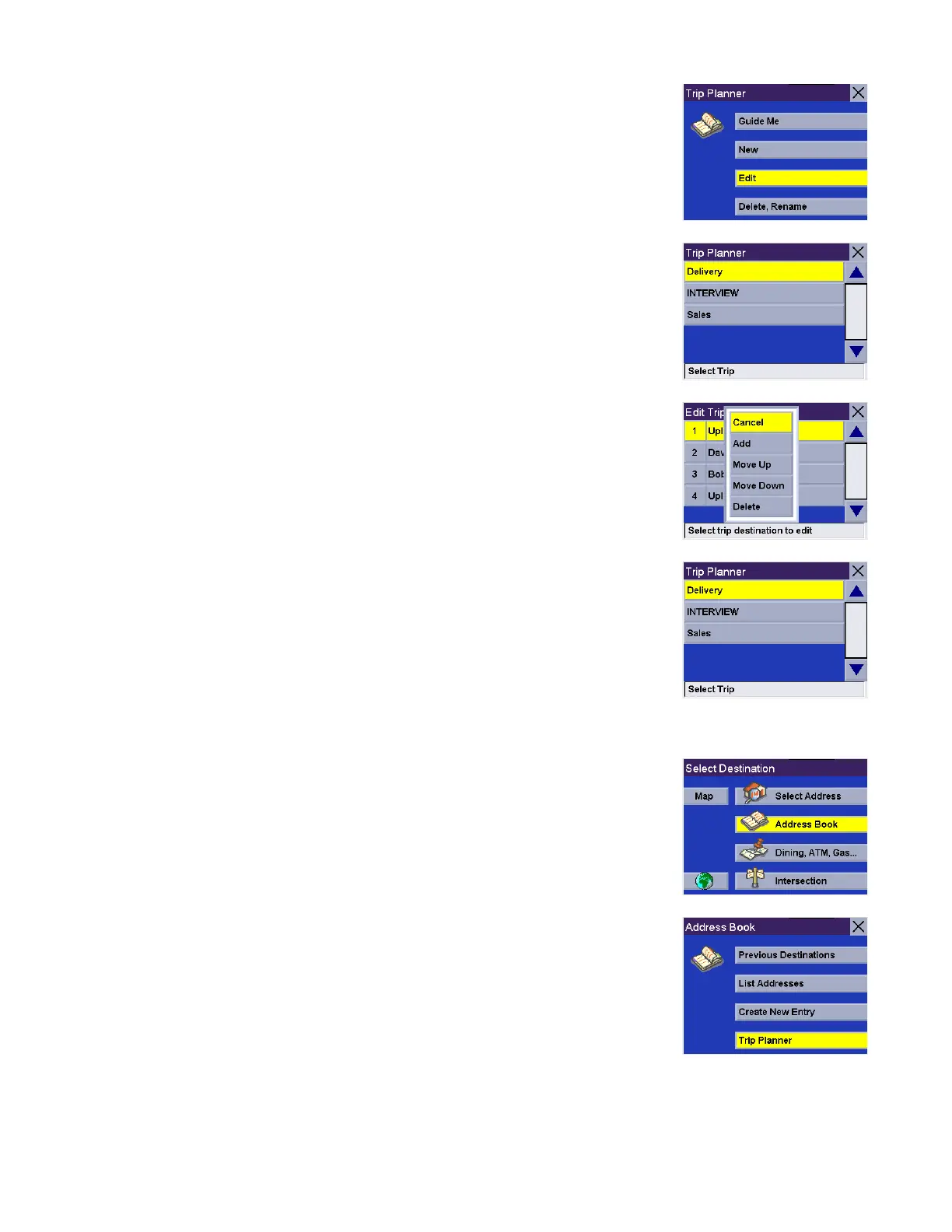
Select Edit.
Select the Trip you wish to edit.
Select any of the points of the trip. A submenu will appear giving you the option of
adding another point to your trip, moving the selected point up or down, or deleting
the selected point.
When you are finished making changes, press the Cancel button to return to the
Trip Planner screen.
Delete, Rename
From the Select Destination screen, select Address Book.
Select Trip Planner.










 To Next Page