Selecting Destinations
55
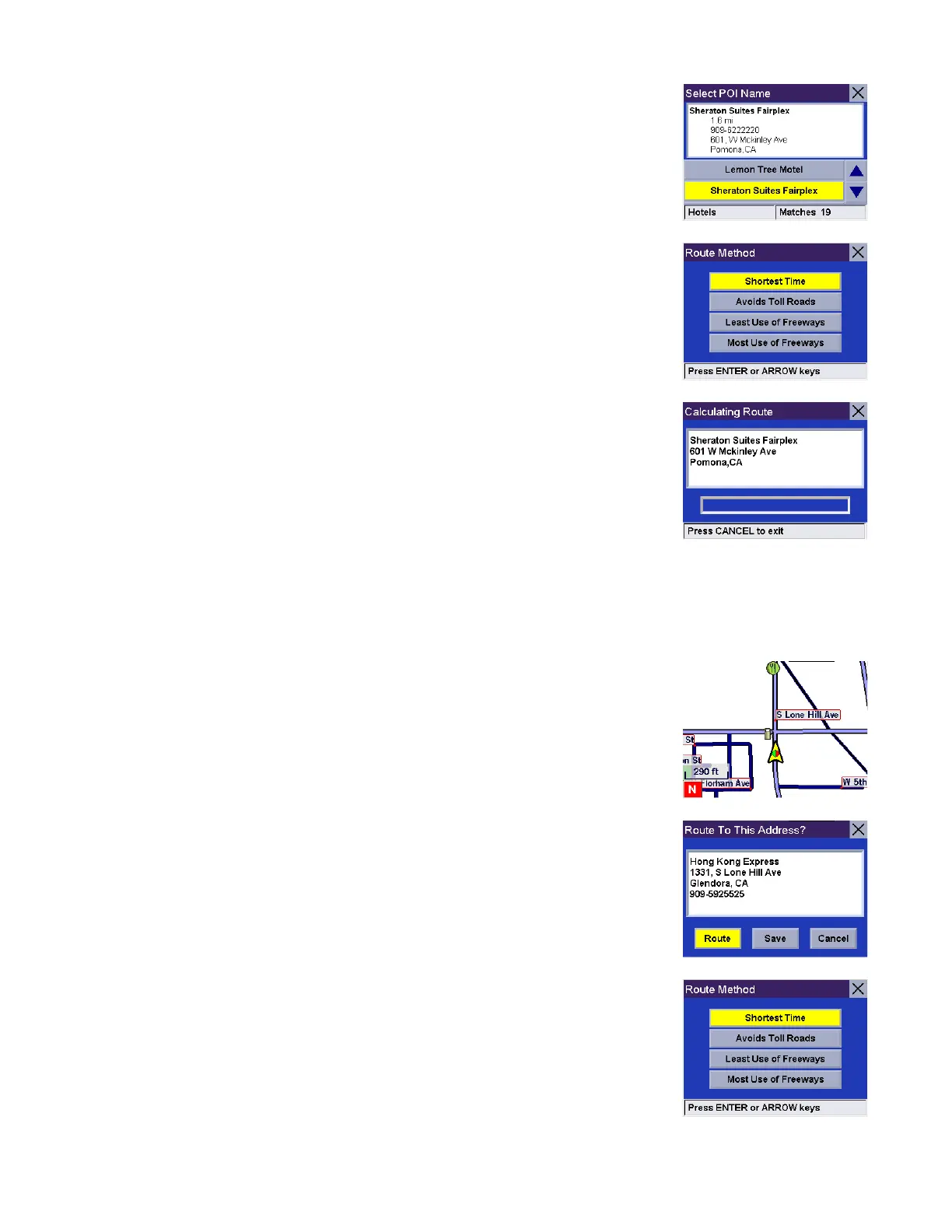
A list of available POIs that match your criteria is shown. Use the navigation key to
scroll the list up or down and select the desired POI.
Select the desired Route Method.
The Magellan RoadMate will calculate the route. When the calculations are
complete, the Map screen will be displayed
Selecting a POI on the Map
While viewing the Map screen, you can select a POI icon and be routed to it, or save it to you address book.
Touch the POI on the screen.
A dialog box will appear giving you information on the POI. Select Route.
Select the desired Route Method.










 To Next Page