User Options
81
Use the navigation key to scroll the list up or down and select the desired city.
You are returned to the Diagnostics Screen.
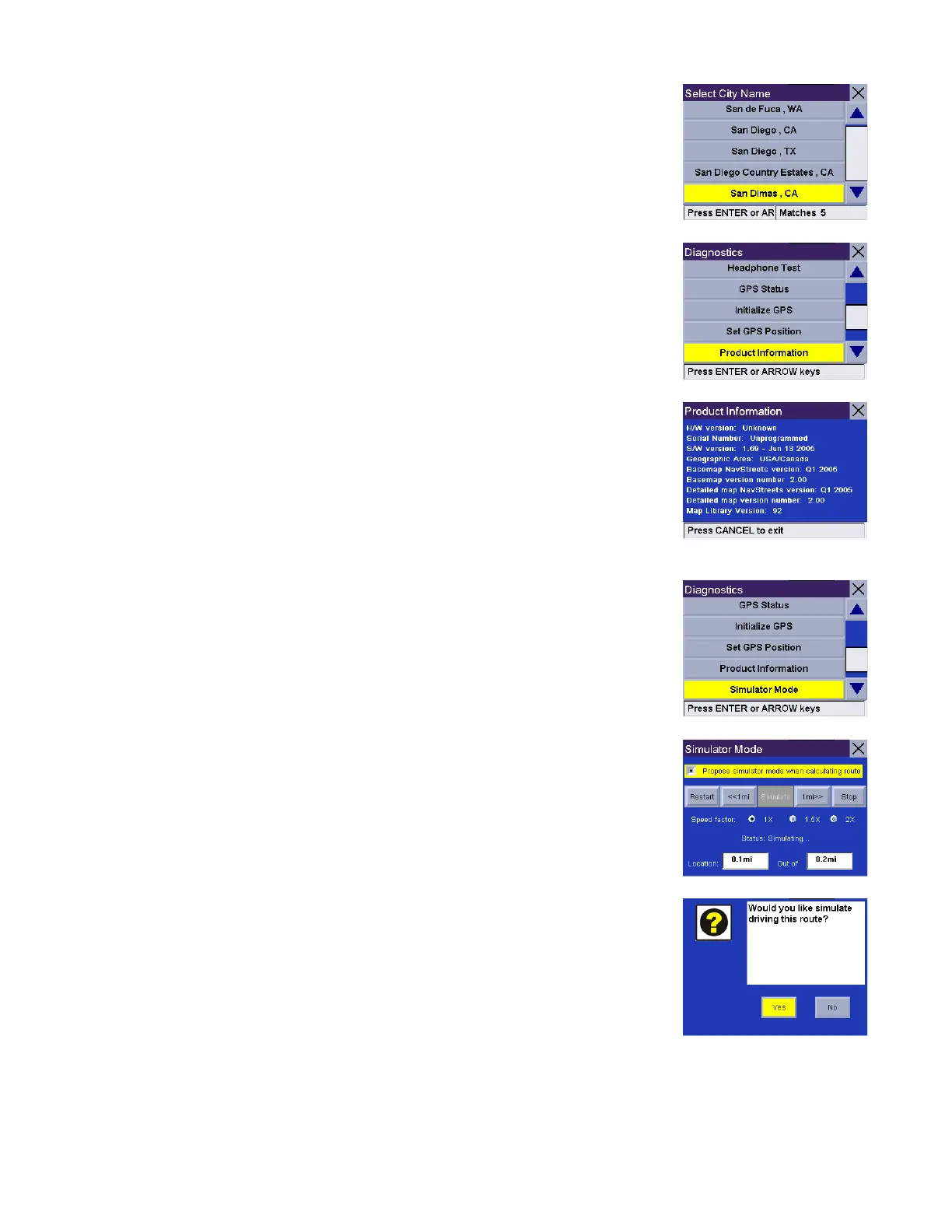
Product Information
Gives you detail about the hardware and software that is currently being used by
the Magellan RoadMate. This feature is useful when receiving software updates.
.
Simulator Mode
In Simulator Mode, you can demonstrate the capabilities of the Magellan
RoadMate without actually driving. In order for the simulation to work, you must
set a route first. Select Simulator Mode.
The Propose simulator when calculating route option will ask you if you want to
activate the simulator after you select a location to route to.
After you select your destination and select Route, a dialog box will appear asking
you if you would like to simulate driving the route. Select Yes. The simulation will
begin.










 To Next Page