Selecting Destinations
25
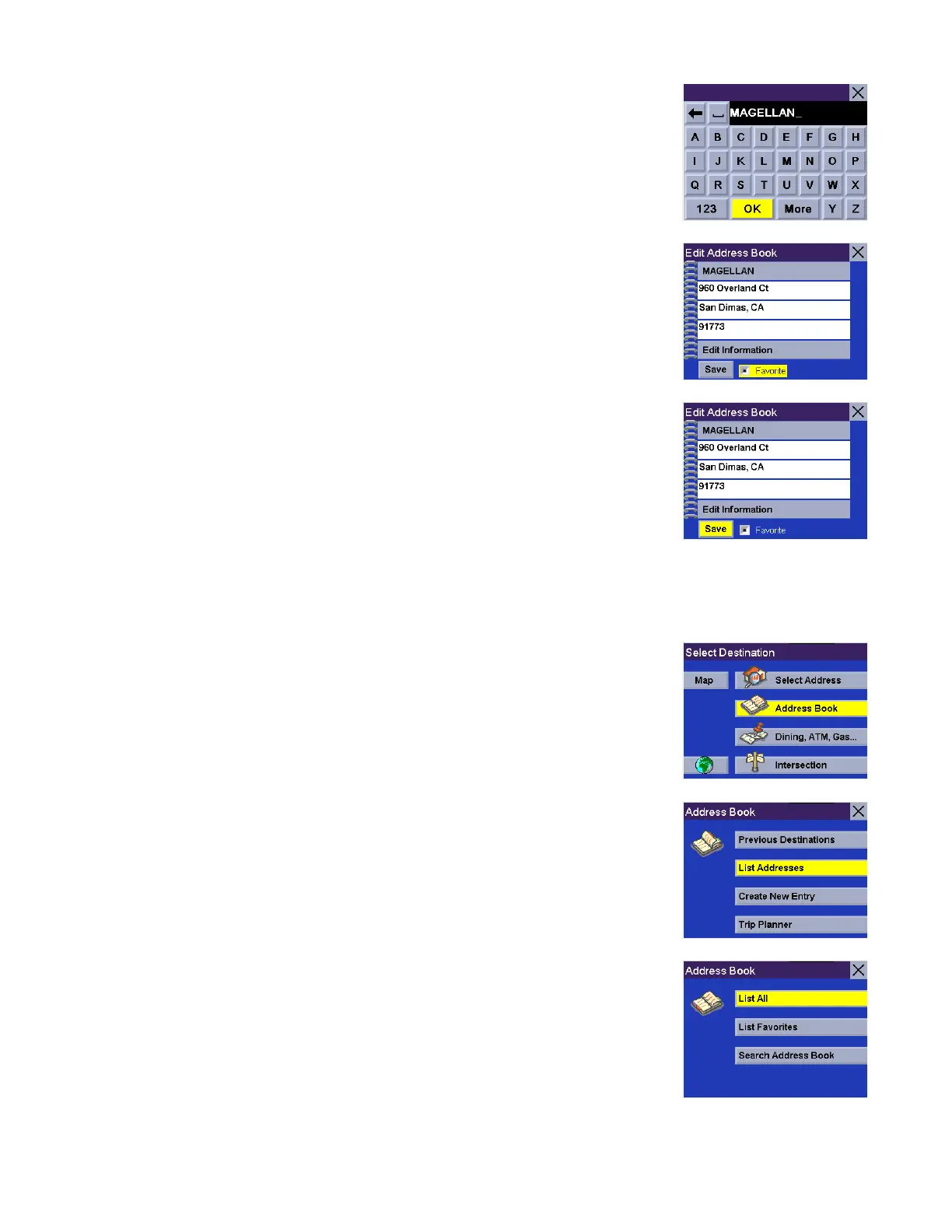
Enter the desired text. Select OK.
You can also add this address to your Favorites list. Select Favorites.
When you are satisfied with the information, select Save.
The address is saved to the Address Book. Press Cancel to return to the Previous
Destinations screen.
List Addresses
List All
From the Select Destination screen, select Address Book.
Select List Addresses.
Select List All.










 To Next Page