User Options
67
Track Recorder
The Track Recorder is useful if you wish to keep a record of a route you have taken to a particular place. You can
record up to 30 tracks on your unit with 2,000 track points each.
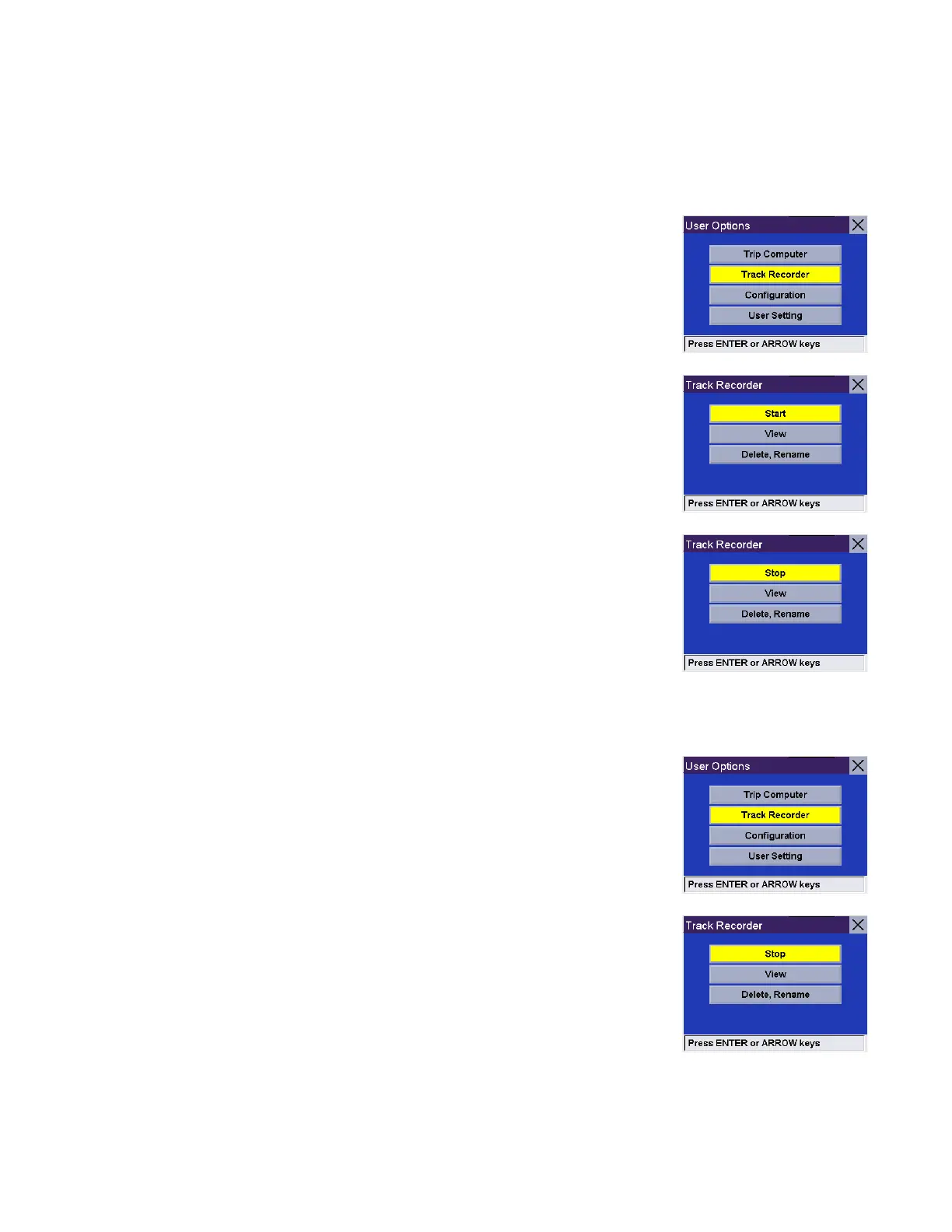
Start Track Recorder
From any screen, press the Option button and select Track Recorder.
Select Start to begin recording a new track.
The Magellan RoadMate will begin recording. At this point you can return to the
Map screen by pressing the Cancel button and continue driving normally.
Stop Track Recorder
From any screen press the Option button and select Track Recorder.
Select Stop.










 To Next Page