User Options
82
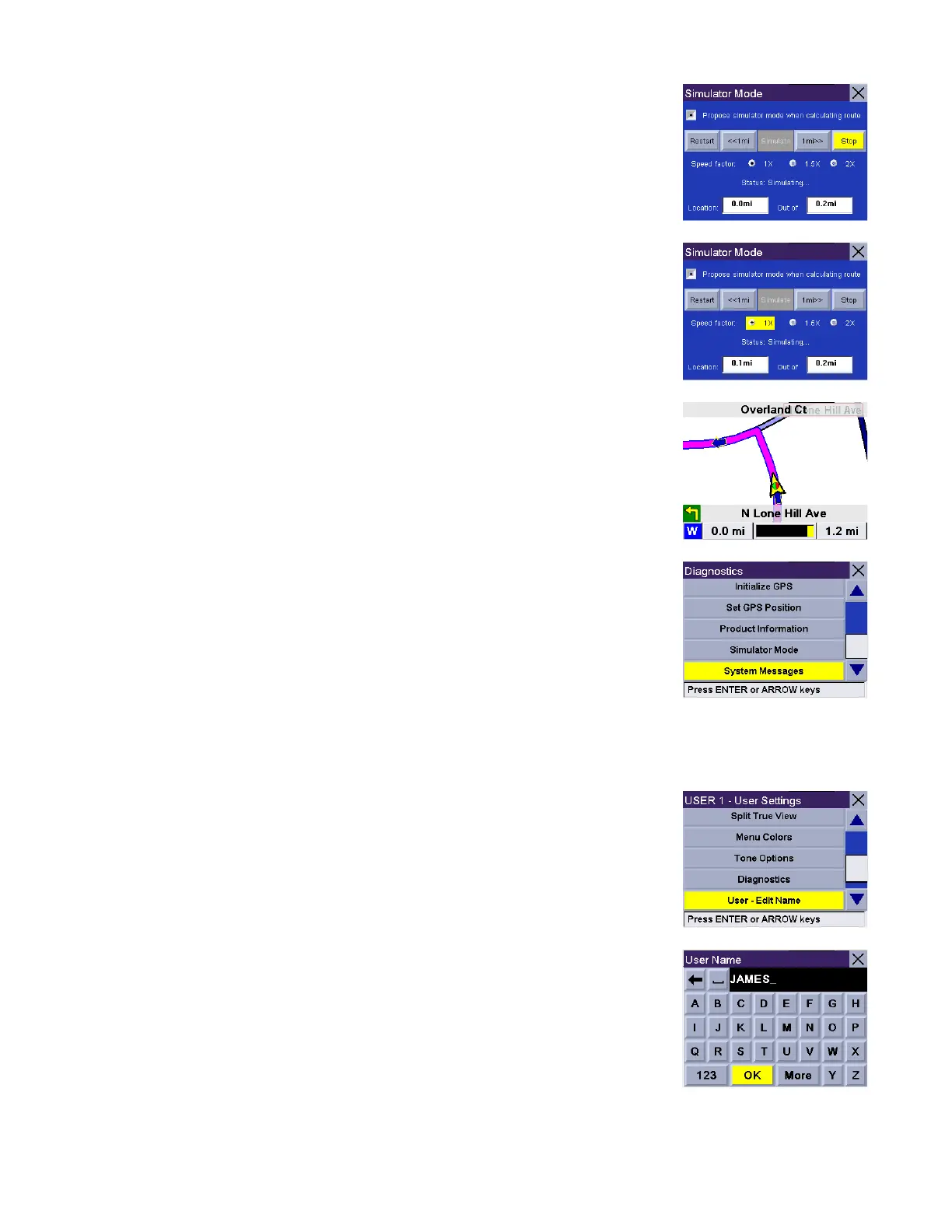
You can control the playback of the simulation by selecting Restart to start the
simulation again, Step Back to go back along the route a distance of one mile, Step
Forward to advance along the route a distance of one mile, or Stop to stop the
simulation.
You can also control the speed coefficient at which the simulator runs. Where 1X is
typical speed for the current road, 1.5X is one and one half times typical speed,
and 2X is twice the typical speed.
Press Cancel to return to the map screen to view your route in progress.
System Messages
Gives you information on errors that you can relay to Technical Support.
.
User - Edit Name
You can change the default user name. Select User - Edit Name.
Use the backspace key to erase the default name and enter the name you wish to
use for that user. When you have finished, select OK.










 To Next Page