Selecting Destinations
20
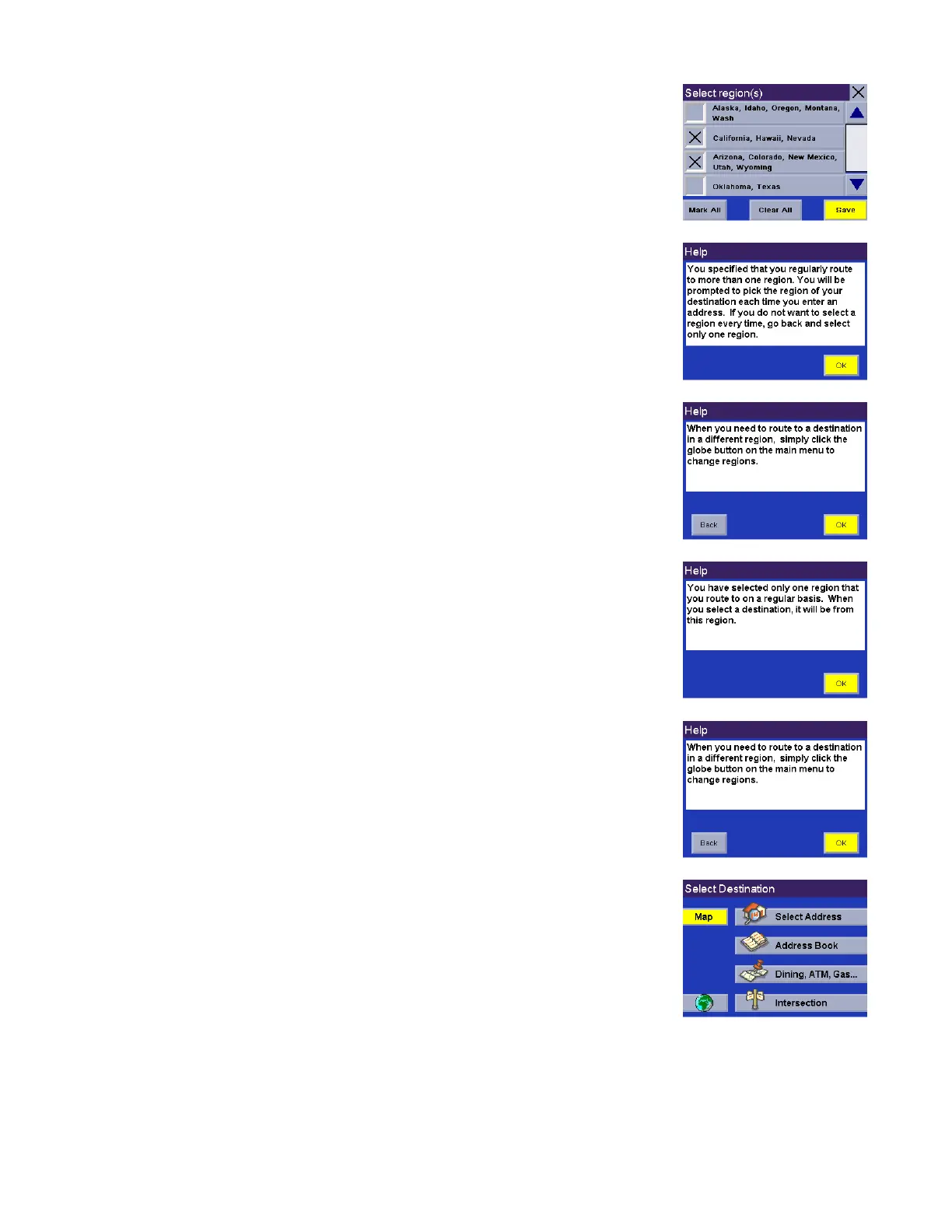
Select the region you wish to activate. Select Mark All to choose all available
regions, select Clear All to deselect all regions. When you have selected at least
one region, select Save.
If you select more than one region to activate, you will be prompted to select the
region when searching for an address. Select OK.
Select OK.
If you select only one region to make active, all address and POI searches will be
from this region.
Select OK.
The region is active and the Select Destination screen will appear.










 To Next Page