Selecting Destinations
44
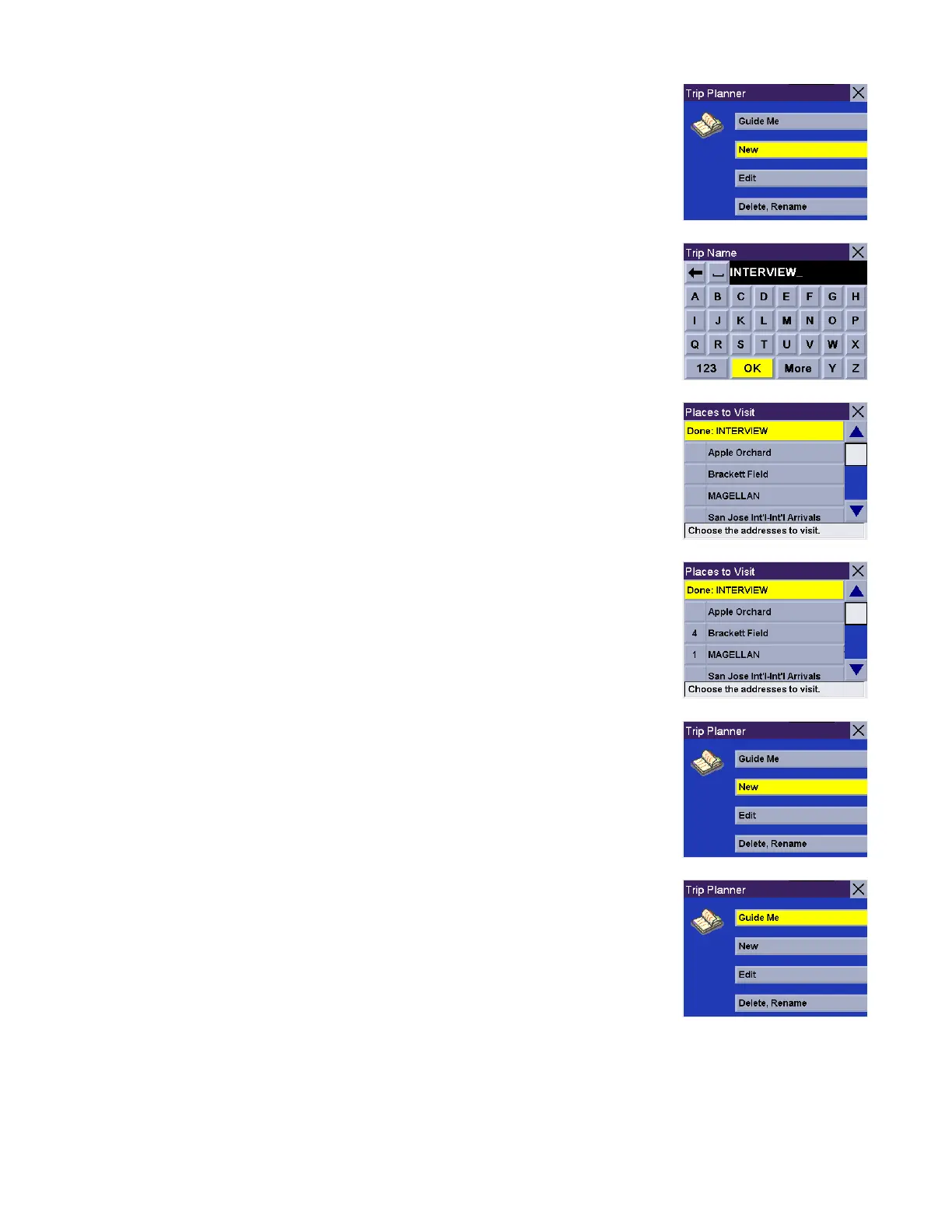
Select New.
Enter a name for the trip and select OK
Your trip name will be displayed, followed by your address list.
Select the addresses you wish to use in your trip in the order you wish them to be
listed. When you have finished, select Done: [trip name].
You will be taken back to the Trip Planner screen. At this point you can choose to
route to your new trip.
Press Guide Me.










 To Next Page