IMPULSE
®
•Link 5 Instruction Manual
April 2020
Page 10 of 47
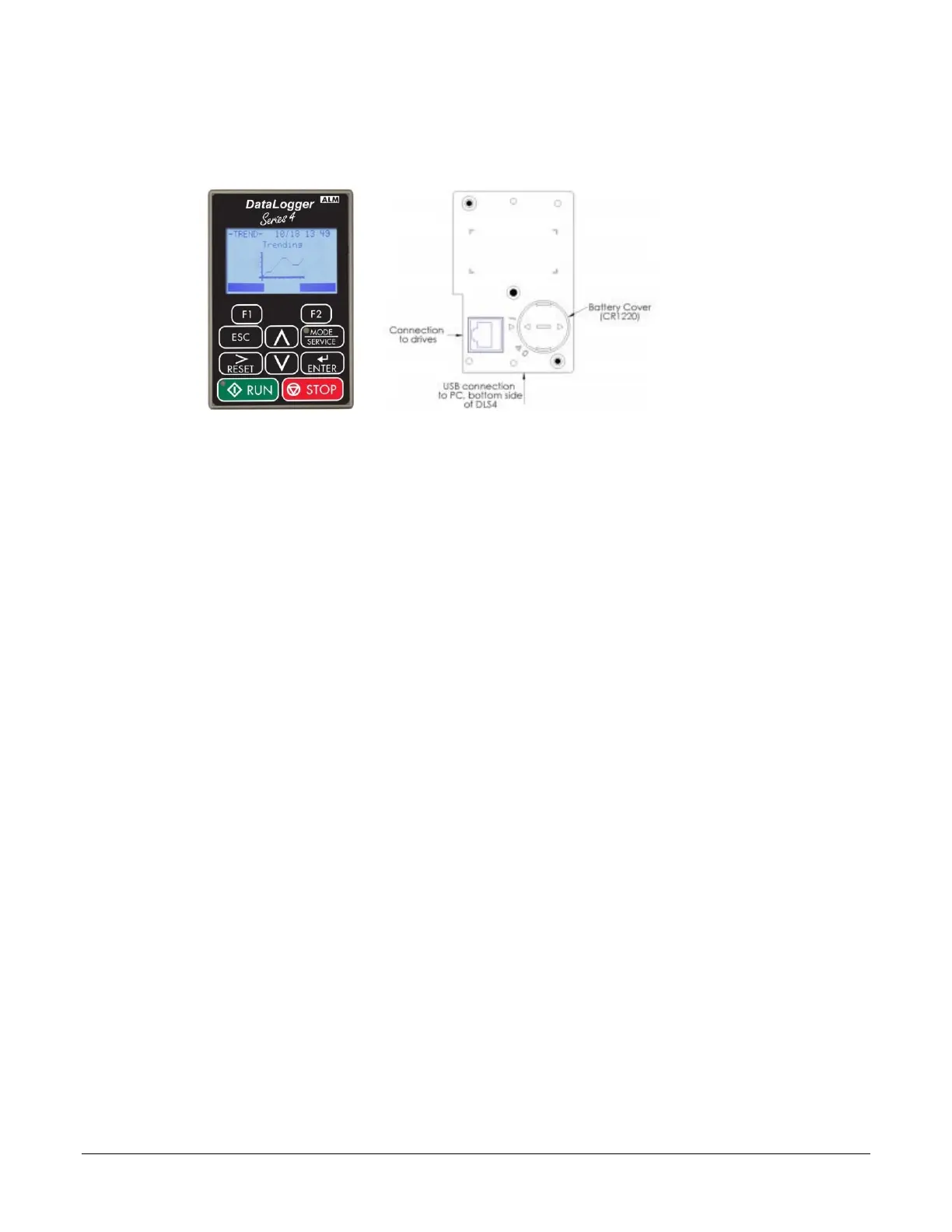
Using DataLogger Series 4:
Step 1. Connect DataLogger (DLS4) to PC serial port using P/N: CABLE-USBA-USBMICROB.
Step 2. Select a file under Drive Workspace to view parameters, events, and trends.
Supported Drives
IMPULSE•Link 5 supports these Magnetek drives:
• IMPULSE
®
•G+/VG+ Series 3 & Series 4
• IMPULSE
®
•G+ Mini
• IMPULSE
®
•D+ HHP
• OmniPulse
®
DDC Series 1
• OmniPulse
®
DDC Series 2 (includes built-in *Ethernet port)
• OmniPulse
®
DSD
• MagnePulse
®
DMC Series 1
• MagnePulse
®
DMC Series 2
*DDC-S2 Ethernet compatibility requires firmware 44301 or above
Use the included Keyspan adapter for serial connections to drives over a USB COM port. Ethernet
communication requires installation of a separate EtherNet/IP option card on IMPULSE drives.


 To Next Page