IMPULSE
®
•Link 5 Instruction Manual
April 2020
Page 11 of 47
4. Common Navigation
Both IL5 Viewer and Professional provide functions for viewing Parameter files, Drive Events, and Trend data. The
following is a brief summary of the functions that can be accessed from the navigation toolbar using either version.
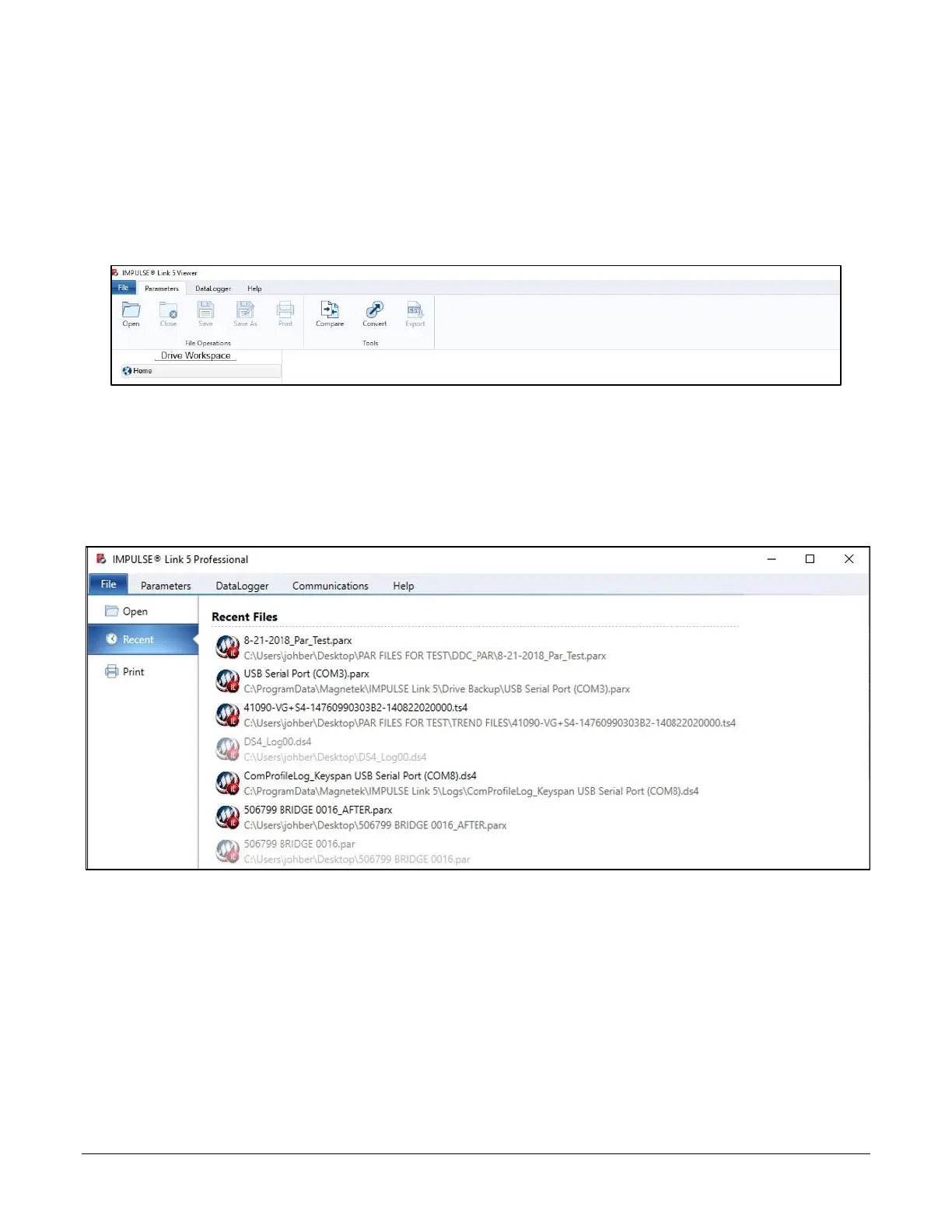
NOTE: IMPULSE•Link 5 will default to the Parameters tab on startup if a DataLogger is not connected to
the PC. Once a DataLogger is connected, it will automatically switch to the DataLogger tab, and
the Workspace will populate with the files currently loaded on the DLS4.
Figure 2: IMPULSE•Link 5 Common Tabs on Start-up
4.1. File Tab
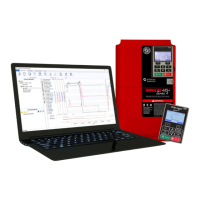
Figure 3: The File Tab
Open – Opens parameter, DataLogger, or Trend files (Alt-F-O)
Recent – Displays files that have been recently accessed (Alt-F-R)
Print – Prints the active Parameter, events, or Trend file selected (Alt-F-P)


 To Next Page