IMPULSE
®
•Link 5 Instruction Manual
April 2020
Page 26 of 47
4.6. Printing
IMPULSE•Link 5 can print Parameter sets, Event information, and Trending data.
4.6.1. Parameter Data
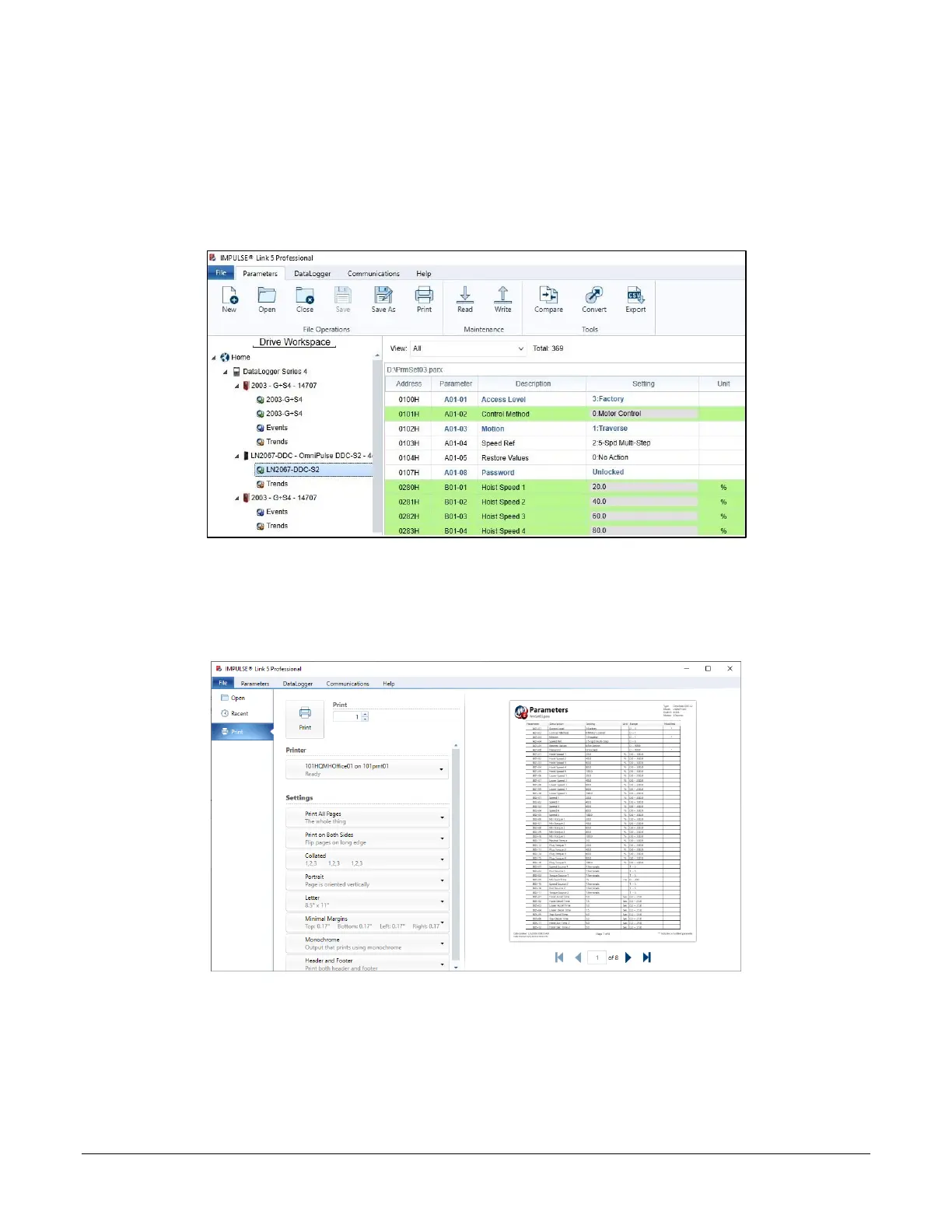
To print parameter data, go to the Parameters tab and select the Parameter set from the Workspace.
Figure 21: Selecting the Parameter Set
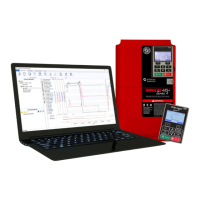
Click the Print icon, which will bring up the IMPULSE•Link 5 Print dialog.
Figure 22: Print Preview of the Parameter Set


 To Next Page