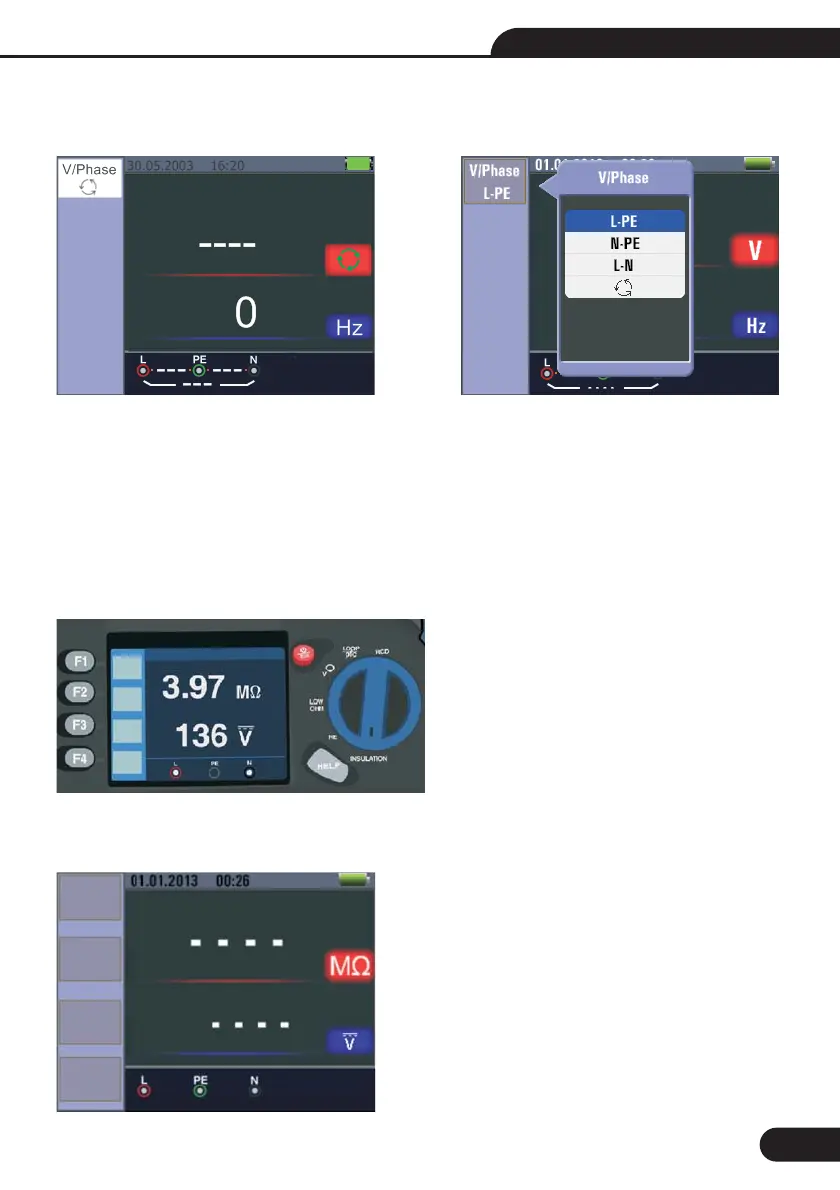
5.2.9-Voltage/Phase Function Menu Operation
Main Display Menu Display
Pop-up and shutdown Voltage/Phase menu , Shutdown mode is activated when the user selects.
None
None
None
Up menu to select the current active sub-options.
Down menu to select the current active sub-options.
Confirm the user select mode.
Main Display
F1 Button:
F2 Button:
F3 Button:
F4 Button:
Up Button:
Down Button:
Enter Button:
6.1-Insulation Function Menu Operation
6-Using the Insulation Function
/
27
Termi...
125V
Beeper
OFF
Lock
OFF
Reference
0.125M
Multifunction Tester User Manual
Termi...
125V
Beeper
OFF
Lock
ON
Reference
0.125M



 To Next Page