35
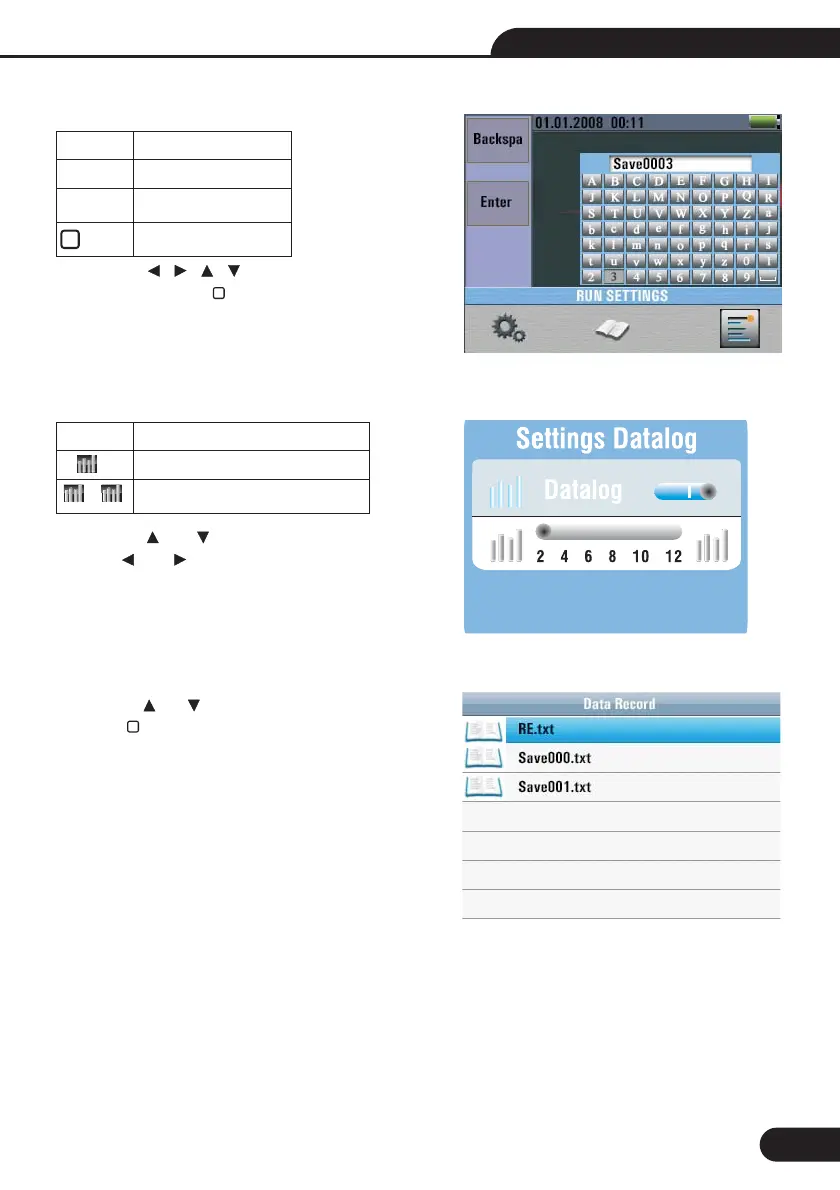
9.3-Datalog
Press the and button to select the Items,
Pressthe and button to set.
Menu
On or off the Datalog
/ Set Datalog time(Unit : second)
Items
/
9.2-Data Record
NOTE:
Press the button to select the
characters , press the button to Enter characters.
Data recording shortcuts, press the left button.
Menu
Backspa
Enter Data Record
Enter characters
Items
F1 button
F2 button
10-Data Record
Press the and button to select the data record
file, press button to to enter.
Multifunction Tester User Manual



 To Next Page