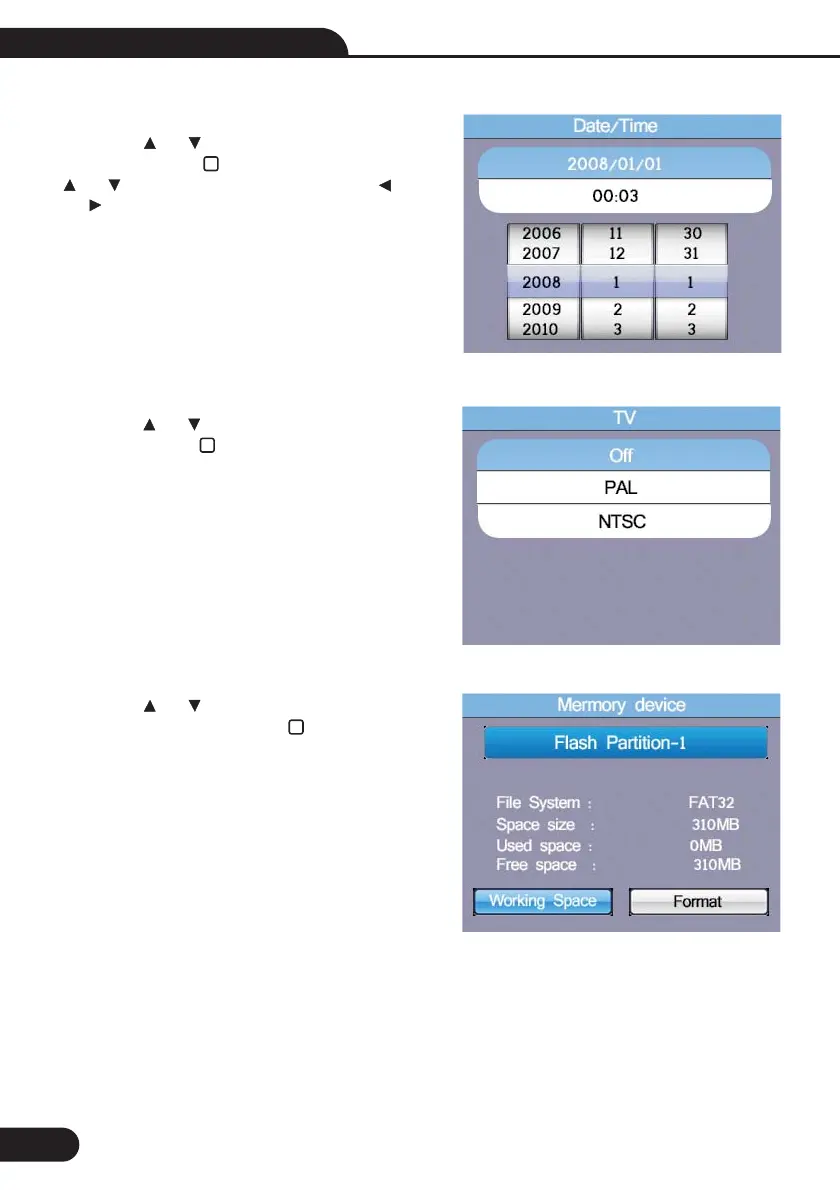
8.3-TV
8.4-Memory
Press the and button to select the output
time, Then press the button to enter.
Press the and button to select the Working
Space or Format , Then press the button to enter,
press the ESC button to esc and save.
8.2-Date/Time
Press the and button to select the date or
time, Then press the button to enter, Press the
and button to adjust the value, Press the
and button to select the Items ,press the ESC
button to esc and save.
32
Multifunction Tester User Manual



 To Next Page