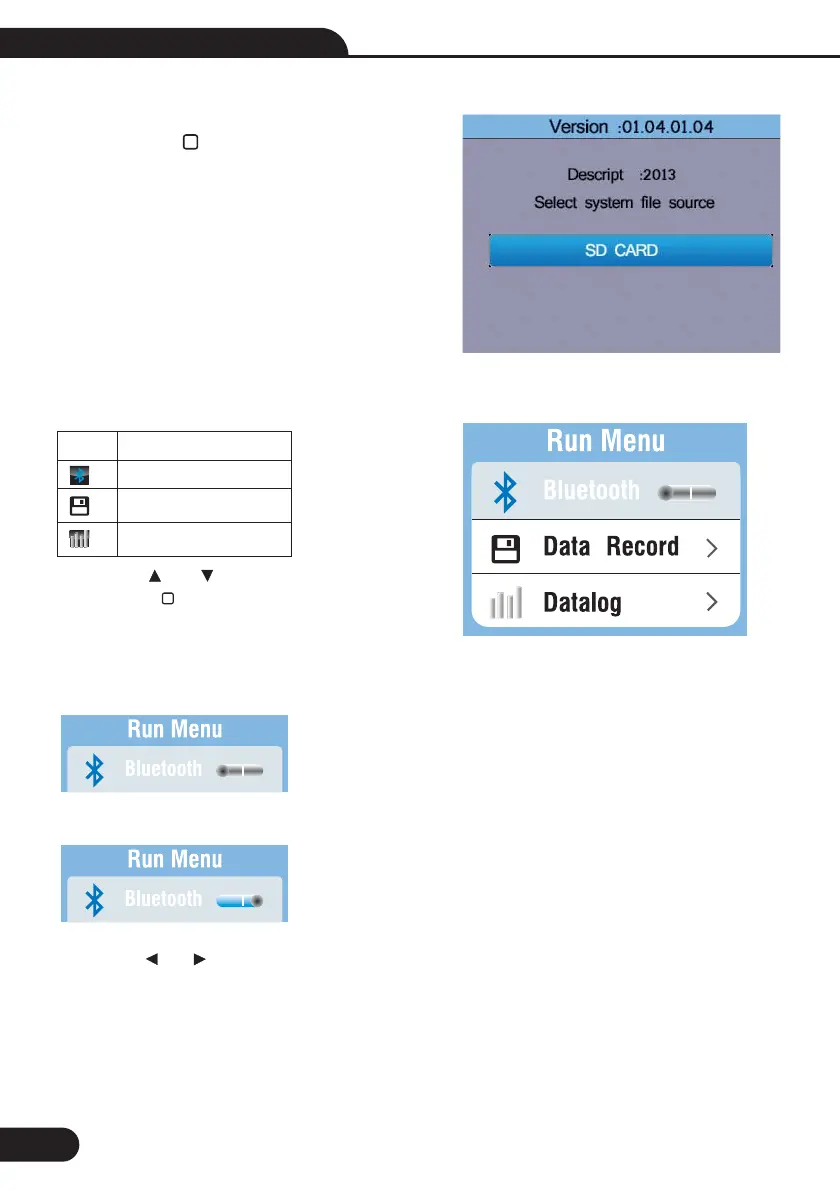
9-Run Settings
Press the and button to select the Items,
then press the button to enter.
Menu
On or off the Bluetooth
Data Record
Datalog
Items
8.8-System Upgrade
Then press the button to enter.
34
9.1-Bluetooth
Off the Bluetooth
On the Bluetooth
Press the and button to select the on or off bluetooth , press the ESC button to esc and save.
Multifunction Tester User Manual



 To Next Page