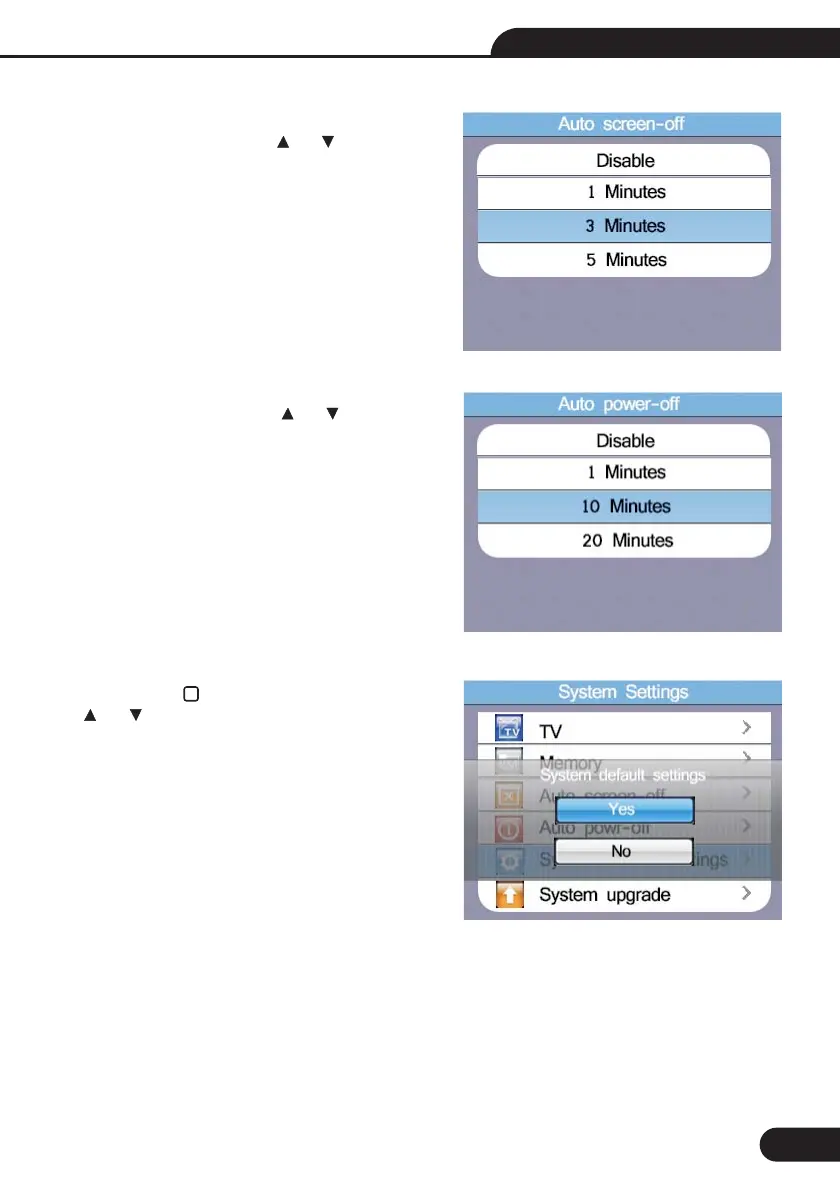
8.6-Auto Power-off
8.7-System Default Settings
Default 10 Minutes, Press the and button
to select the Auto power-off time, press ESC button
to esc and save the select the time.
Then press the button to enter, Then press
the and button to select whether Reset.
8.5-Auto Screen-off
Default 3 Minutes, Press the and button to
select the Auto screen-off time, press ESC button
to esc and save the select the time.
33
Multifunction Tester User Manual



 To Next Page