Chapter 1 - Basic info
71
Chapter 6 - Exposure Modes
Over exposure
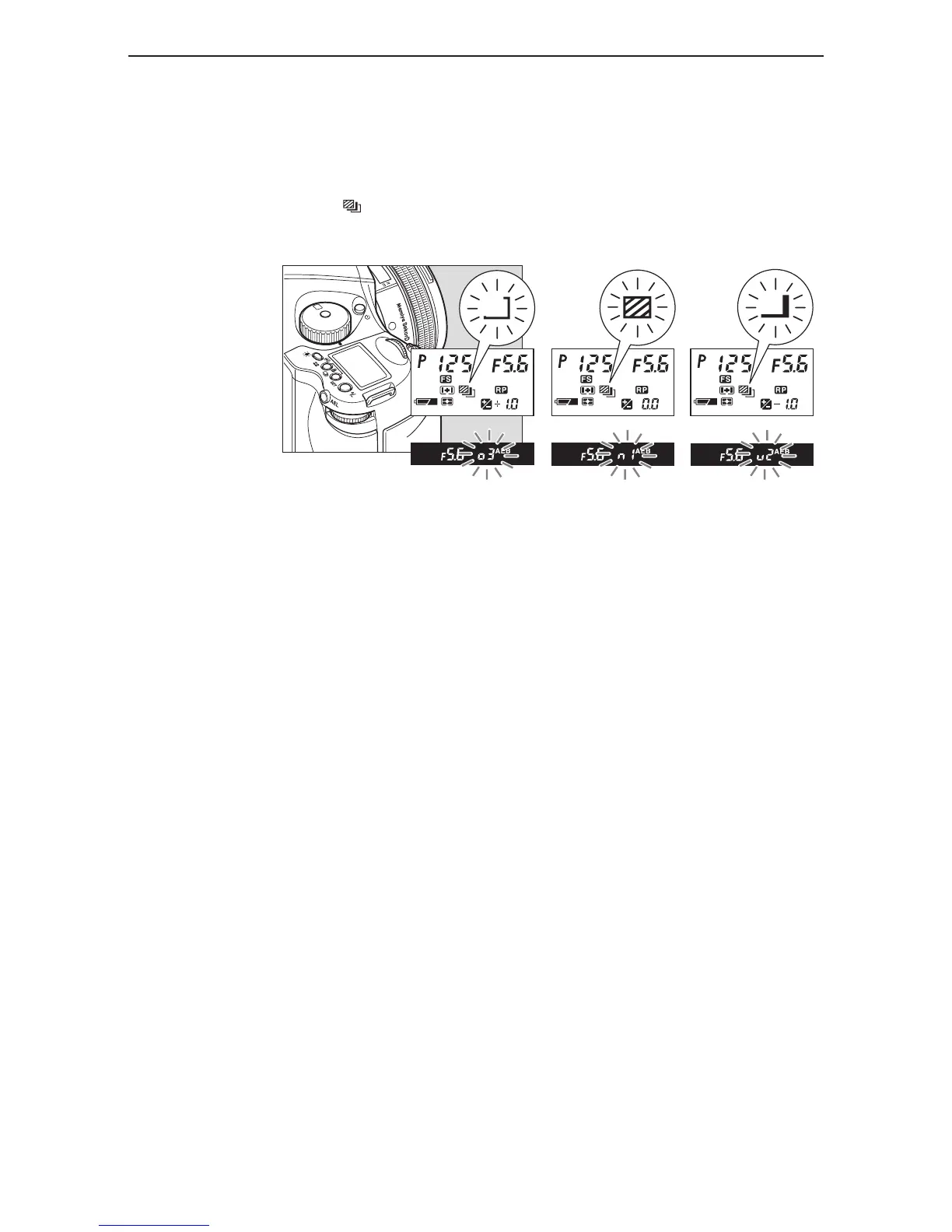
4. Press the shutter button, and take the pictures.
When the shutter button is pressed during shooting in auto bracketing mode, the shooting
sequence and auto bracketing mark blink on the LCD inside the viewfinder. Furthermore, the auto
bracketing mark blinks, the bracket step width is displayed, and the shooting sequence can be
checked on the external LCD.
5. Press the auto bracketing button, then turn the front dial to “OF” to cancel.
Then press the auto bracketing set button or half-press the shutter button to return to the normal
display mode.



 To Next Page