EasyManua.ls Logo

mammotome REVOLVE - Page 26

mammotome REVOLVE
119 pages
Print Icon
To Next Page IconTo Next Page
To Previous Page IconTo Previous Page
Loading...
2-16
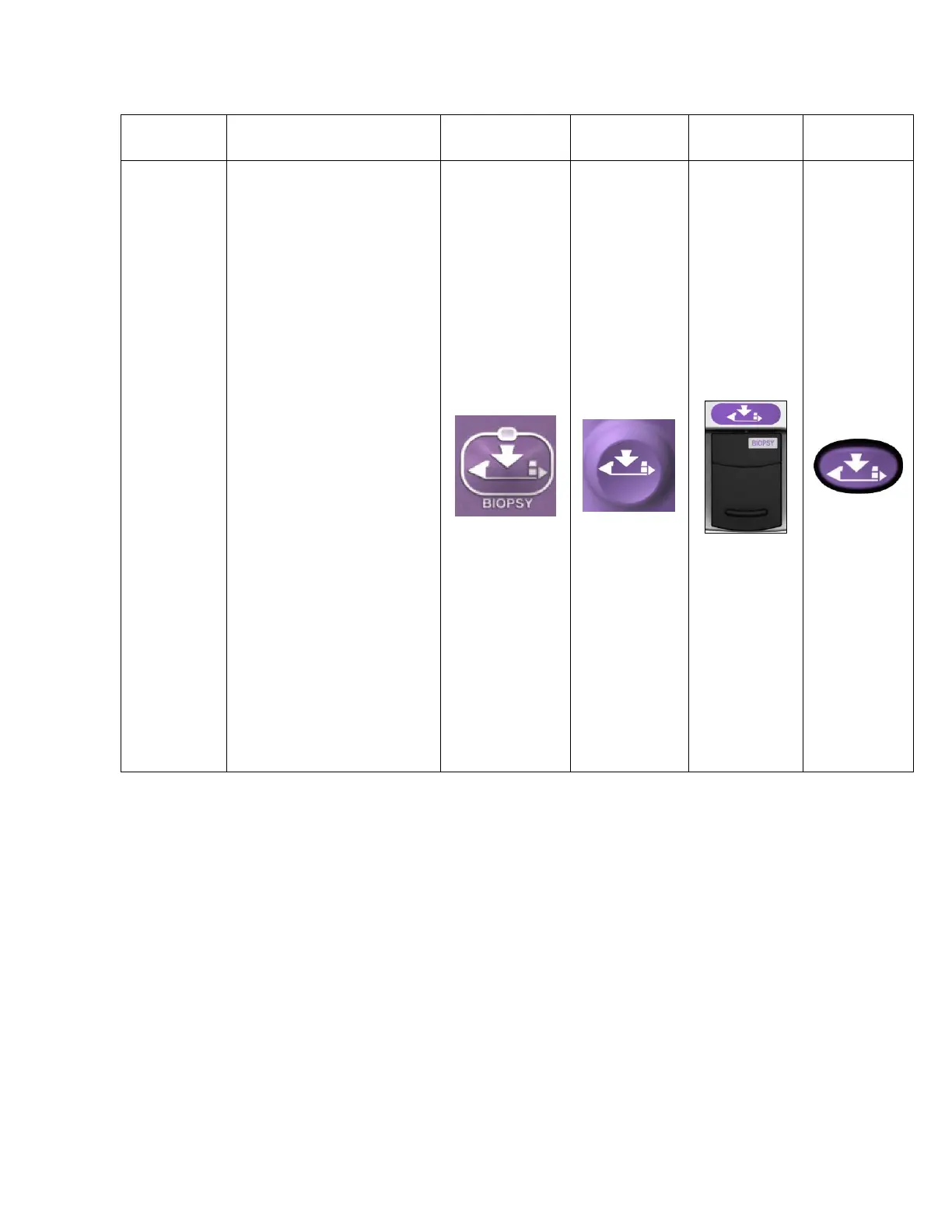
Table 4. Input Device Button Operations for ST and U/S Only
Button
Description
ST Holster
U/S Holster
Remote
Footswitch
Remote
Keypad
BIOPSY
Activates tissue sampling.
When the BIOPSY button is
depressed, the specimen
management system first
indexes to the next
available chamber, to
receive the attempted
specimen.
Press and release for
single specimen
acquisition.
Press and hold for
continuous sampling.
ST NOTE: The sample
aperture is oriented by
manually rotating the ST
holster aperture rotation
knob or the ST probe
aperture rotation
thumbwheel to the desired
position around the sample
aperture.
U/S NOTE: The sample
aperture can be manually
rotated by using the wrist to
rotate the probe/holster
assembly to the desired
orientation.

Table of Contents