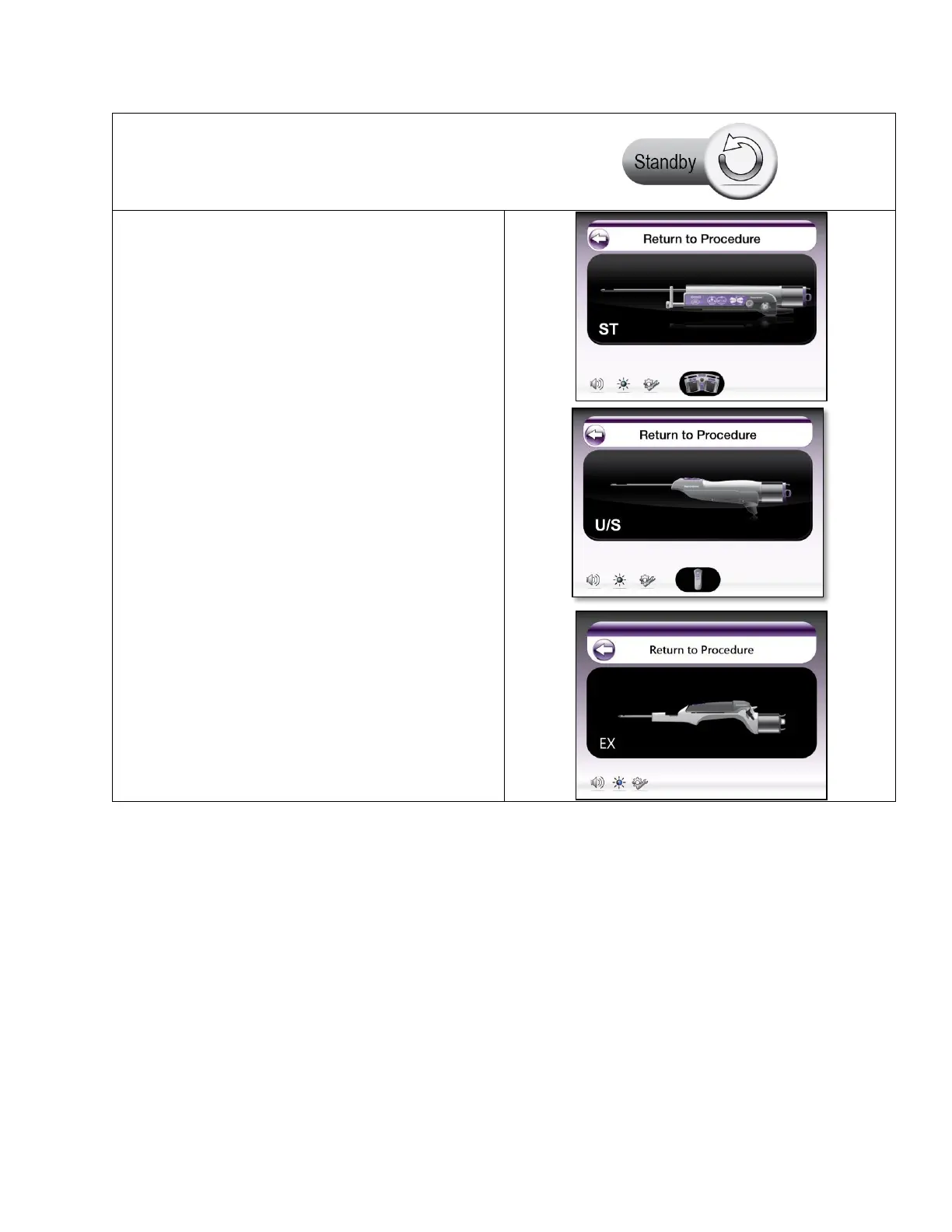
• This screen is displayed when the user places the
system into an inactive state. The system displays
the detected input devices and holster/probe
attachment status. From this screen, a user can
perform the following actions:
o Remove the probe to end a procedure
o Add a new probe for a new procedure
o Change input devices (remote
footswitch, remote keypad)
o System shutdown
o Access System Utilities
o Adjust Volume and Screen Brightness
• Standby can be accessed any time after device
initialization.
NOTE: Vacuum system is disabled in standby.



 To Next Page