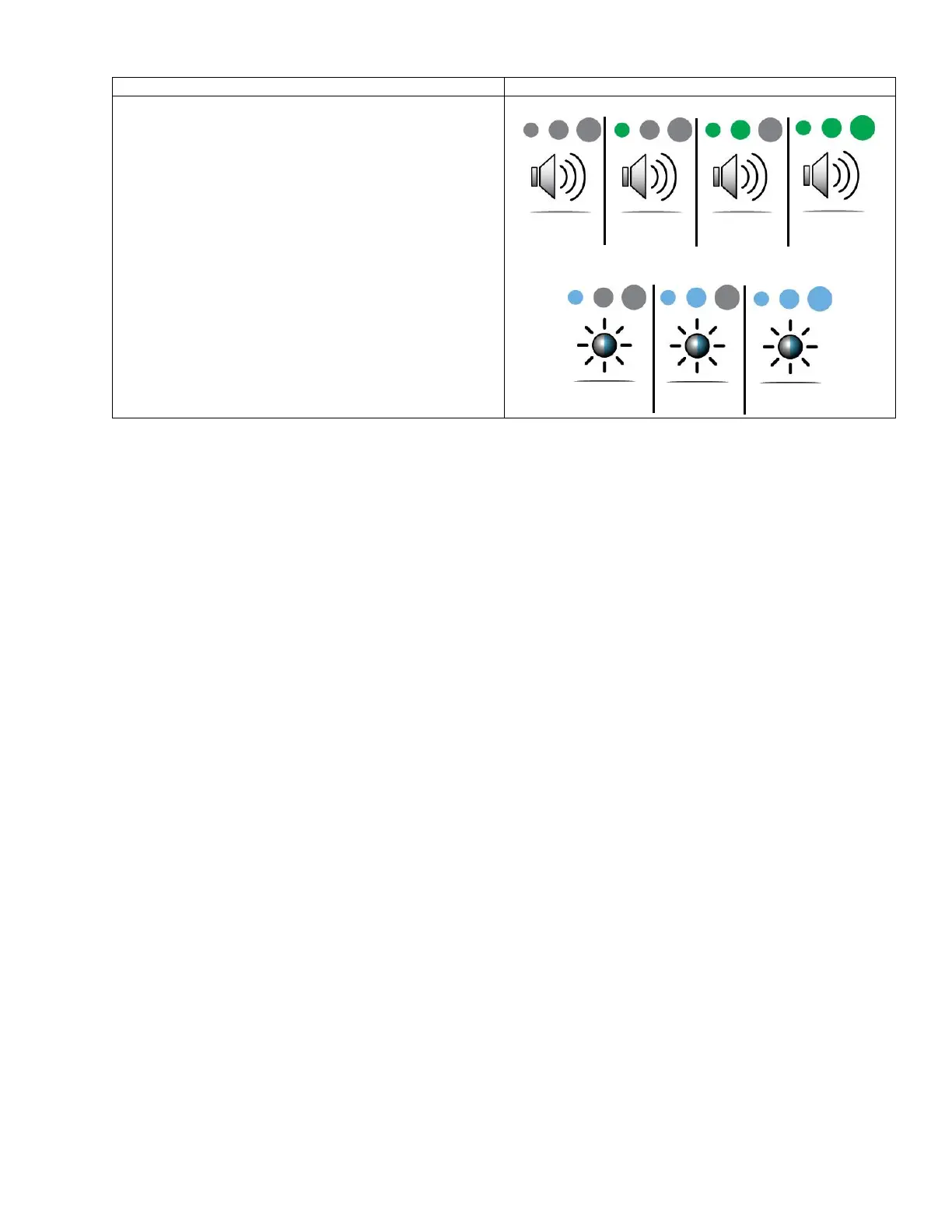
• Volume and Brightness settings can be accessed
from any screen and allow the user to adjust the
system volume level and touchscreen brightness
for better audible and visible feedback.
• Changes to the volume and screen brightness
levels are saved on system shutdown and will
return to the previously set level the next time the
system is powered on.
• First Time Use Default Setting:
o Volume: Medium
o Screen Brightness: High



 To Next Page