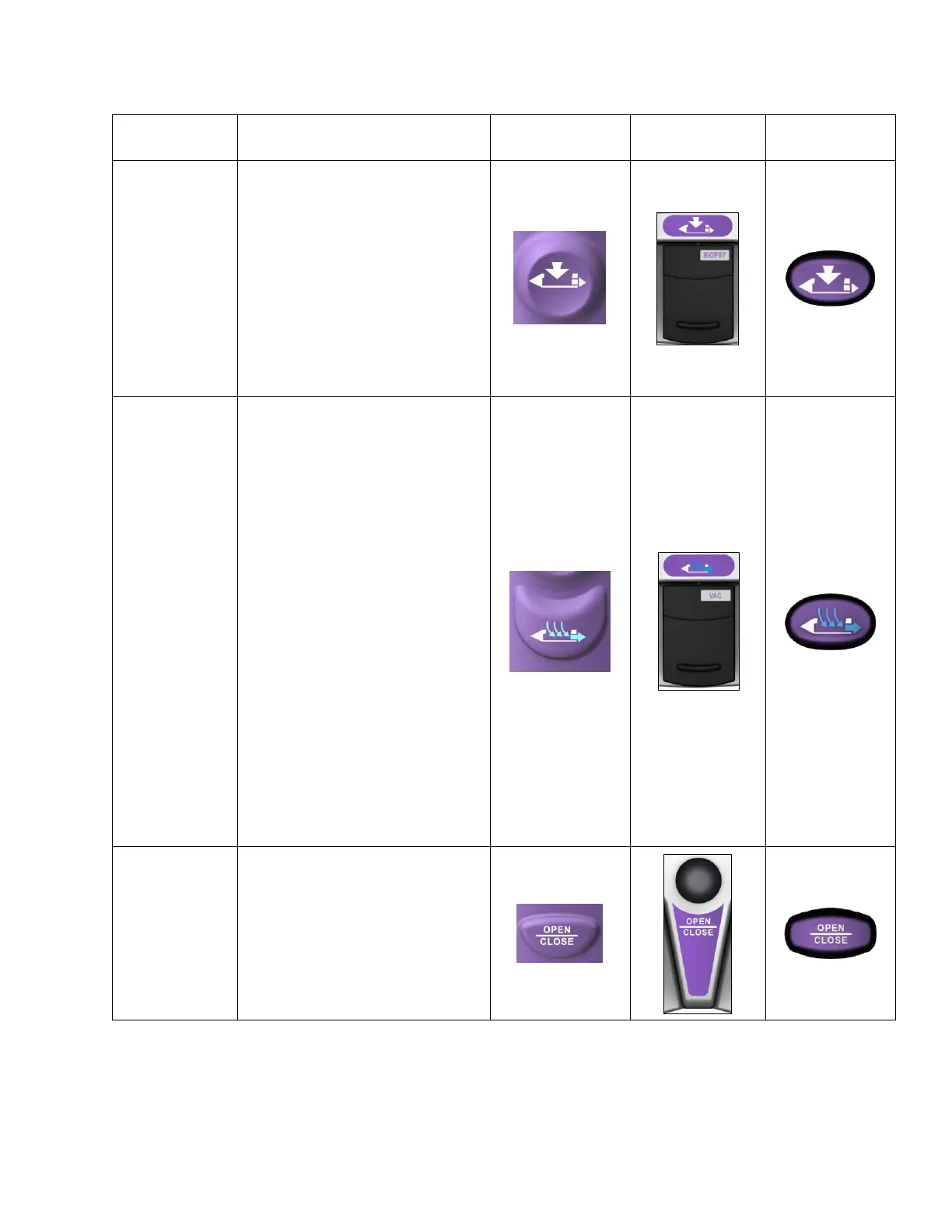
Activates tissue sampling.
When the BIOPSY button is
pressed, the previous specimen
advances to sample collection
area.
• Press and release for single
specimen acquisition.
• Press and hold for
continuous sampling.
Activates vacuum aspiration and
probe clearing.
• Press and hold to activate
vacuum aspiration for the
duration of press. The cutter
retracts and vacuum is
applied for up to 15
seconds.
• Press and immediately
release to activate a short
vacuum and saline pulse. If
a specimen is not
transported into its
chamber, use this approach
to bring the clogged tissue
or fluid into that chamber.
NOTE: If a biopsy has been
attempted before button press,
the previous specimen will
transport to the sample
collection area.
Opens and/or closes the cutter in
the sample aperture.
NOTE: If a biopsy has been
attempted before button press,
the previous specimen will
transport to the sample collection
area.



 To Next Page