7
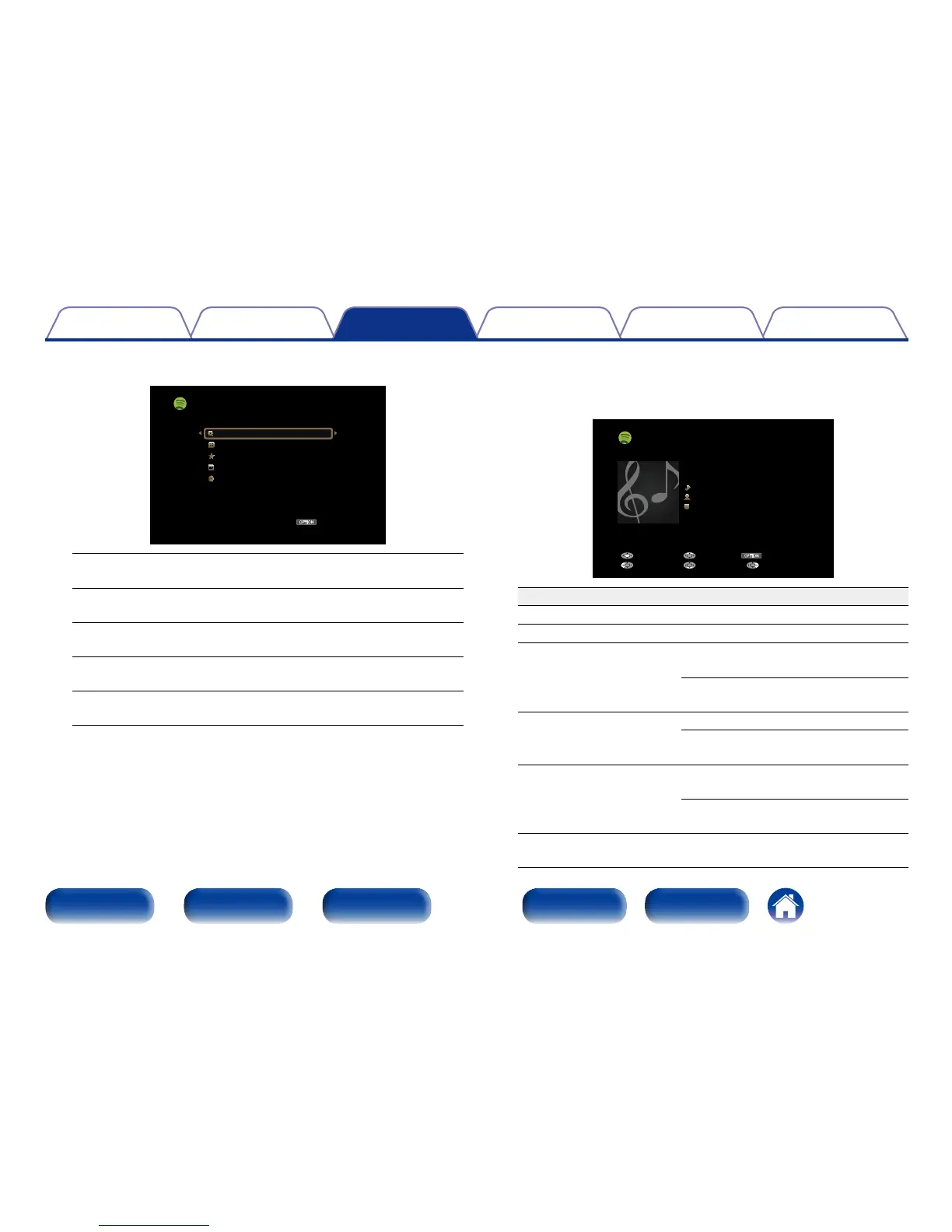
Use ui to select menu and then press ENTER.
OPTION
[1/5]
Search
What’s New
Starred
Playlists
Accounts
Spotify
Option
Search :
•Searches for tracks, artists and albums by entering keywords.
What’s New :
•Displays the list of the latest albums.
Starred :
•Displays the list of the starred tracks.
Playlists :
•Displays the playlists for Spotify.
Accounts :
•Manages accounts (Log out, Add new user, Switch to user).
8
Use ui to select a station, and press ENTER to start
playback.
Playback starts and the following screen appears.
OPTION
Spotify
Title
Now Playing
Artist
Album
00:06
Pause
Next MenuBack
Previous Option
Operation buttons Function
1
Playback
3
Pause
8 9
Skip to previous track / Skip to next
track
(Press and hold)
Fast-reverse / Fast-forward
ENTER
Playback / Pause
(Press and hold)
Stop
ui
Skip to previous track / Skip to next
track
(Press and hold)
Fast-reverse / Fast-forward
PAGE df
Switch to previous page / Switch to
next page in the list display

















 To Next Page