9
Press p while a track is playing.
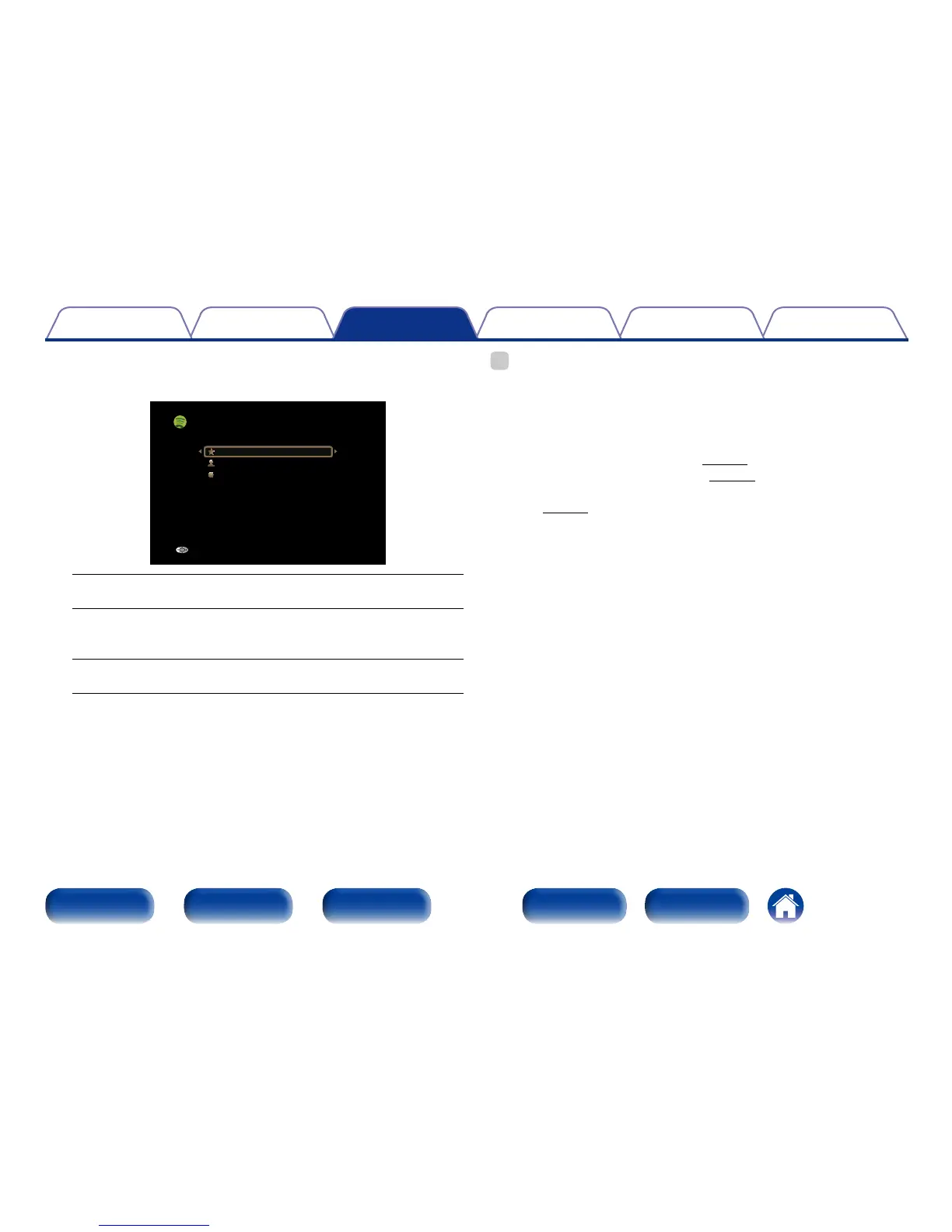
The Spotify menu screen is displayed.
[1/3]
Star this track
Browse “Artist name”
Browse “Album name”
Track-Artist
Back
Star this track :
•Adds a star to the selected track.
Browse “Artist name” :
•Displays the list of albums by the artist of the track that is being
played back.
Browse “Album name” :
•Displays the list of tracks on the album that is being played back.
%
•The display switches between track title, artist name, and album title each time the
main unit’s STATUS is pressed.
2 Operations available through the OPTION
button
•Performing repeat playback (vpage89)
•Performing random playback (vpage89)
•Displaying your desired video during audio playback (Video Select)
(vpage93)

















 To Next Page