100
System Setup
Setting items Setting details
Other
(Continued)
Notification : Sets the display of a notification message when the latest
firmware is released.
Update : Displays a notification message on this unit’s menu screen when
the latest firmware is released with “Firmware Update”. The notification
message is displayed for about 20 seconds when the power is turned on.
Connect to broadband Internet (vpage18) when using this function.
•ON : Display update message.
•OFF : Do not display update message.
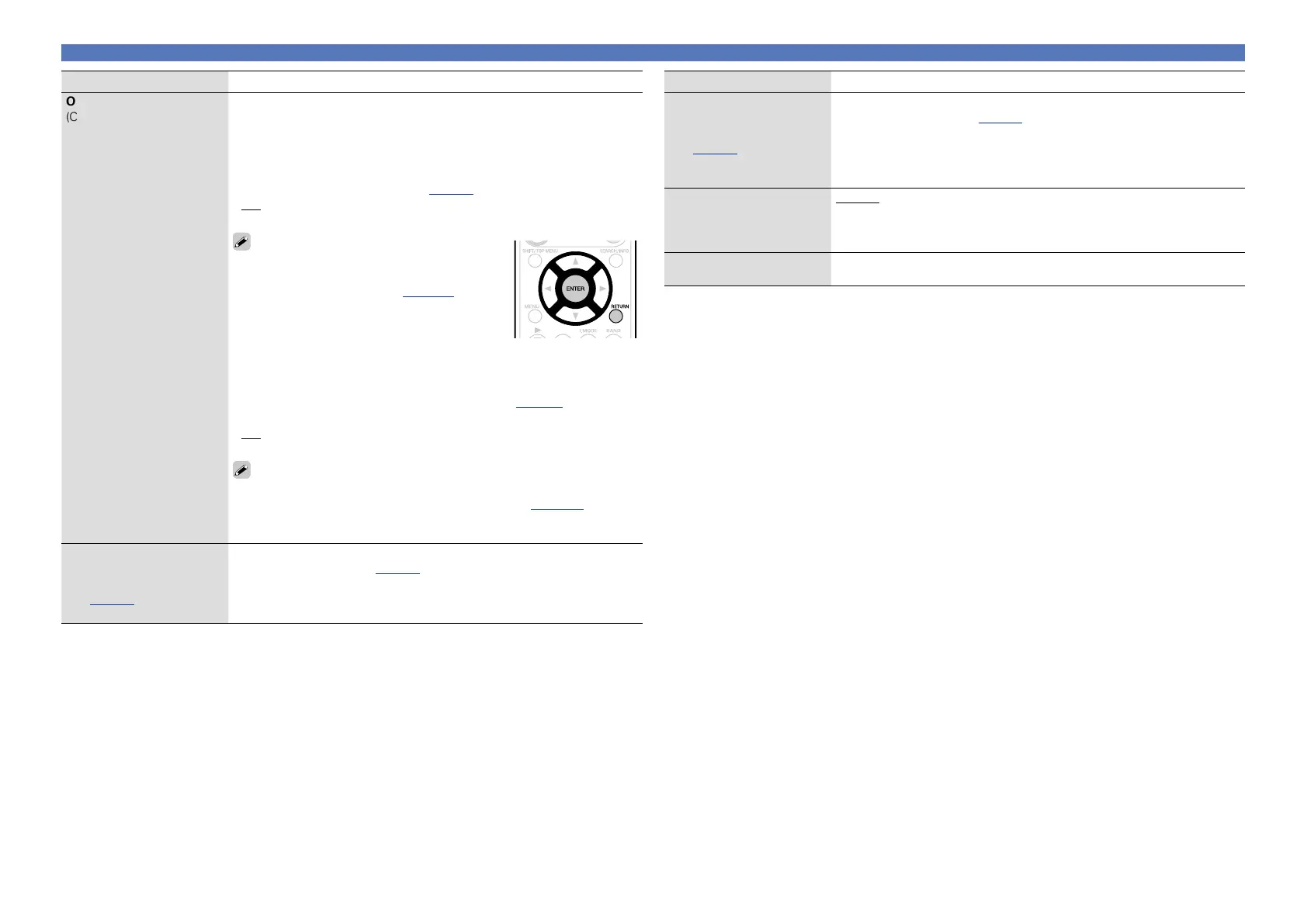
•When you press ENTER during display of the
notification message, the “Check for Update”
screen is displayed (Refer to page103 for more
information on “Firmware Update”).
•Press RETURN to erase the notification
message.
Upgrade : Display a notification message on this unit’s menu screen
when downloadable firmware is released with “Add New Feature”. The
notification message is displayed for about 20 seconds when the power
is turned on. Connect to broadband Internet (vpage 18) when using
this function.
•ON : Display upgrade message.
•OFF : Do not display upgrade message.
•When you press ENTER during display of the notification message, the
“Add New Feature” screen is displayed (Refer to page 103 for more
information on “Add New Feature”).
•Press RETURN to erase the notification message.
Napster Account
Set or change Username
and Password
(vpage49 “Listening to
Napster”).
Username / Password / Clear
•For character input, see page83.
Setting items Setting details
Last.fm Account
Set or change Username
and Password
(vpage47 “How to
listen to Last.fm on this
unit”).
Username / Password / Clear
•For character input, see page83.
Last.fm Display
Set whether or not to
display Last.fm item on the
menu.
Display : Display Last.fm item on the menu.
Hidden : Do not display Last.fm item on the menu.
Network Info.
Display network information.
Friendly Name / DHCP=ON or OFF / IP Address / MAC Address



 To Next Page