26
Playback (Basic operation)
n Playing a Blu-ray Disc player/DVD player
(vpage28)
n Playing a CD player (vpage28)
n Playing an iPod (vpage29)
n Playing a USB memory device (vpage31)
n Tuning in radio stations (vpage33)
n Playing a network audio (vpage37)
Selecting a listening mode (Surround mode)
(vpage51)
n Selecting the input source (vpage26)
n Adjusting the master volume (vpage27)
n Turning off the sound temporarily (vpage27)
Playback (Advanced operation) (vpage67)
Settings (vpage19)
Important information
Before starting playback, make the connections between the different
devices and the settings on the unit.
NOTE
Also refer to the operating instructions of the connected devices
when playing them.
Selecting the input source
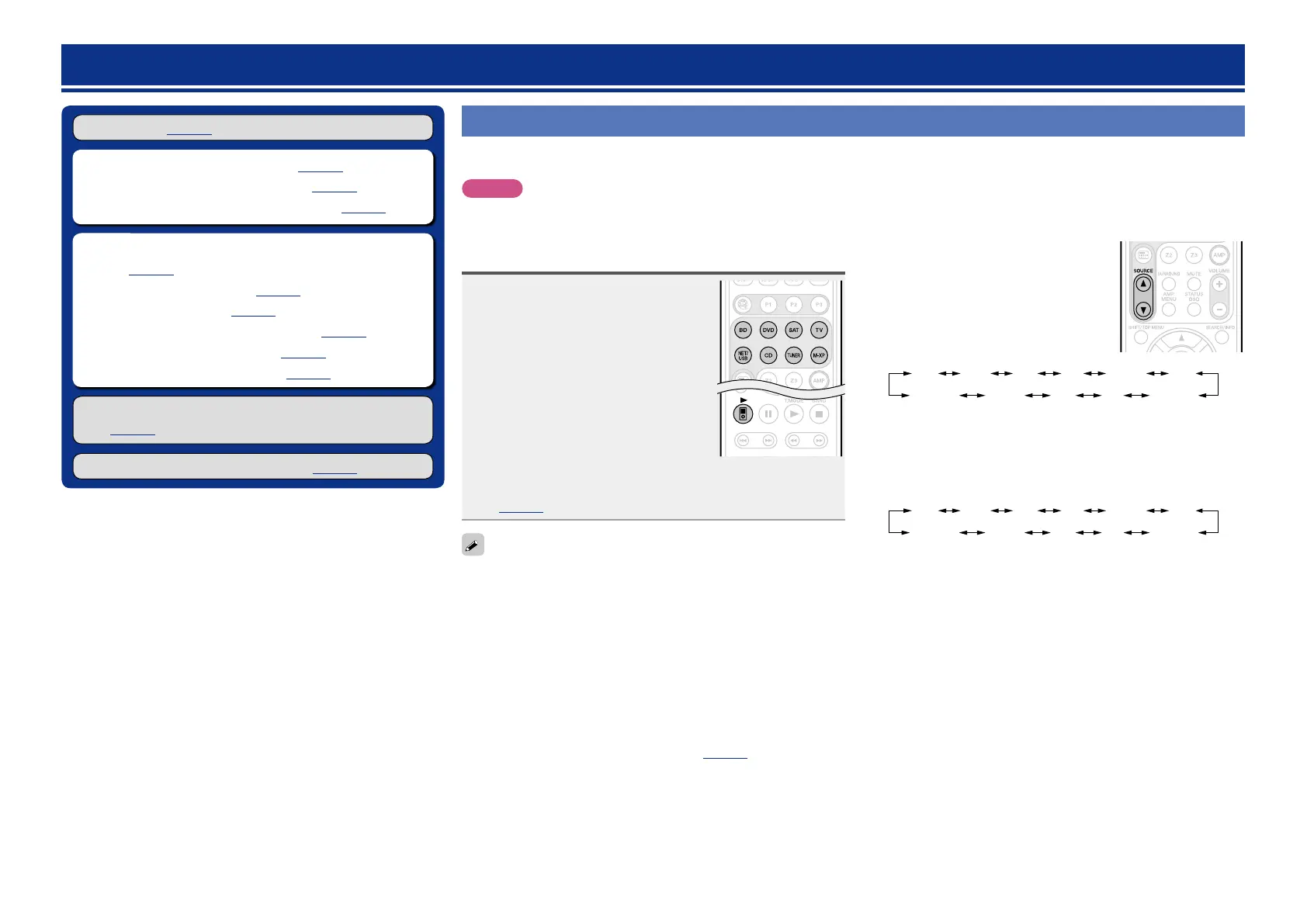
Press the input source select button
(BD, DVD, SAT, TV, NET/USB, CD,
TUNER or M-XP) twice to be played
back.
When an input source select button (BD,
DVD, SAT, TV, CD, NET/USB, TUNER or
M-XP) is pressed once, the unit switches
to device selected by the operating mode of
the remote control. If the input source select
button is then pressed again twice, the input
source for the unit is switched.
•When 21 is pressed, the input source of this unit is switched
to “NET/USB” and the connected iPod is automatically played
(vpage30 “iPod play function”).
•Select input source “AUX” to play back music from an audio system
connected to the AUX IN connector.
•The input source “GAME” is selected to playback from a game
device connected to GAME connector of HDMI IN.
•Select the input source “VCR”, “GAME” or “AUX” using one of the
following methods.
•SOURCE df button on the remote control unit
(“Using the SOURCE df button on the remote control unit”
provided on the right)
•INPUT SELECTOR knob on the main unit
(“Using the knob on the main unit” provided on the right)
•“Source Select” menu
(“Using the “Source Select” menu”(vpage27))
You can also use the following operation to select an input
source.
nUsing the SOURCE d f button on the remote
control unit
Press SOURCE d or SOURCE f.
•Every time you press
SOURCE d or
SOURCE f, the input source switches in
the following order.
BD DVD
TV
SAT GAMEVCR AUX
CD NET/USBTUNERM-XPort
nUsing the knob on the main unit
Turn INPUT SELECTOR.
•Every time you turn
INPUT SELECTOR, the input source switches
in the following order.
BD DVD
TV
SAT GAMEVCR AUX
CD NET/USBTUNERM-XPort



 To Next Page