27
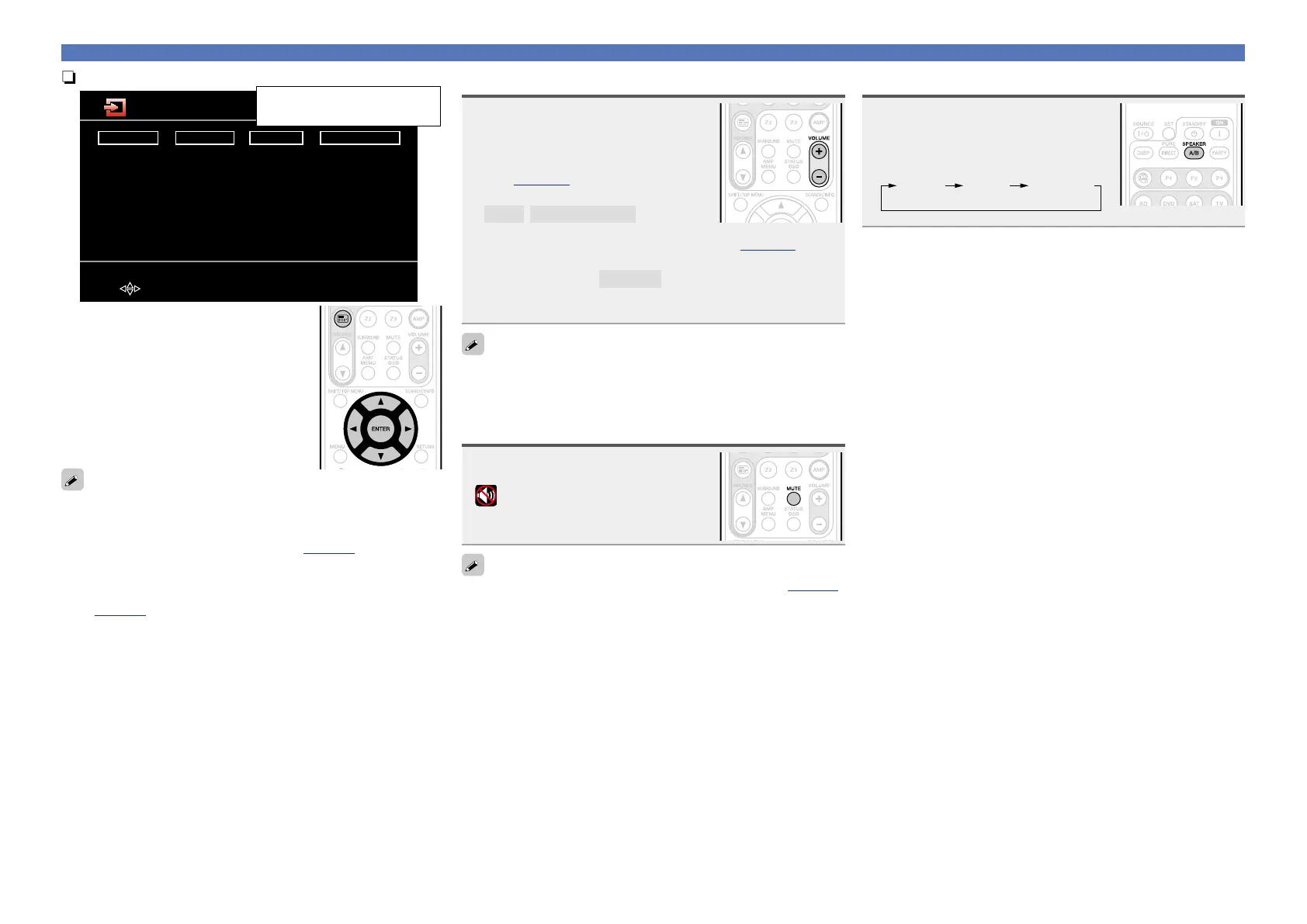
nUsing the “Source Select” menu
Player
BD
DVD
CD
M-XPort
USB/iPod
Video
SAT
TV
VCR
GAME
AUX
Tuner
TUNER
Network
Favorites
Internet Radio
Media Server
Flickr
Last.fm
Napster
[ENTER] Enter[ ] Move
Source Select
The currently selected input
source is highlighted.
q Press 3.
Display the “Source Select” menu.
w Use uio p to select the input source,
then press ENTER.
The input source is set and the source
selection menu is turned off.
•When using with an iPod connected directly to the USB port of this
unit, select “USB/iPod” for the input source.
•Input sources that are not going to be used can be set ahead of time.
Make this setting at “Source Delete” (vpage101).
•To turn off the source selection menu without selecting an input
source, press 3 again.
•When 3 is pressed, the AMP-operation mode starts automatically
(vpage112).
Adjusting the master volume
Use VOLUME +, – to adjust the
volume.
n When the “Volume Display” setting
(vpage101) is “Relative”
GAdjustable rangeH
– – –
–80.5dB – 18.0dB
n When the “Volume Display” setting (vpage101) is
“Absolute”
GAdjustable rangeH
0.0 – 99.0
•The variable range differs according to the input signal and channel
level setting.
You can also operate via the main unit. In this case, perform the
following operations.
Turn VOLUME to adjust the volume.
Turning off the sound temporarily
Press MUTE.
•“MUTE” appears on the display.
•
appears on a TV screen.
•The sound is reduced to the level set at “Mute Level” (vpage101).
•To cancel, press MUTE again. Muting can also be canceled by
adjusting the master volume.
Set the front speakers to be used
Press SPEAKER A/B.
•Each time you press SPEAKER A/B,
the front speaker setting will change as
follows.
Front A Front A+BFront B
Important information



 To Next Page