130
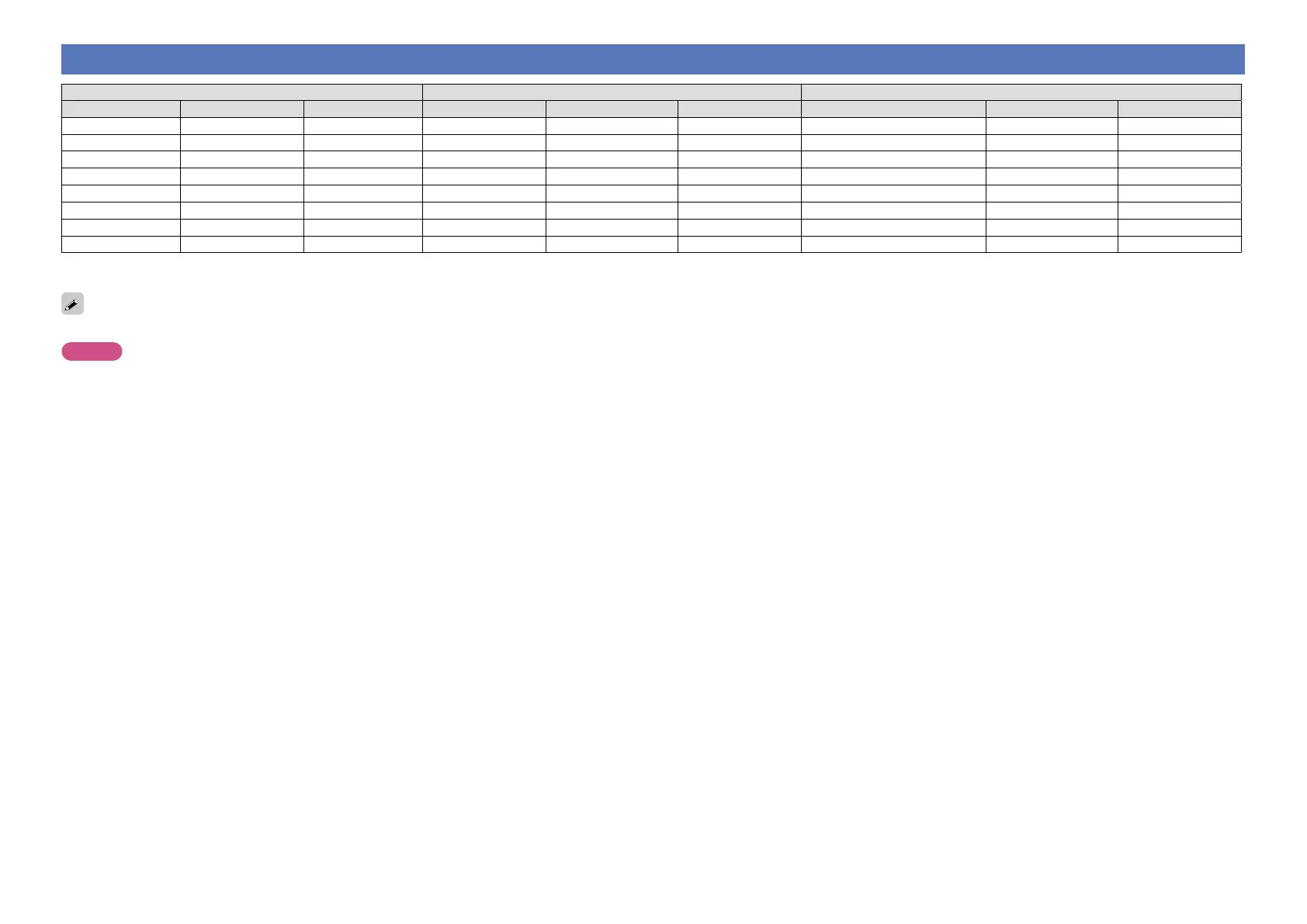
Relationship between video signals and monitor output
Input connector Output connector Menu displayed
HDMI COMPONENT VIDEO HDMI COMPONENT VIDEO HDMI COMPONENT VIDEO
A A A A A A
Only the menu is displayed
A A
A A S S <VIDEO> A S <VIDEO> S (VIDEO) A A (VIDEO)
A S A S <COMPONENT> S <COMPONENT> A S (COMPONENT) A (COMPONENT) A
A S S S <COMPONENT> S <COMPONENT> S <VIDEO> S (COMPONENT) A (COMPONENT) A (VIDEO)
S A A S <HDMI> A A S (HDMI) A A
S A S S <HDMI> A S <VIDEO> S (HDMI) A A (VIDEO)
S S A S <HDMI> S <COMPONENT> A S (HDMI) A (COMPONENT) A
S S S S <HDMI> S <COMPONENT> S <VIDEO> S (HDMI) A (COMPONENT) A (VIDEO)
S : Video signal input present
A : No video signal input
S < >: The input signal between the < > marks is output.
A
: No video signal output
S ( ): Superimposed on the picture indicated in ( ).
A ( ): Only the picture in ( ) is output.
The main zone video conversion function is compatible with the following formats: NTSC, PAL, SECAM, NTSC4.43, PAL-N, PAL-M and PAL-60.
NOTE
•If you operate the menu while playing back 3D video content or computer’s resolution (e.g. VGA), the playback video is replaced by the menu screen. The playback video is not displayed behind the menu screen.
•This unit does not show the status display while playing back 3D video content or computer’s resolution (e.g. VGA).



 To Next Page