82
Examples of menu
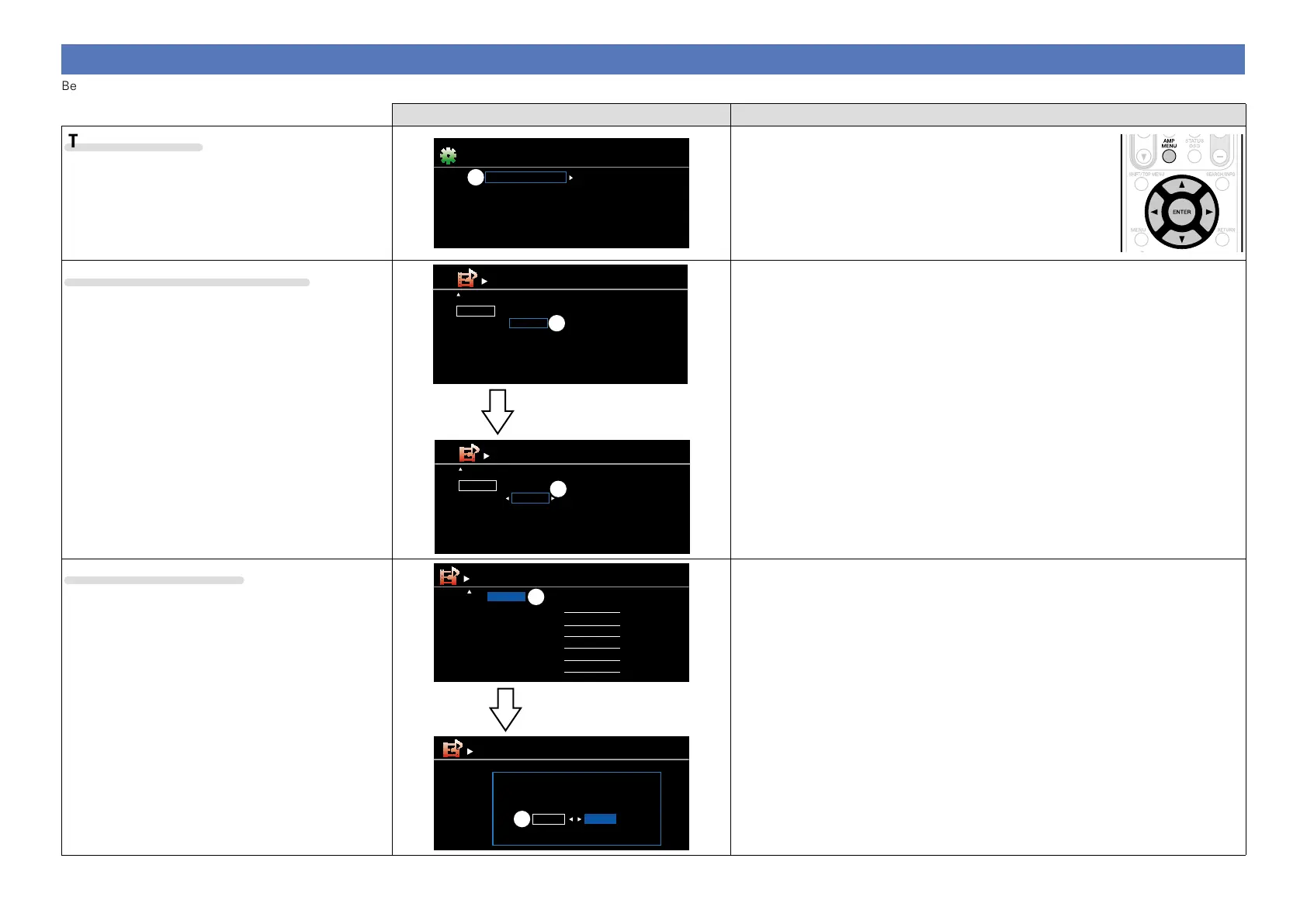
Below we describe typical examples of displays on the TV screen.
Menu display Description
Top menu display
Audio Adjust
Information
Setup Wizard
System Setup
Input Setup
Surr.Parameter
Tone
AudysseySettings
Manual EQ
M-DAX
Audio Delay
Menu
w
q Press AMP MENU to display the menu screen.
w Displays the selected line.
•Use ui to move to the item you want to set.
Display when changing settings
Default
BD
DVD
VCR
SAT
GAME
HDMI1
HDMI2
HDMI4
HDMI3
HDMI5
None
COAX1
None
COAX2
None
1-RCA
2-RCA
None
None
None
Input Assign
[ ][ENTER] Enter[ ] Select Return
[1/2]
q
G HDMI H G
DIGITAL
H G
COMPONENT
H
Default
BD
DVD
VCR
SAT
GAME
HDMI1
HDMI2
HDMI4
HDMI3
HDMI5
None
COAX1
None
COAX2
None
1-RCA
2-RCA
None
None
None
Input Assign
[ ][ENTER] Enter[ ] Select Return
[1/2]
G HDMI H G
DIGITAL
H G
COMPONENT
H
e
Press ENTER.
q Displays the selected line.
•Use
ui to move to the item you want to set.
w Press ENTER to set to the mode in which the setting can be made.
e 0 1 is displayed at the sides of items whose setting can be changed. Use o p to
change to the desired setting.
Display when resetting
Rename
Return settings to the default?
Yes No
w
Press ENTER.
Default
BD
DVD
VCR
SAT
GAME
AUX
BD
DVD
VCR
SAT
GAME
AUX
Rename
[1/2]
q
q Press u to select “Default”, then press ENTER.
w Press o to select “Yes”, then press ENTER.



 To Next Page