109
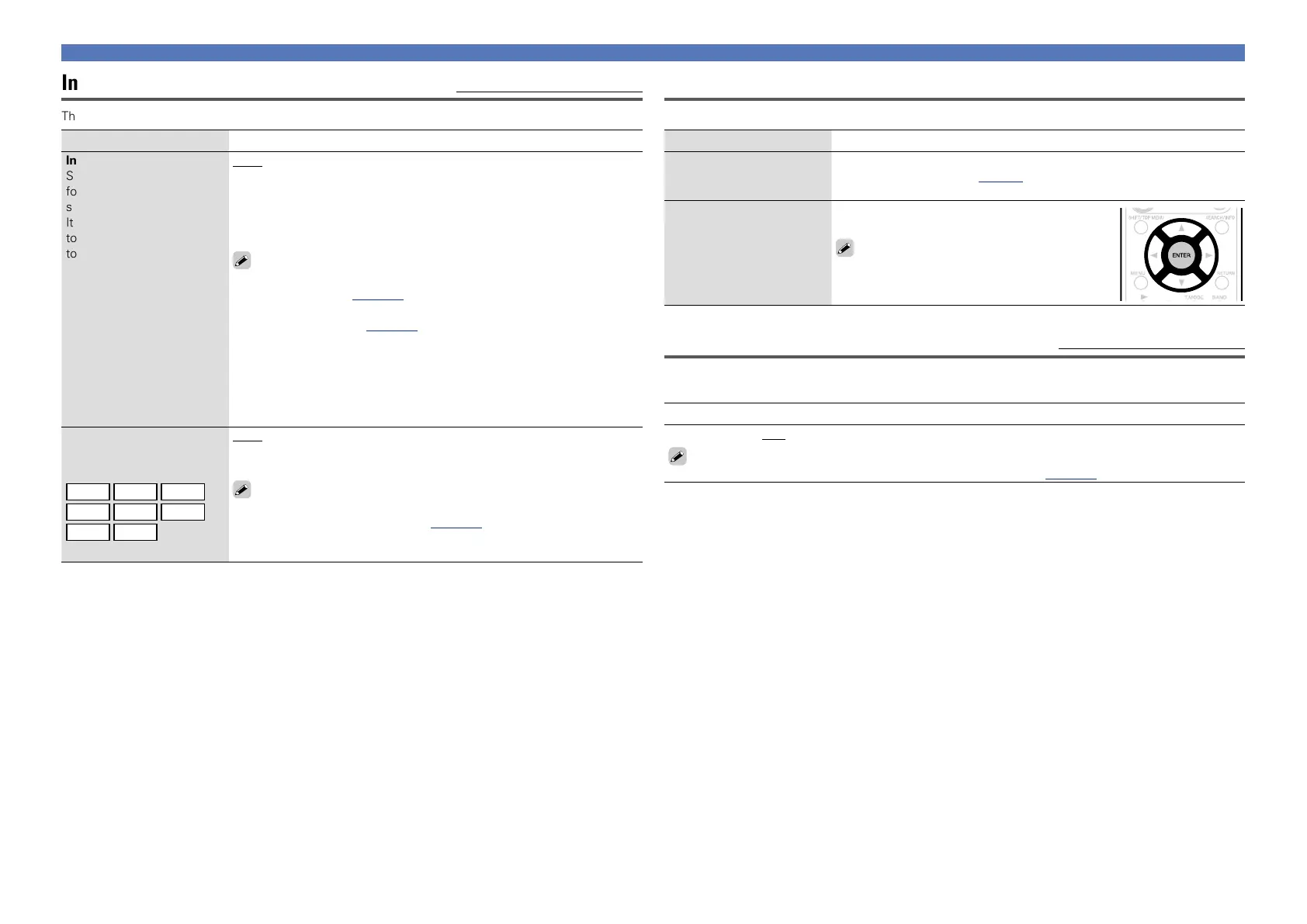
Input Mode (Audio) Default settings are underlined.
The input modes available for selection may vary depending on the input source.
Setting items Setting details
Input Mode
Set the audio input modes
for the different input
sources.
It is normally recommended
to set the audio input mode
to “Auto”.
Auto : Automatically detect input signal and perform playback.
HDMI : Play only signals from HDMI input.
Digital : Play only signals from digital input.
Analog : Play only signals from analog input.
7.1CH IN : Only signals input from the 7.1CH IN connector will be played
back.
•“HDMI” can be set for input sources for which “HDMI” is assigned at
“Input Assign” (vpage107).
•“Digital” can be set for input sources for which “DIGITAL” is assigned
at “Input Assign” (vpage108).
•If the input source is set to “VCR”, “GAME” or “TV”, it cannot be set
to “Analog”.
•The surround mode cannot be set if the input mode is set to “7.1CH IN”.
•If “HDMI Control” is set to “ON” and a TV compatible with the ARC is
connected via the HDMI MONITOR connectors, the input mode whose
input source is “TV” is fixed to ARC.
Decode Mode
Set the audio decode mode
for input source.
BD
DVD
VCR
SAT
GAME
AUX
TV
CD
Auto : Detect type of digital input signal and decode and play automatically.
PCM : Decode and play only PCM input signals.
DTS : Decode and play only DTS input signals.
•This item can be set for input sources for which “HDMI” or “DIGITAL”
is assigned at “Input Assign” (vpage107).
•Normally set this mode to “Auto”. Set “PCM” and “DTS” when
inputting the corresponding input signal.
Input Setup
Rename
Change the display name of the selected input source.
Setting items Setting details
Rename
Change the display name of
the selected input source.
•Up to eight characters can be input.
•For character input, see page83.
Default
The input source name
is returned to the default
setting.
Yes : Reset to the defaults.
No : Do not reset to the defaults.
If you select “Default” and press ENTER, the
message “Return settings to the default?”
is displayed. Select “Yes” or “No”, and then
press ENTER.
Source Level (Audio) Default settings are underlined.
•This function corrects the playback level of the selected input source’s audio input.
•Make this setting if there are differences in the input volume levels between the different sources.
Setting details
–12dB – +12dB (0dB)
The analog input level and digital input level can be adjusted independently for input sources for
which “HDMI” or “DIGITAL” is assigned at “Input Assign” (vpage107).



 To Next Page