46
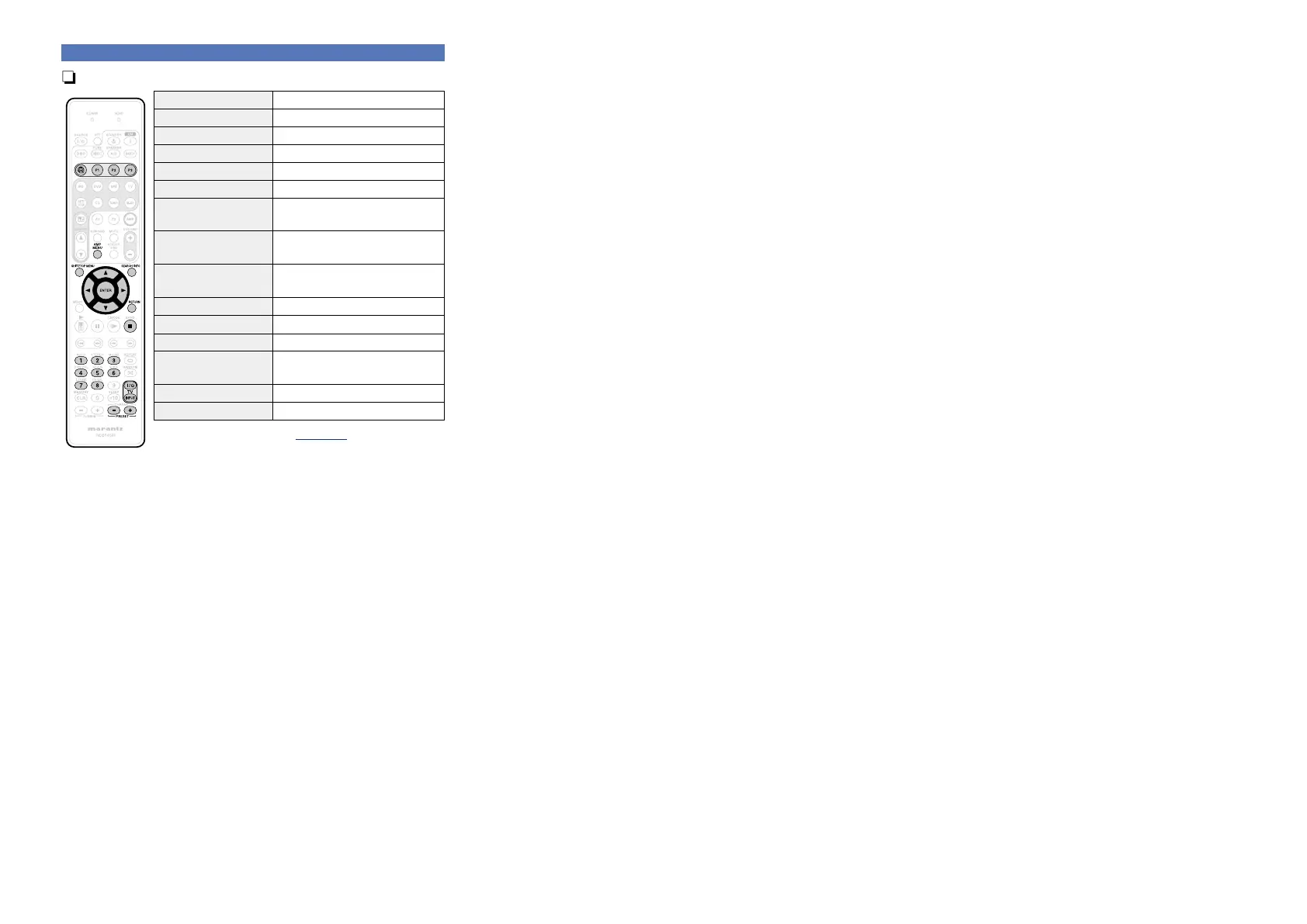
nFlickr operation
Operation buttons Function
V
Last played internet radio station
P1 – P3 Preset channel (1 – 3) selection
AMP MENU Amp menu
SHIFT/TOP MENU Preset channel block selection
SEARCH/INFO Page Search
z
uio p
Cursor operation /
Auto search (cue, ui)
ENTER
(Press and release)
Enter
ENTER
(Press and hold)
Stop
RETURN Return
2
Stop
1 – 8 Preset channel selection
TV Z / X
TV power on/standby
(Default : marantz)
TV INPUT Switch TV input (Default : marantz)
PRESET +, – Preset channel (A1 – G8) selection
•Slide show playback (vpage110 “Slide Show”)
z When the menu screen is displayed, press
SEARCH/INFO, then
press o (previous page) or p (next page).
To cancel, press ui or SEARCH/INFO.
Playing a network audio



 To Next Page