84
Inputting characters
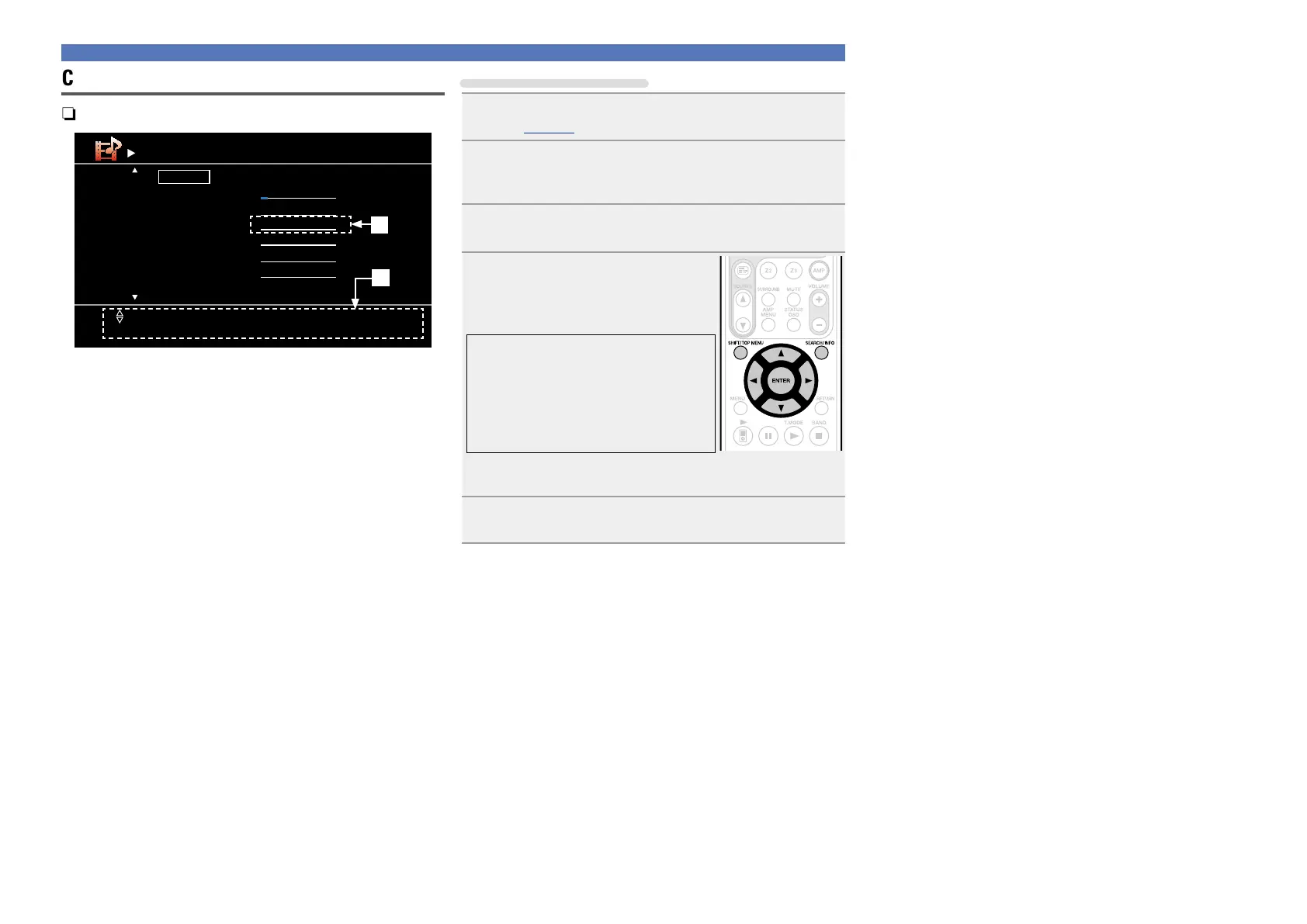
Cursor mode screen
nDisplay of a cursor mode screen
Default
BD
DVD
VCR
SAT
GAME
AUX
BD
DVD
VCR
SAT
GAME
AUX
Rename
[1/2]
Input[ ]
[SEARCH] Keyboard
[RETURN][ENTER] Enter Cancel
q
w
q Character input section (Maximum 8 characters)
w Guide for operation buttons
Using the cursor buttons
1
Display the screen for inputting characters
(vpage 80 “Menu map”).
2
Press SEARCH/INFO while a keyboard screen is
displayed.
A cursor mode screen is displayed.
3
Use o p to set the cursor to the character you want
to change.
4
Use ui to change the character,
then press ENTER.
•The types of characters that can be input
are as shown below.
GUpper case charactersH
ABCDEFGHIJKLMNOPQRSTUVWXYZ
GLower case charactersH
abcdefghijklmnopqrstuvwxyz
GSymbolsH ! “ # $ % & ‘ ( )
z
+ , - . / : ; <
= > ? @ [ \ ] ^ _ ` { | } ˜
GNumbersH
0123456789 (Space)
•When you press
SHIFT/TOP MENU while you type in, you can
change uppercase characters to lowercase and vice versa.
5
Repeat steps 3 and 4 to change the name then press
ENTER to register it.



 To Next Page