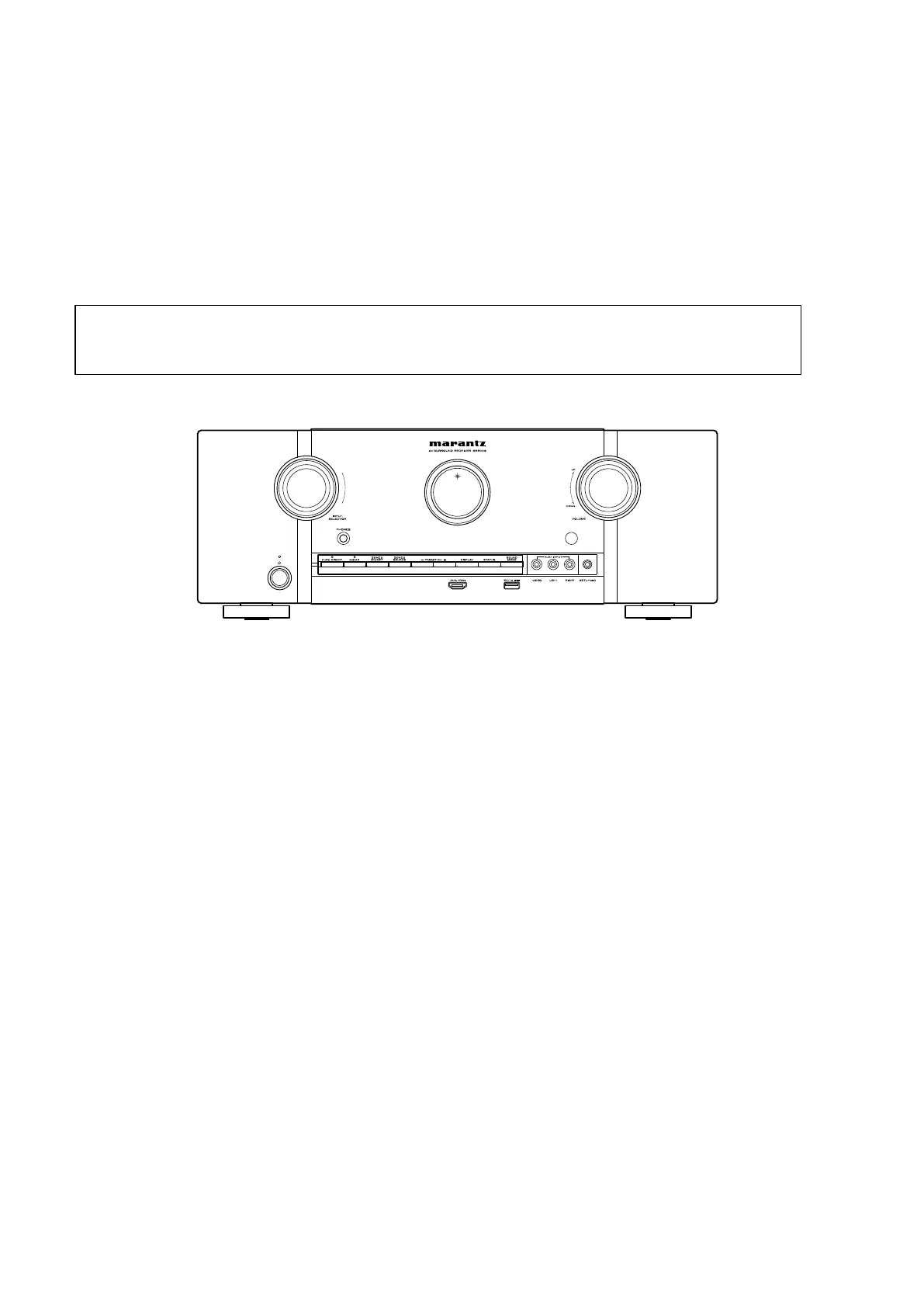
Initializing AV SURROUND RECEIVER
AVSURROUNDRECEIVERinitializationshouldbeperformedwhentheμcom,peripheralpartsofμcom,andDigitalPCB
were replaced.
1. Turn off the power pressing "Power operation (
X
)" button.
2. Press "Power operation (
X
)" button while simultaneously while pressing "PRESET CH+" and "PRESET CH-"
buttons.
3. Checkthattheentiredisplayisashingatintervalsofabout1second,andthenreleasethe2buttons.
The microprocessor will be initialized.
Service Jig
When you repair the printing board, you can use the following JIG (Extension cable kit).
PleaseorderitfromMarantzOfcialServiceDistributorinyourregionifnecessary.
8U-110084S : EXTENSION UNIT KIT : 1 Set
8U-110136S : EXTENSION UNIT KIT : 1 Set
(Refer to 53 page.)
NOTE: • If step 3 fails, start over from step 1.
• All user settings will be lost and the factory setting will be recovered after the set is initialized.
So make sure to note down your setting beforehand for restoring after the initialization.
CAUTION IN SERVICING
10



 To Next Page