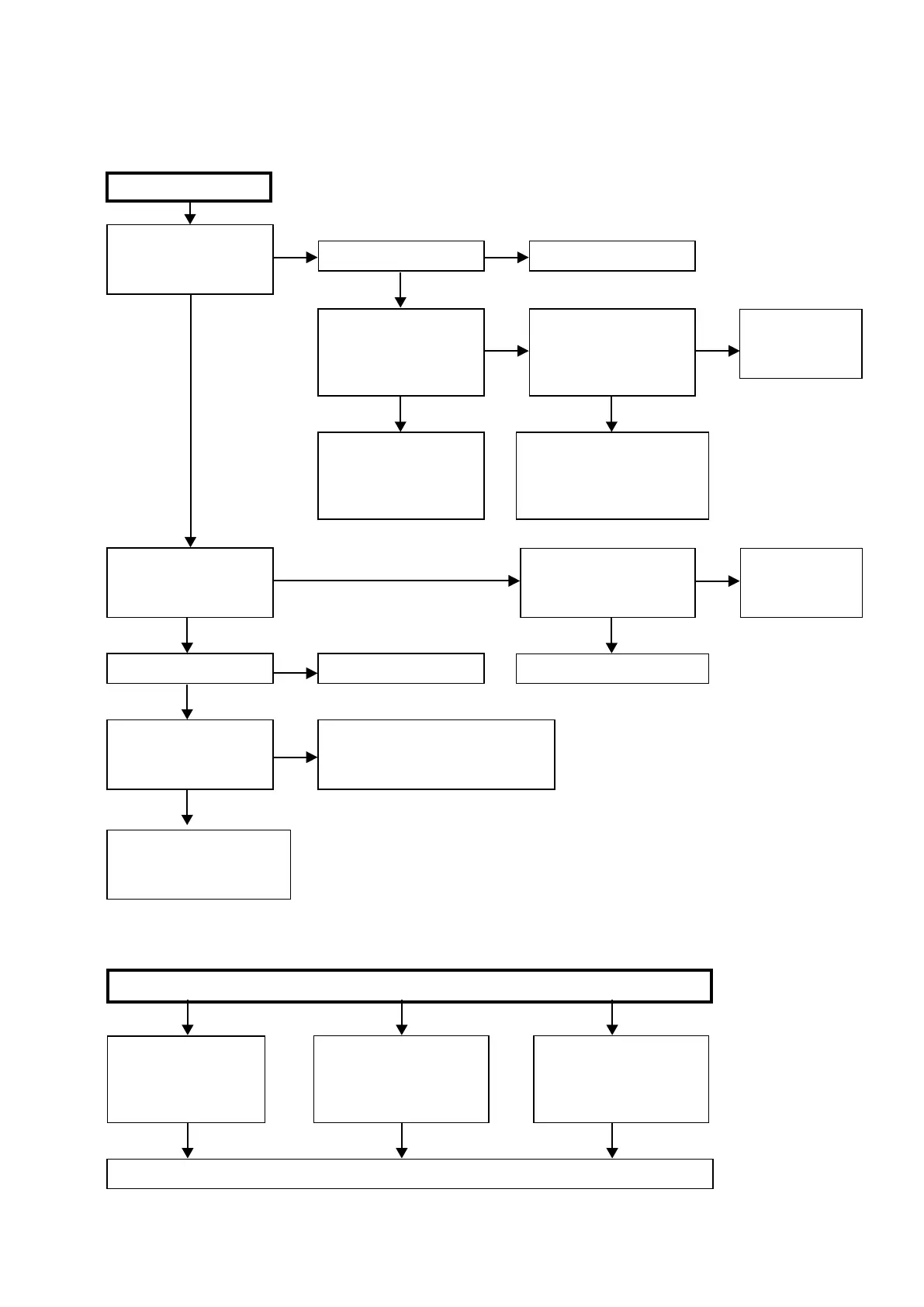
TROUBLE SHOOTING
1. POWER
1.1. Power not turn on
YES YES
YES
NO
YES
NO
NO
0.6V or -0.6V
When the power turned on,
does the FLD on the front
panel light?
Is the fuse blown?
About 10 seconds later,
does the sound where relay
enters?
Check voltage of N3405 (1-
5PIN) of HDMI B'D while the
ON/STANDBY indicator is
ashingred.
Pull out connector (CP4001)
of SPK BD, and check "3.5.
Errors checking mode".
(Refer to 47 page.)
Power not turn on.
Is the fuse blown?
Is a DC 5V voltage being
supplied from the SMPS B'D
(CN4141) to the HDMI B'D?
Refer to 1.2.Fuse is blown.
Refer to 1.2. Fuse is blown.
Check circuitry and parts from N3405 on
the HDMI B'D to the µ-com for damage
and shortcircuits, and replace any
defective parts.
Check "3.5. Errors
checking mode".
(Refer to 47
page.)
Are there any incomplete
connections in the connectors
connecting between the
various circuit boards?
Is a DC 5V voltage output
when the cord supplying the
power from the SMPS B'D
to the HDMI B'D (N3601) is
unplugged?
Check µ-com peripheral
circuitry of HDMI B'D and
replace any defective parts.
Check circuitry and parts from
N3601 on the HDMI B'D to the
µ-com power supply for damage
and shortcircuits, and replace
any defective parts.
Connect the connectors properly.
To troubleshooting
6. SMPS.
(Refer to 94
page.)
NO YES
YES
0V
YES
NO
NO NO
Check for leaks or short
circuits in the primary side
parts, and replace any
defective parts.
Fuse is blown
Check for short circuits in the
rectierdiodesandcircuitryof
the secondary side rectifying
circuits, and replace any
defective parts.
After repairing, also replace the fuse.
Check for short circuits in
the power stabilizer unit's
regulator output terminal and
the ground, and replace any
defective parts.
1.2. Fuse is blown
81



 To Next Page