7. NETWORK Initialization mode
7.1. Behavior specications
Initializes NETWORK related settings.
(1) Favorites
(2) Favorites Station
(3) Presets
(4) Internet Radio Recently Played
(5) Flickr contacts
(6) User ID
(7) Resume Playback station
7.2. Starting up
q
Turn on the power and switch to NETWORK FUNCTION.
w
Wait until "No Network Connection" or "Favorites" is displayed on FLD.
e
Press and hold "DISPLAY" and "PRESET CH-".
r
When "Initializing" is displayed on FLD, release the buttons.
If it is not displayed within 15 seconds, try again from Step
e
.
t
Wait until "No Network Connection" or "Favorites" is displayed on FLD.
y
Press the "Power operation (
X
)" button to turn off and on the power.
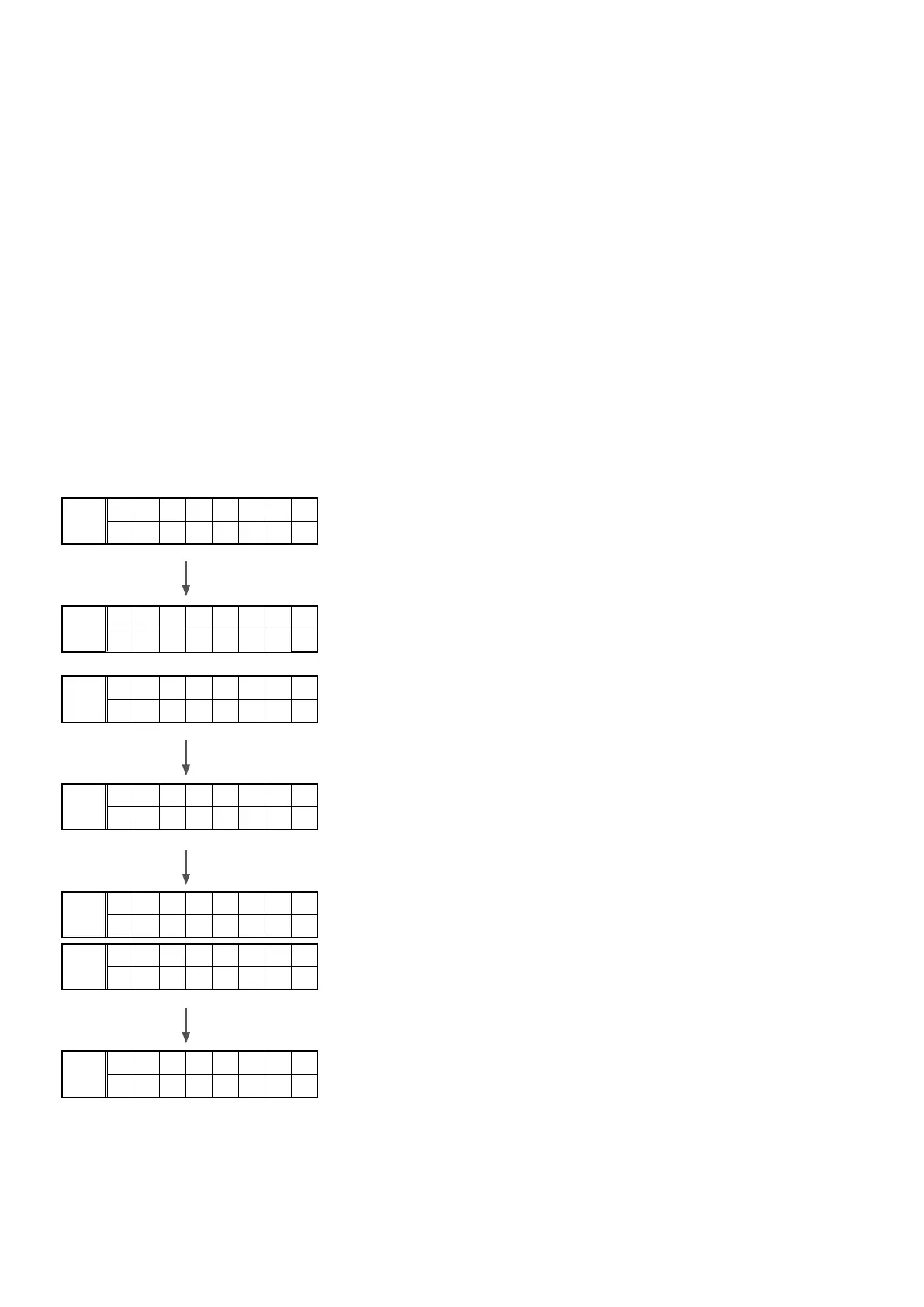
q
FLD
N E T W O R K
w
FLD
N O
N E T W O R K
FLD
F a v o r i t e
. .
e
Press and hold "DISPLAY" and "TUNER PRESET CH-".
r
FLD
I n i t i a l
W a i t . .
t
FLD
F a i l e d
FLD
C o m p l e t e
y
FLD
N E T W O R K
52



 To Next Page