2 Select a grading method ( ).
3 Specify grade limits for one or more grading memories (see
“The Lo1 Command” on page 30 for more details).
The scale is now ready to start weighing.
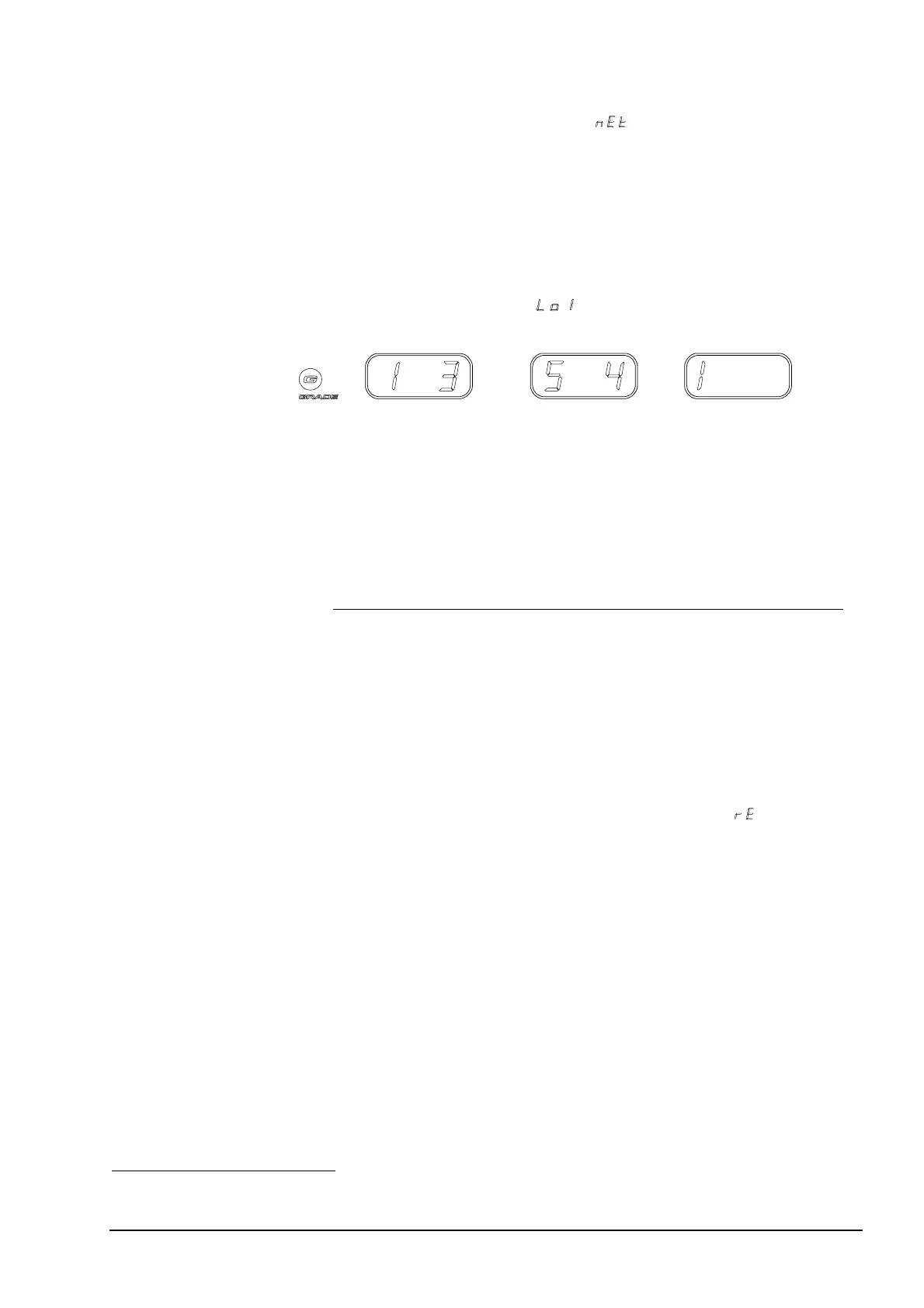
When you have selected a grading memory, the grade, if the weight is
equal to or above grade limit
, is displayed on the Config Display as
shown below:
Figure 19 Figure 20 Figure 21
Grading memory 1, no
grade (weight is below
limit Lo1 or no grade is
defined).
Grading memory 5,
grade 4.
Grading memory 1,
grade 3.
Reverse grading:
This method is practical when you are working with, for example, a tray
full of goods you wish to sort by weight. With reverse grading you can
place the tray on the scale, and then remove one item from the scale at a
time. The grade for each item will be displayed on the Config Display,
and you can now place the graded item in the appropriate bin.
To use reverse grading
1 Select grading memory and grading method. ( ).
2 Place all items to be graded on the platform.
3 Remove one item at a time from the scale, and the grade
number for each item appears on the Config Display.
12
To stop using reverse grading
♦ Change the grading method by:
− changing to a memory that does not have reverse grading
specified as a grading method or by
− remaining in the same memory and selecting a new grading
method.
12
Reverse grading is active as long as the net weight on the platform is positive.
User’s Guide Basic Operation • 25



 To Next Page