MASTERFLEX
®
Digital Pump Drive Operating Manual 3-11Masterflex
Section 3
Operation
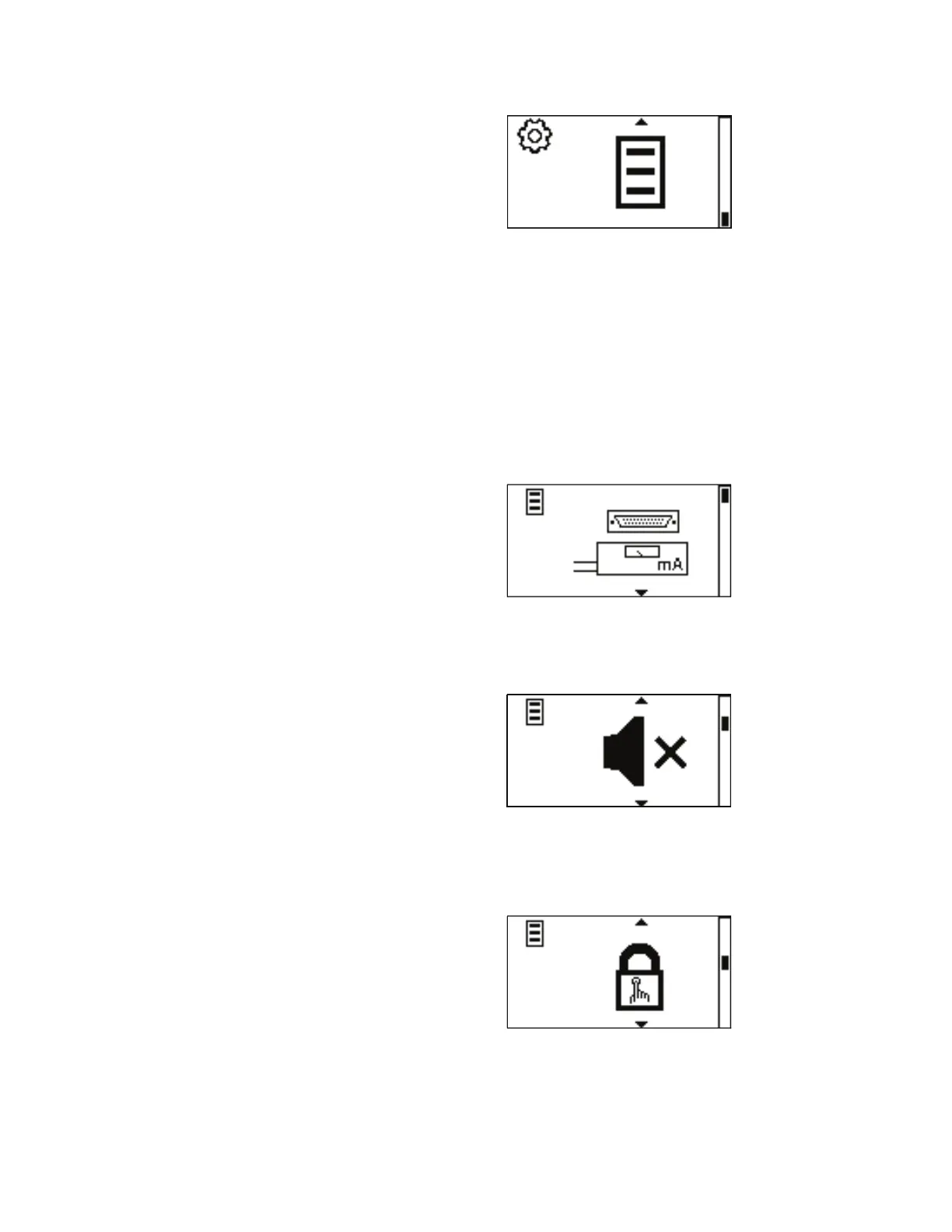
Global Options Menu
Figure 3-8. Global Options Menu Screen.
In the Global Options Menu the user can setup the Remote Control
current inputs and outputs or voltage input and outputs, Sounds, activate
the Keypad Lockout, adjust the Display Contrast, turn on the Autostart, or
return the drive to its default settings.
REMOTE CONTROL: Allows the drive to be controlled with a remote
voltage or current source and enable the voltage or current output for a
given flow. See Remote Control.
SOUNDS: Select a beep for keypad, end of dispenses, and batches. See
Sounds.
KEYPAD LOCKOUT: Allows for the keypad to be locked and unlocked.
See Keypad Lockout.



 To Next Page