MASTERFLEX
®
Digital Pump Drive Operating Manual 3-25Masterflex
Section 3
Operation
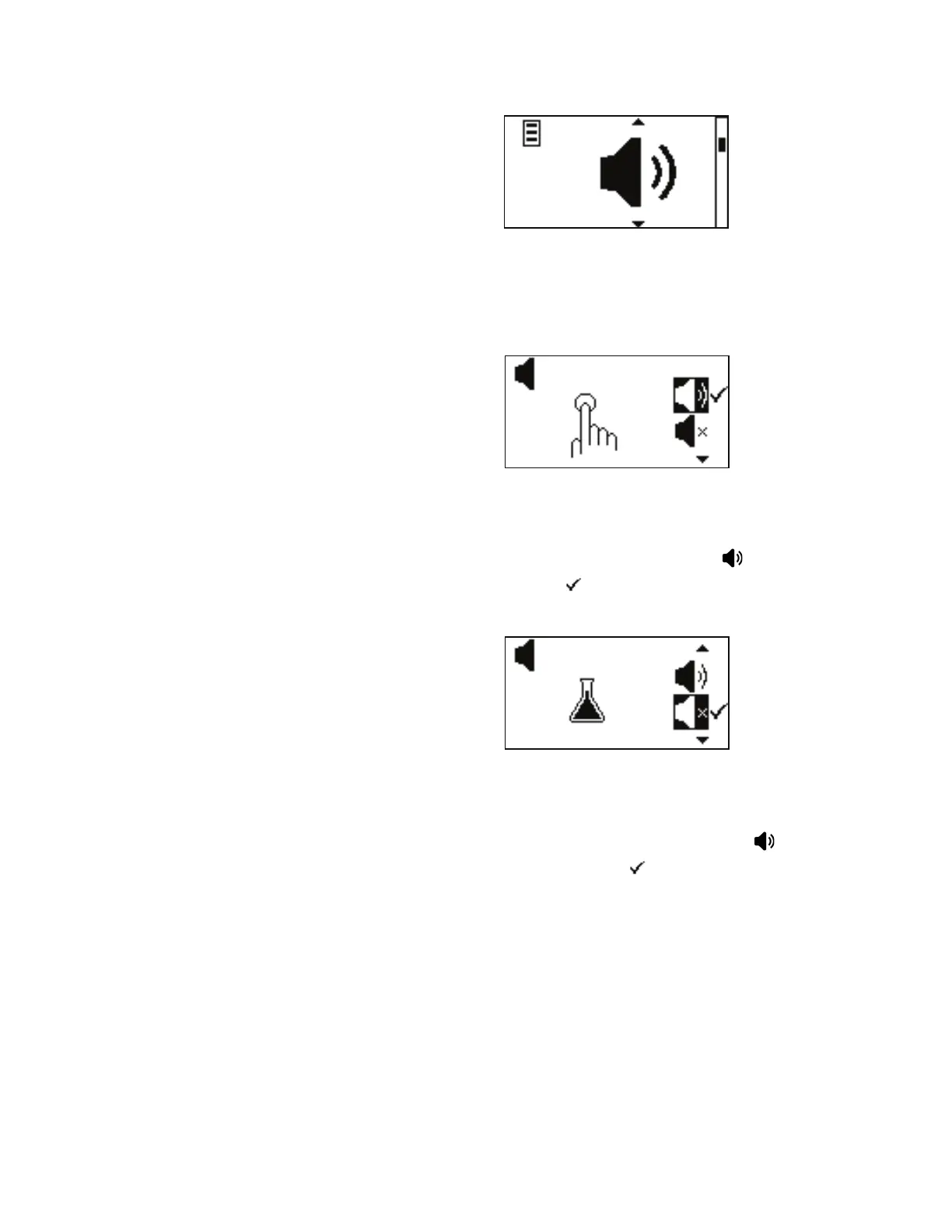
Figure 3-12. Sound Menu Screens.
NAVIGATION: From the GLOBAL OPTIONS MENU select the Sound
screen, shown above, and press ENTER.
KEY PRESS SOUND: is allows the user to have audio feedback when a
key is pressed. By default the sound is deactivated, using the UP and
DOWN arrows on the control panel, highlight the icon to activate and
press ENTER. A check mark will move next to it.
DISPENSE SOUND: is allows the user to have audio feedback when a
dispense has completed. By default the sound is deactivated, using the UP
and DOWN arrows on the control panel, highlight the icon to
activate, press ENTER. A check mark will move next to it.
Sound Menu



 To Next Page