MASTERFLEX
®
Digital Pump Drive Operating Manual 3-29Masterflex
Section 3
Operation
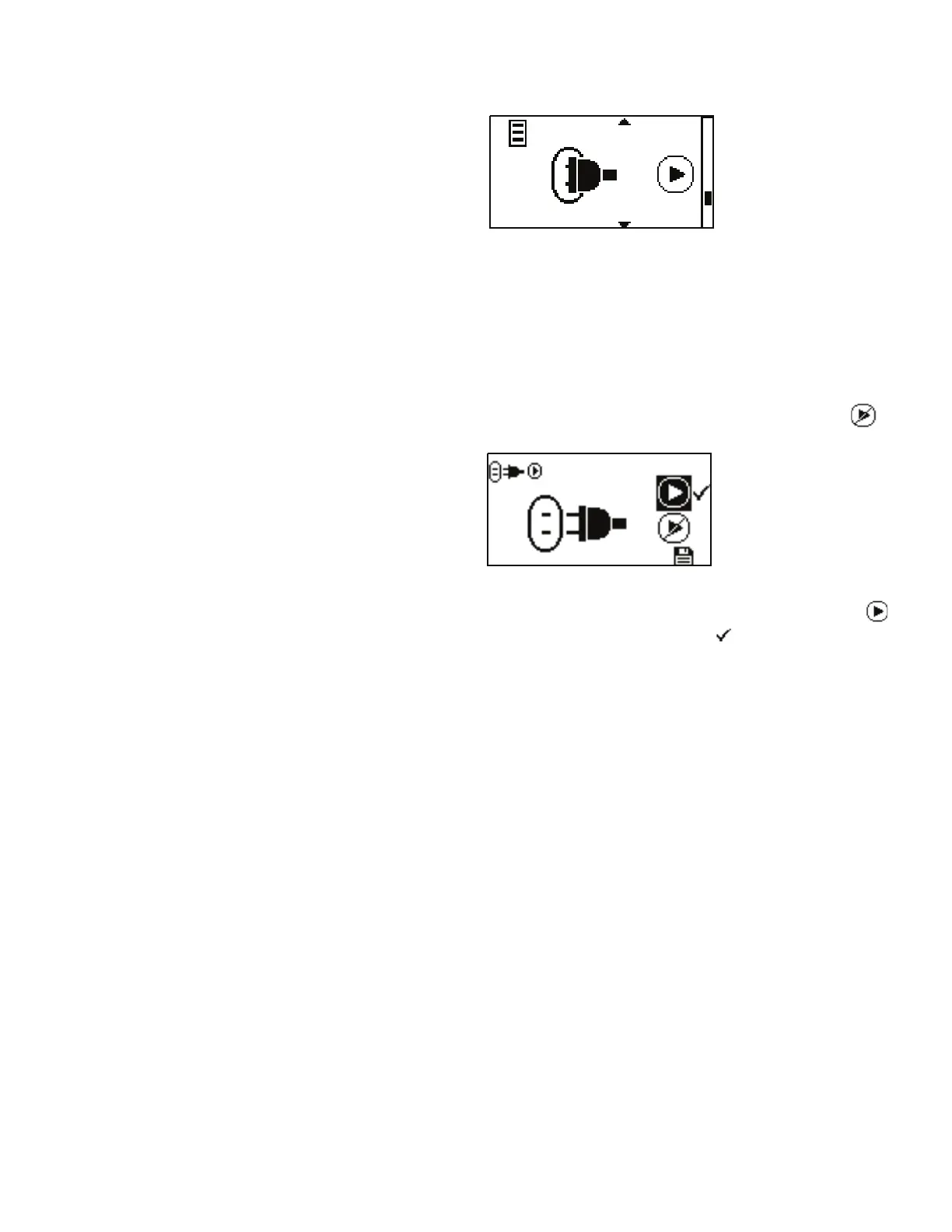
Figure 3-15. Autostart Menu Screens.
NAVIGATION: From the GLOBAL OPTIONS MENU select the
Autostart screen, shown above, and press ENTER.
AUTOSTART: By default the drive will not restart when power is applied.
To enable this feature select AUTOSTART and then ON. e drive will now
restart when power is reapplied. By default the output is deactivated .
Using the UP and DOWN arrows on the control panel, highlight the
icon to activate and press ENTER. A check mark will move next
to it.
Autostart Menu



 To Next Page