MASTERFLEX
®
Digital Pump Drive Operating Manual 3-5Masterflex
Section 3
Operation
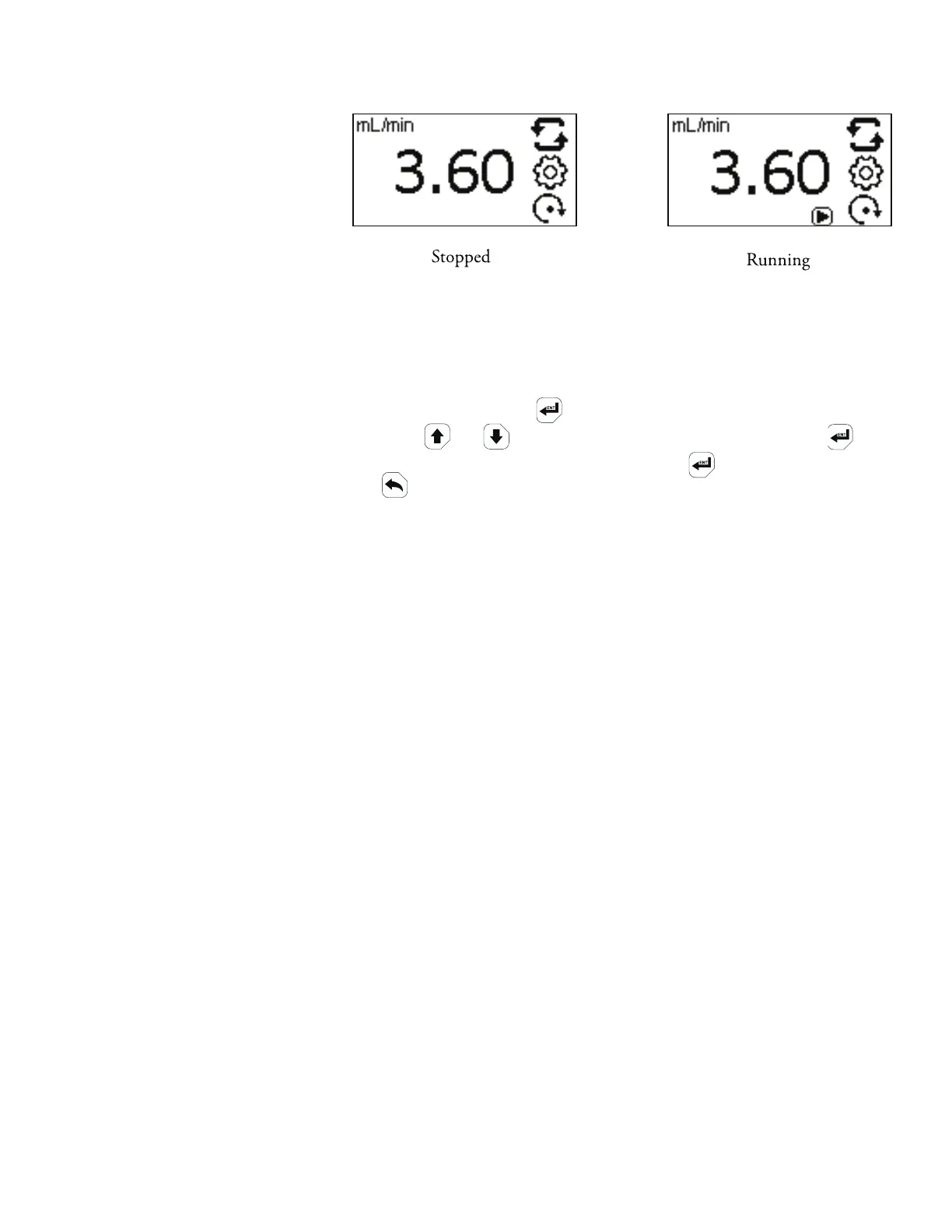
FLOW RATE: Set the flow rate in flow unit listed at the top of the screen.
(NOTE: To change flow unit, see Flow Unit.) When the entire rate
field is highlighted, press . e digits can be navigated individually
key. After selecting an optimal flow rate, press again to validate. Press
the key to exit.
Continuous Mode
Screen
using the or arrows; switch between digits by using the
Figure 3-2. Flow Rate Screens.



 To Next Page