MASTERFLEX
®
Digital Pump Drive Operating Manual 3-37Masterflex
Section 3
Operation
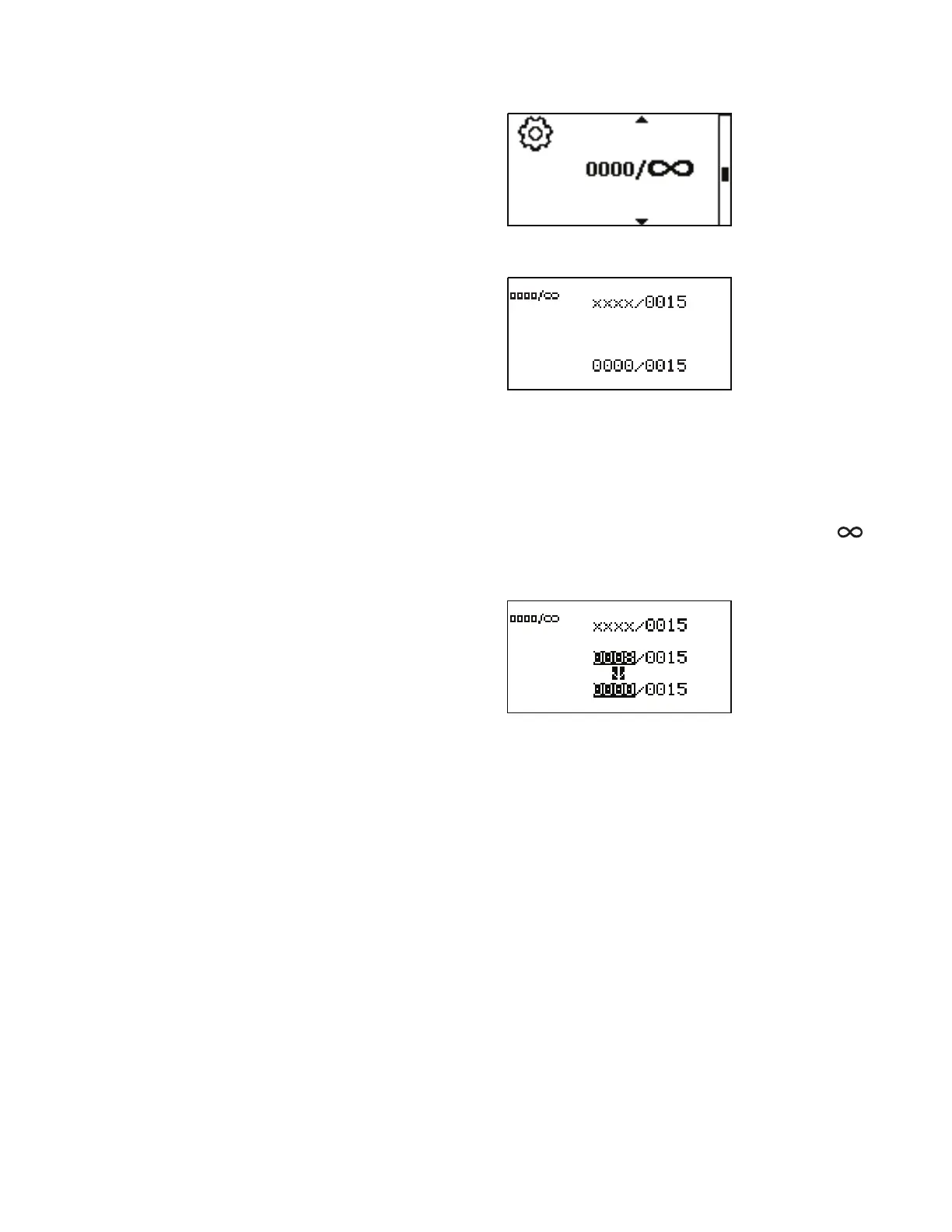
Using the UP and DOWN arrows on the control panel, highlight the top
right number and press ENTER. e digits can be navigated individually
using the UP/DOWN arrows; switch between digits by using the ENTER
key. After selecting the batch count, press ENTER again to validate. If a
batch count is not required, setting it to all 0000 will allow for continuous
dispense cycling. is will also change the display icon to infinity ( ).
Press the back key to exit.
To reset the batch count, highlight the lower left and press ENTER.
Set Batch Count
Menu
(continued)



 To Next Page