MTS600 Instruction Manual
45
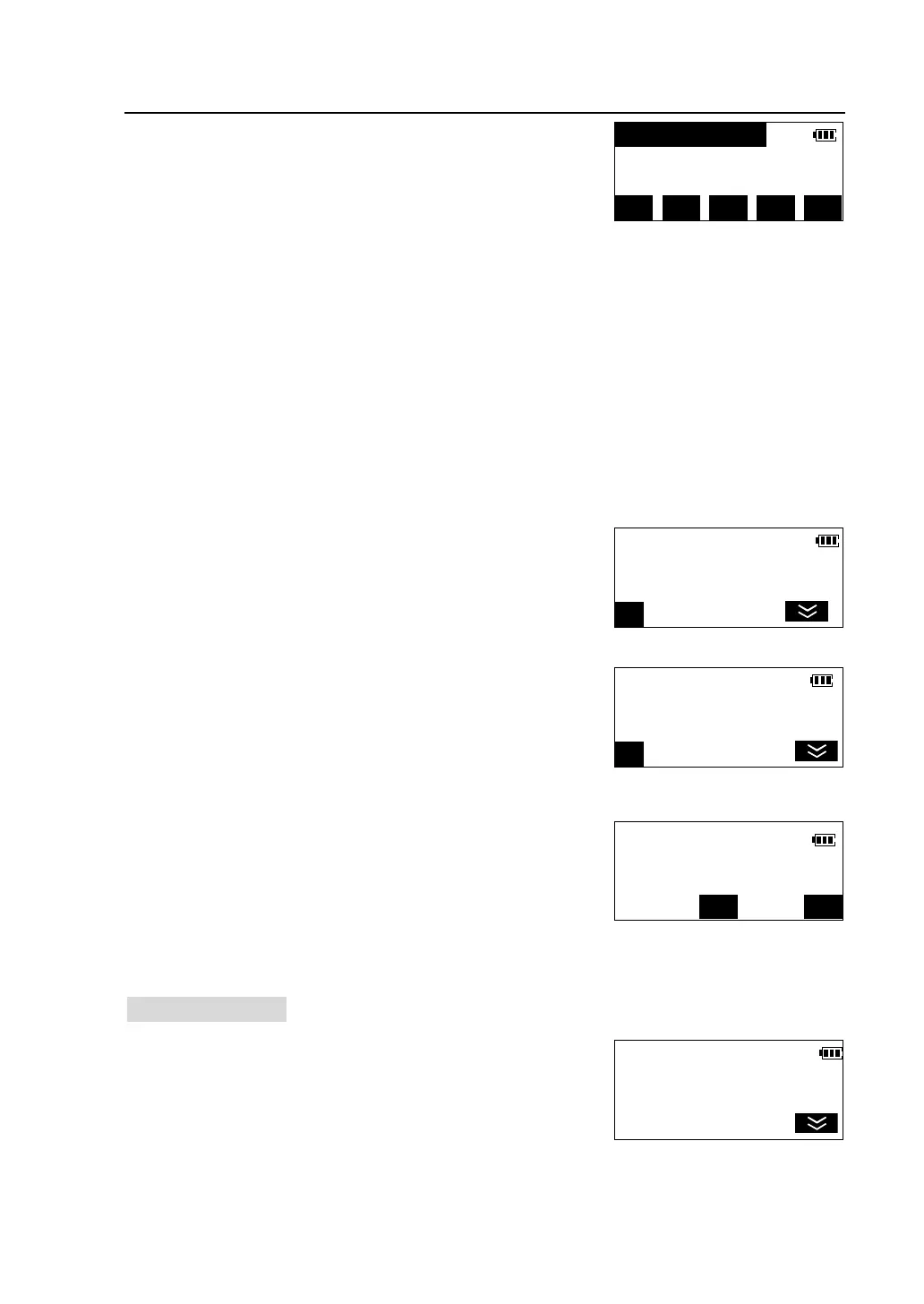
②Press [F1] to select“VIEW” to display the list of
point records stored in the JOB. Type of the record is
indicated in brackets.
Method of operating point record list:
l Press [▲] [▼] to move the cursor up and down from line to line;
l [F1]([1X>>])is a speed-up key, It can be set that when pressing [▲] [▼] ,
cursor moves according to a line, one page, two pages, or three pages.(key
caption 3X>>,6X>>,9X>> )
l Press [TOP] to move the cursor to the list’s beginning .
l Press [LAST] to move the cursor to the list’s end.
l Press [SRCH] to input point number and search for it.
l Press [VIEW] to see details of the point.
③Move cursor to the desired point, press [VIEW] to
display details of the point record.
④Press [F5] to see details on the second page.
⑤ Press [DEL]. Deletion confirmation is displayed.
l Press [YES] to delete the point and return
back to list of points.
l Press [NO] to cancel the deletion and return
back to the screen of viewing details of the point.
7.1.2 Select a JOB
The current JOB can be selected in JOB manager for
recording measurement data later.
①In the list of JOB, press [▲] [▼] to move cursor to
the desired JOB and press [OPTN] to enter <JOB
Manager> menu.
1 PT-001(Crd)
2 PT-002(Crd)
3 PT-003(Dis) ↓
1X>> TOP LAST SRCH VIEW
Crd N 68231.124m
E 53231.366m
DEL
PT# PT-001
CODE
DEL
Delete PT-001?
NO
JOB Manager <1/2>
F1-View
F2-Select
F3-Delete



 To Next Page