MTS600 Instruction Manual
②Press [F2] to select the JOB and return back to JOB
list.
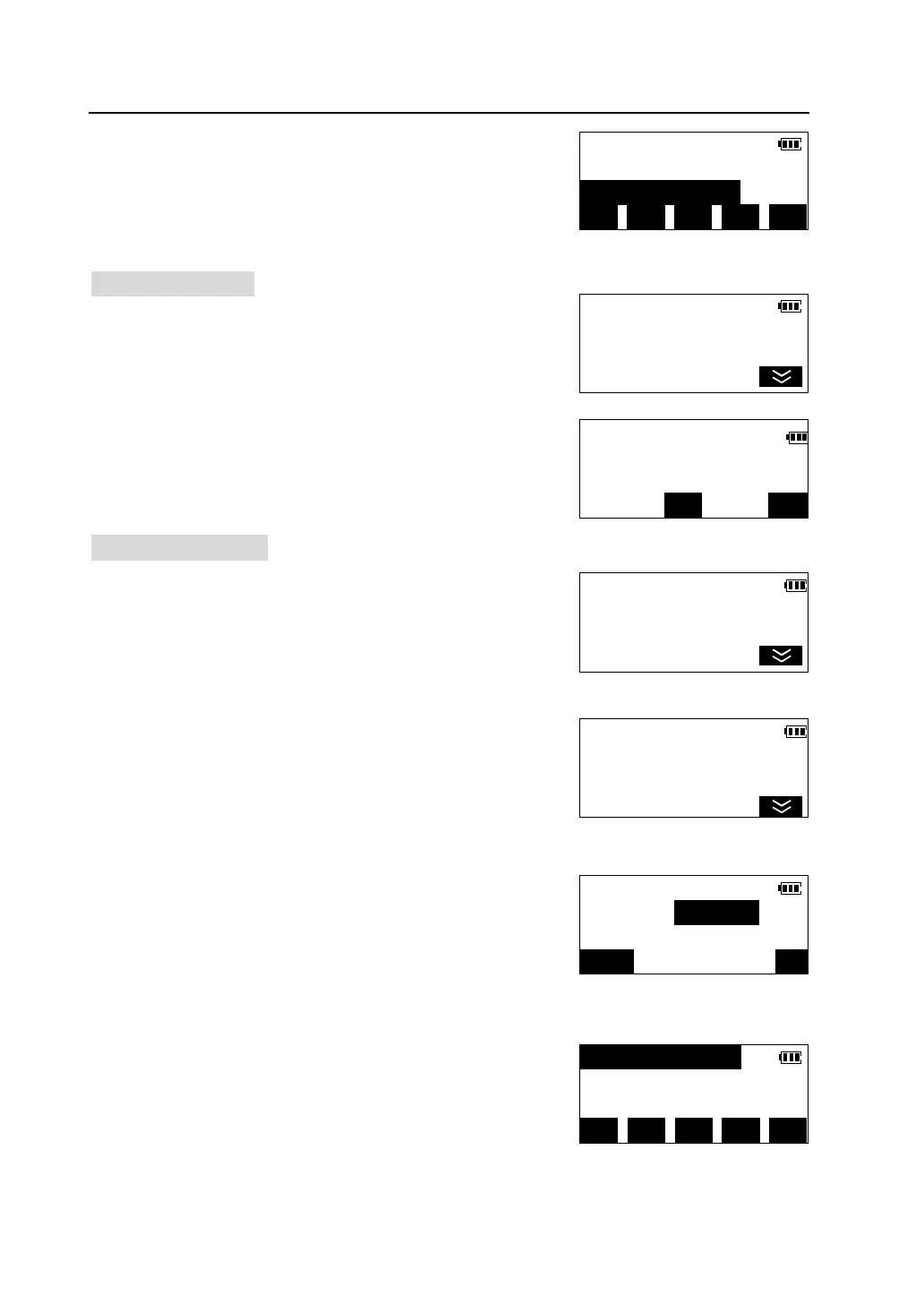
7.1.3 Delete a JOB
①In the list of JOB, press [▲] [▼] to move cursor to
the JOB you want to delete, and press [OPTN] to enter
<JOB Manager> menu.
②Press [F2]. Deletion confirmation is displayed.
l Press [YES] to delete the JOB and return.
l Press [NO] to cancel the deletion and return.
7.1.4 Rename a JOB
①In the list of JOB, press [▲] [▼] to move cursor to
the desired JOB and press [OPTN] to enter <JOB
Manager> menu.
②Press [F5] to enter the second page of menu.
③Press [F1] to select “Rename”.
④Input new name of the JOB then press [OK].
MYJOB 50
JOB001 128
*JOB002 285 ↓
1X>> TOP LAST SRCH OPTN
JOB Manager <1/2>
F1-View
F2-Select
F3-Delete
Delete JOB001?
NO
JOB Manager <1/2>
F1-View
F2-Select
F3-Delete
JOB Manager <2/2>
F1-Rename
F2-
Rename JOB
New name:JOB001
123/ABC
ABCDEF 50
JOB001 128
*JOB002 285 ↓
1X>> TOP LAST SRCH OPTN



 To Next Page