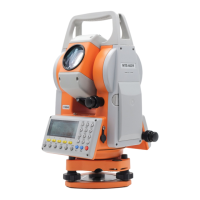
MTS600 Instruction Manual
9.5.1 Calculate area from measuring boundary point
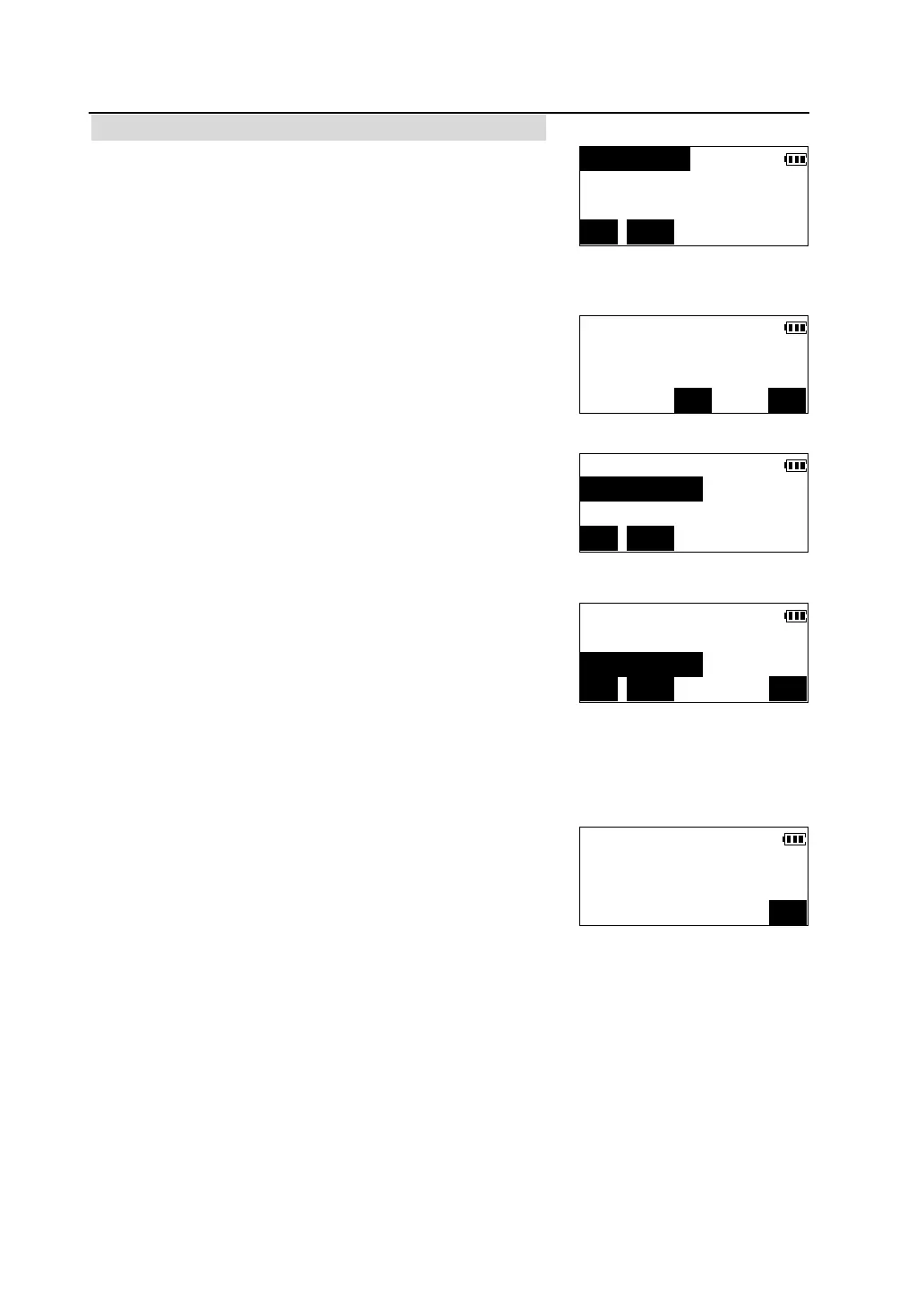
①In the second page of <Program> menu ,press [F2]
to select "Area calculation".
②Sight the first boundary point and press [MEAS] to
start measurement. When measurement finished, the
measured values are displayed .
③Press [OK].
④Following the same steps as mentioned above,
complete measuring other boundary points in
clockwise or counter-clockwise direction. When the
number of the measured points is enough at least 3,
the area of the polygon enclosed with these points can
be calculated.
l Pts.: number of specified points.
⑤ Press [CALC] to calculate and display the area of
the polygon enclosed with the boundary points .
H.area :horizontal area
S.area: slope area
l [ESC] to return to the boundary point list.
l Press [OK] to finish the area calculation function.
< > PT-1
Pts.=0
MEAS INPUT
Crd *N 134.429m
*E 230.332m
CE OK
<*> PT-1
< > PT-2 Pts.=1
MEAS INPUT
<*> PT-4 ↑
<*> PT-5 Pts.=5
< > PT-6
MEAS INPUT CALC
Area Calculation
H.area 257.628m
2
S.area 392.275m
2
OK



 To Next Page