MTS600 Instruction Manual
71
9.5.2 Calculate area from input known point coordinate
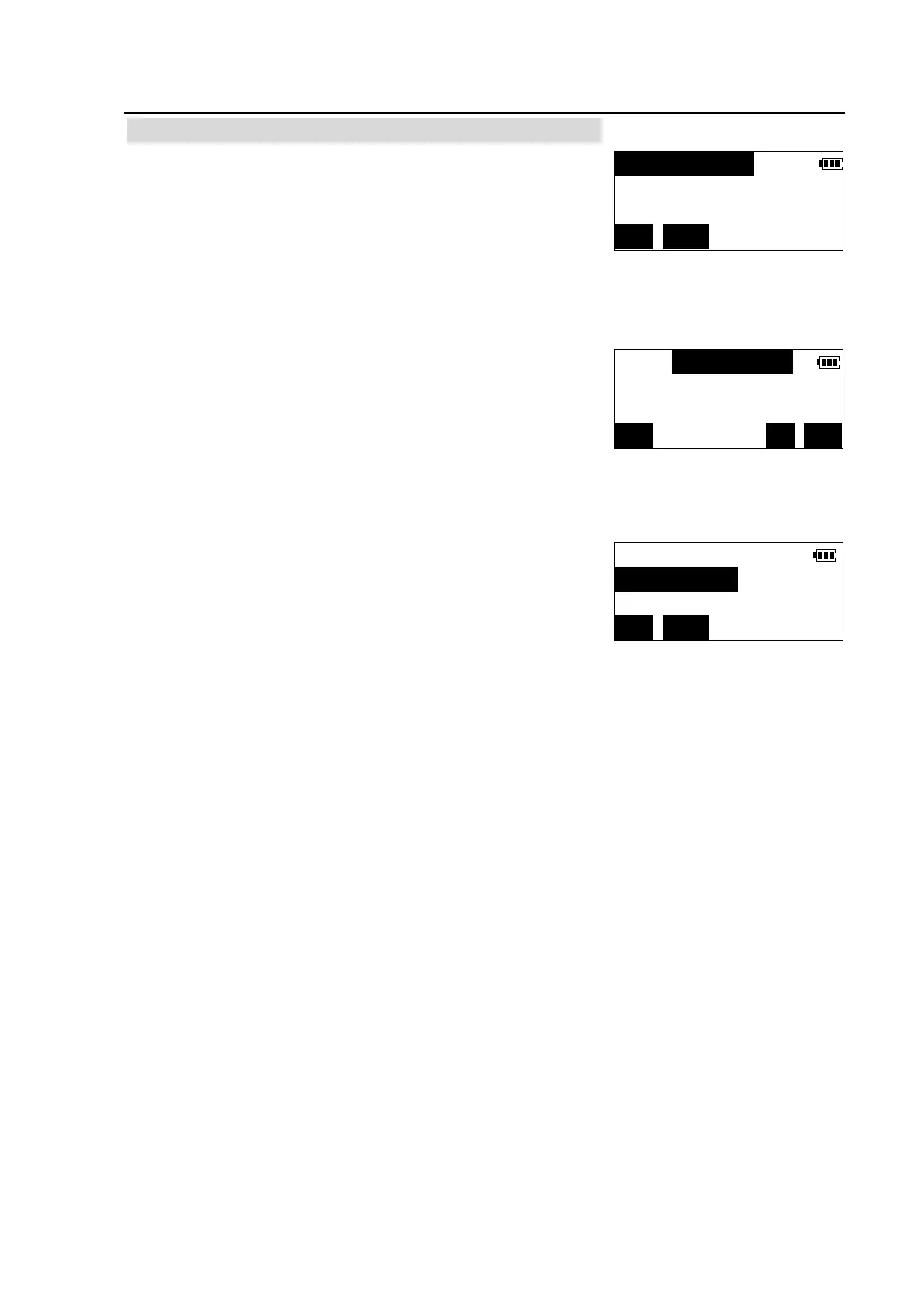
①In the second page of <Program> menu ,press [F2]
to select "Area calculation".
②Press [INPUT].
l Press [READ] to read in registered coordinate
data in memory by inputting the number of known
point. Please see“4.3 Coordinate measurement
/Reading in registered coordinate data”
l Press [REC] to record the input coordinate data in memory .
③Input the coordinates of the first known point, press
[OK].
④Following the same steps as said above, complete inputting other known points
in clockwise or counter-clockwise direction. When the number of the known
points is enough at least 3, the area of the polygon enclosed with these points can
be calculated. Following step is the same as“9.5.1 Calculate area from measuring
boundary point”.
< > PT-1
Pts.=0
MEAS INPUT
N(m):
E(m):
Z(m):
READ REC OK
<*> PT-1
< > PT-2 Pts=1
MEAS INPUT



 To Next Page