24 Chapter 2: Hardware installation
Installing your Matrox Solios eV-CL board
Before you install your Matrox Solios eV-CL board, some precautionary measures
must be taken. Turn off the power to your computer and its peripherals, and drain
static electricity from your body (by touching a metal part of the computer chassis).
Proceed with the following steps to install your board. Note that your board should
be installed before you install your software.
1. Remove the cover from your computer; refer to your computer’s documentation
for instructions.
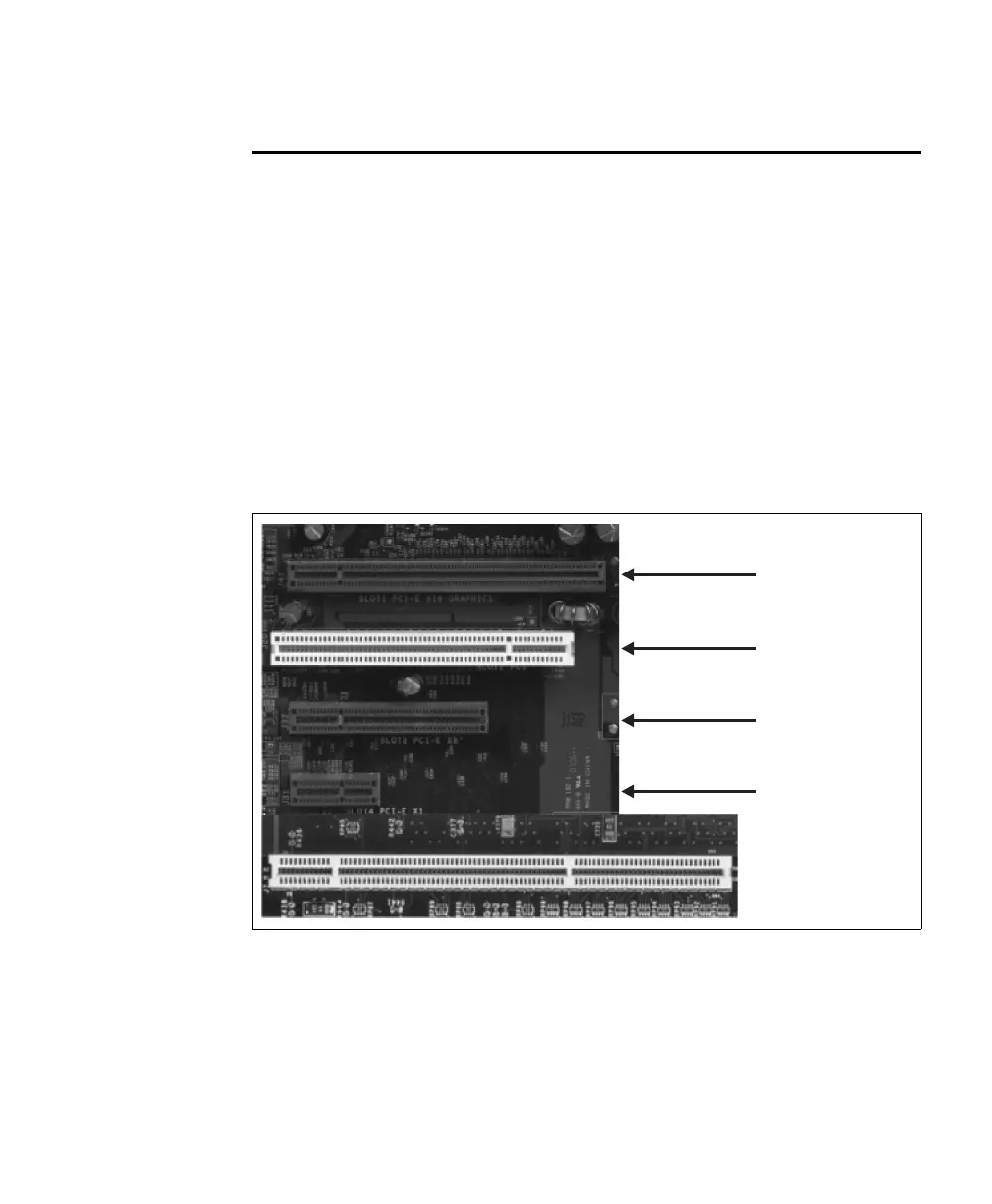
2. Check that you have an empty PCIe slot (x4 or better) in which to install your
Matrox Solios eV-CL.
x16 PCIe
32-bit PCI slot
x8 PCIe
x1 PCIe
64-bit PCI-X slot



 To Next Page