Installing the cable adapter bracket 27
Installing the cable adapter bracket
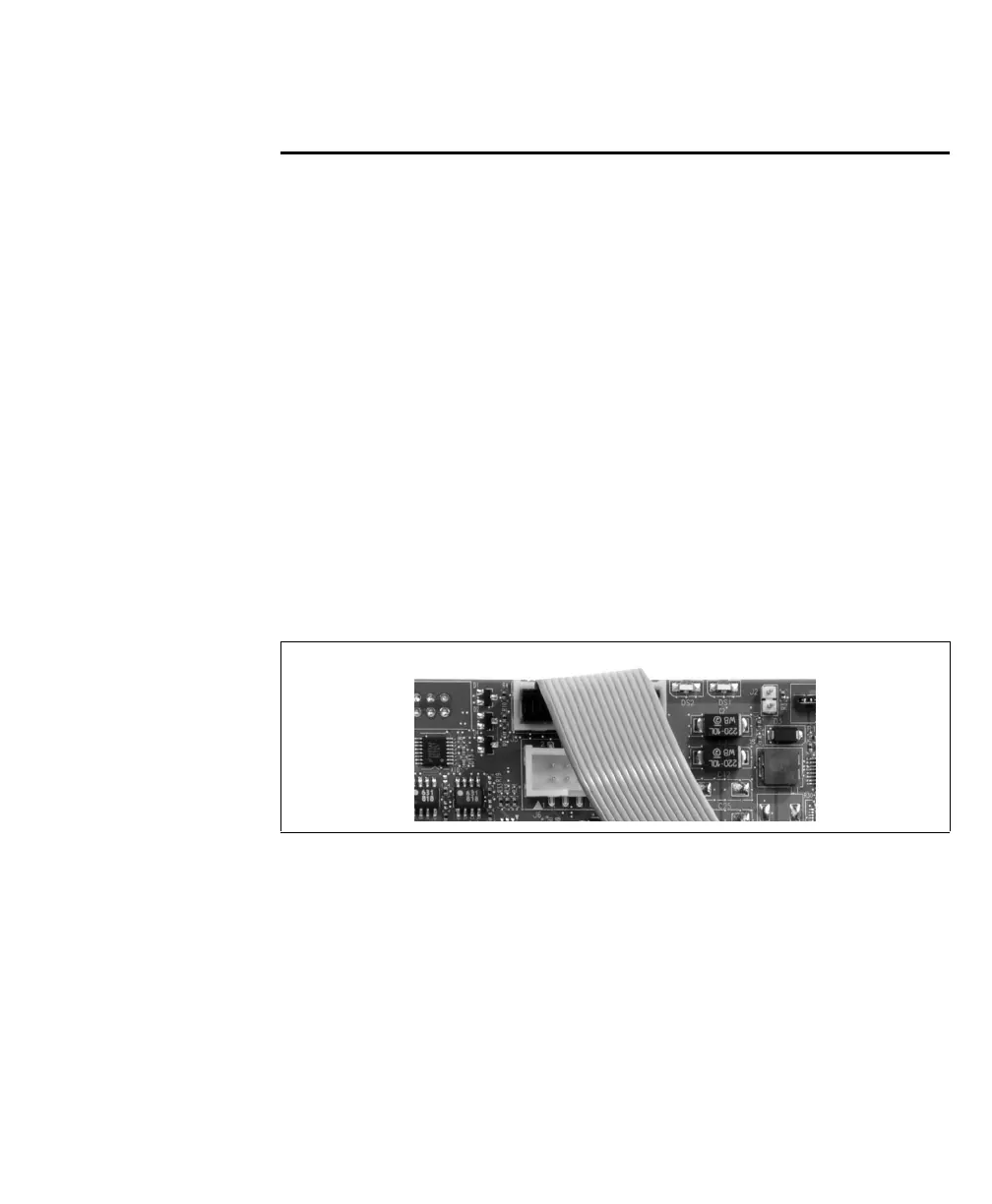
To install the cable adapter bracket of Matrox Solios eV-CL, proceed with the
following steps:
1. Make sure that your Matrox Solios eV-CL board is fastened to the computer
chassis.
2. Attach the cable adapter bracket’s flat ribbon cable to the appropriate internal
auxiliary I/O connector on the Matrox Solios eV-CL board. To attach the flat
ribbon cable, position the cable so that the red wire is on the same side as the
bracket of the Matrox Solios eV-CL board. With the Matrox Solios eV-CL board
and the cable in this position, connect the cable’s connector to the appropriate
internal auxiliary I/O connector.
If you have a single DBHD-15 connector on your cable adapter bracket, you
should attach the flat ribbon cable to the top internal auxiliary I/O connector;
whereas if you have a single DB-9 connector on your cable adapter bracket, you
should attach the flat ribbon cable to the bottom connector.



 To Next Page