22
Remote control
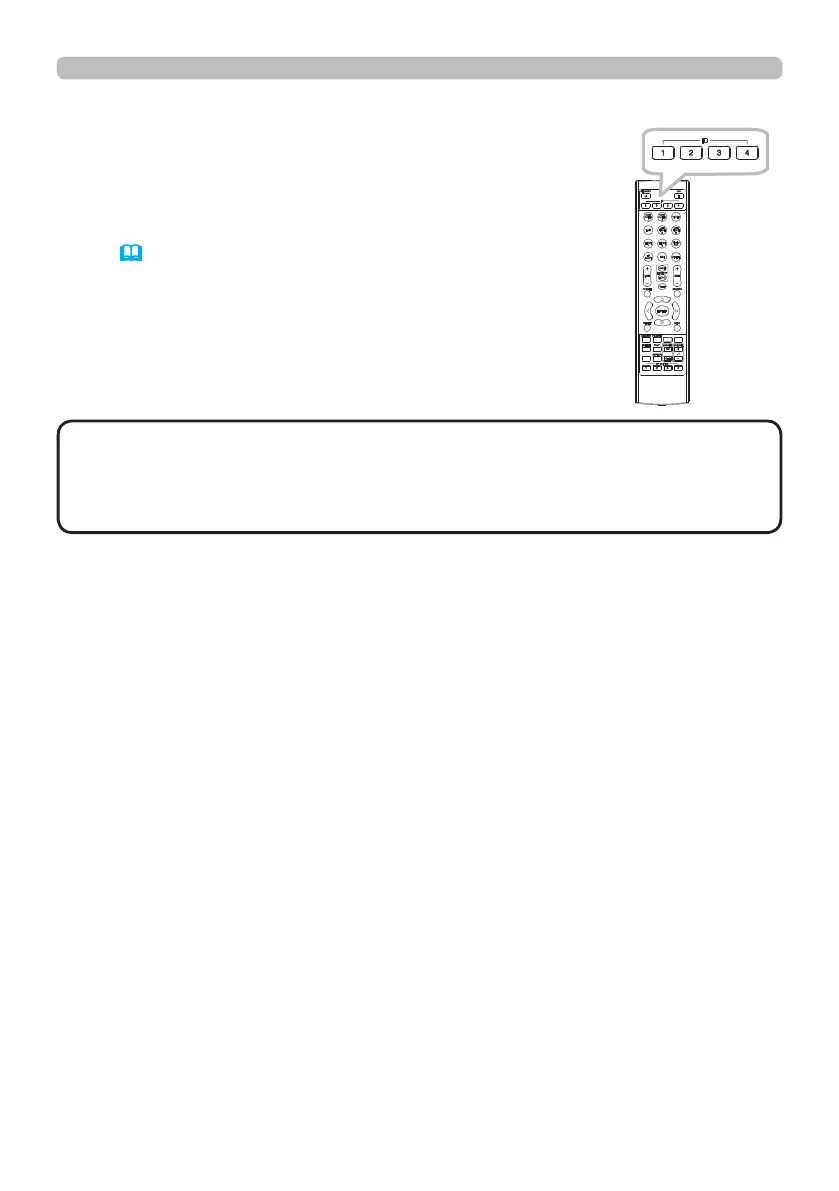
Using the REMOTE ID function
Use this function to control specic projectors by the remote
control assigned the same ID number when you use multiple
projectors of the same type at the same time.
Assign an ID number to each projector before using the
REMOTE ID item in the SERVICE menu of the OPTION
menu (
61). Press the ID button with the same ID number
as assigned to the projector you are going to control. The ID
button selected will light for several seconds.
INFO
NETWORK
INTERACTIVE
• Each time you press any button (except ID buttons), the ID button of
current selected ID number will light.
• To conrm the projector's current ID, press any ID button for three seconds.
Its number will be shown on each screen regardless of set ID of projector.
NOTE















 To Next Page